

The Presenter Feedback Survey opens with three consecutive rating questions covering the overall presentation experience, the relevance of the content to attendees' expectations, and the presenter's clarity, enthusiasm, and engagement — building a structured picture of both the material and the delivery before asking for written input. Two optional open-ended questions then invite respondents to name their most valuable takeaway and point out specific areas for improvement, giving the form owner actionable detail without making either feel compulsory. A required single-choice question asks whether they would recommend the presenter to a colleague, providing a clear headline metric, before a final optional comments box catches anything else on the respondent's mind. After submitting, attendees see a thank-you screen confirming that their input will be used to improve future presentations.
Try the conversation below to see how this template works
Trusted by over 10,000 customers and growing
Conversations Started
Questions Answered
Forms Created
Rely on the three rating questions and the recommendation question to benchmark every speaker across a multi-session event with consistent, comparable scores.
Use the 'What was the most valuable takeaway or key learning point for you?' question to measure whether internal training sessions are landing the intended messages.
Lean on the 'What specific aspects of the presentation could be improved?' question and the final comments box to gather candid audience notes after each engagement.

AI builds and refines your form through natural conversation no templates, no complex logic, no coding. From a simple text prompt or URL, Dashform generates intelligent flows that adapt automatically.
Dashform turns traditional form-filling into a two-way dialogue. The AI understands intent, remembers context, and asks relevant follow-up questions just like a real human conversation.
Every response is transformed into structured, meaningful, and ready-to-use data. Integrate with your favorite tools.
Everything you need to create amazing forms
Everything you need to know about this template
Don't see exactly what you need? Use our AI Form Generator to create a custom form in seconds. Just describe what you want, and AI will build it for you.
Explore more templates to find the perfect fit
 Education
A general knowledge quiz covering science, geography, and literature, with built-in identity capture and an optional feedback question.
 Application
Submit your music for distribution by sharing your genre, release details, a streaming link, and contact info.
 Other
OtherGather artist, release, story, listening links, and media contact details for drafting a music press release.
 Quiz
QuizA five-question quiz covering brass instruments, dynamics, and note identification on treble and bass clefs.
 Agreement
Collect all terms of a live performance booking in one place, from artist details to cancellation policy.
 General Survey
Seven open-ended questions about favorite movies, places, food, people, and games, plus biggest fears and greatest hopes.
Learn how to get the most out of your forms and templates
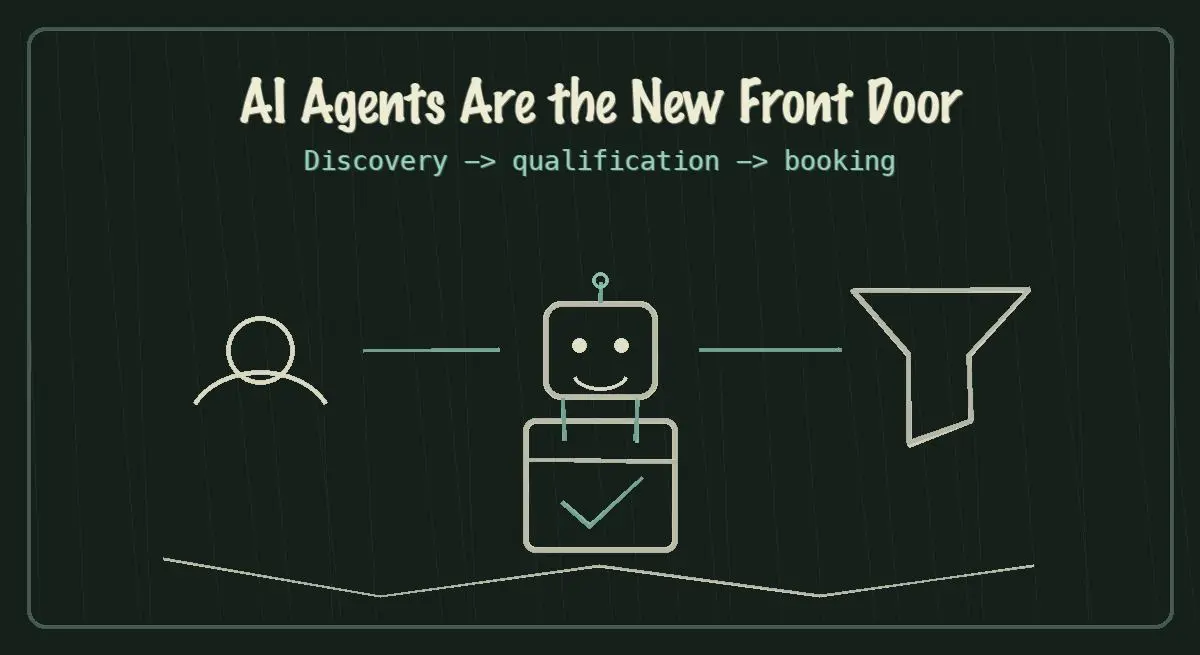
AI agents are becoming the new front door for local service discovery. Learn how to make your business discoverable, qualified, and bookable in 2026.
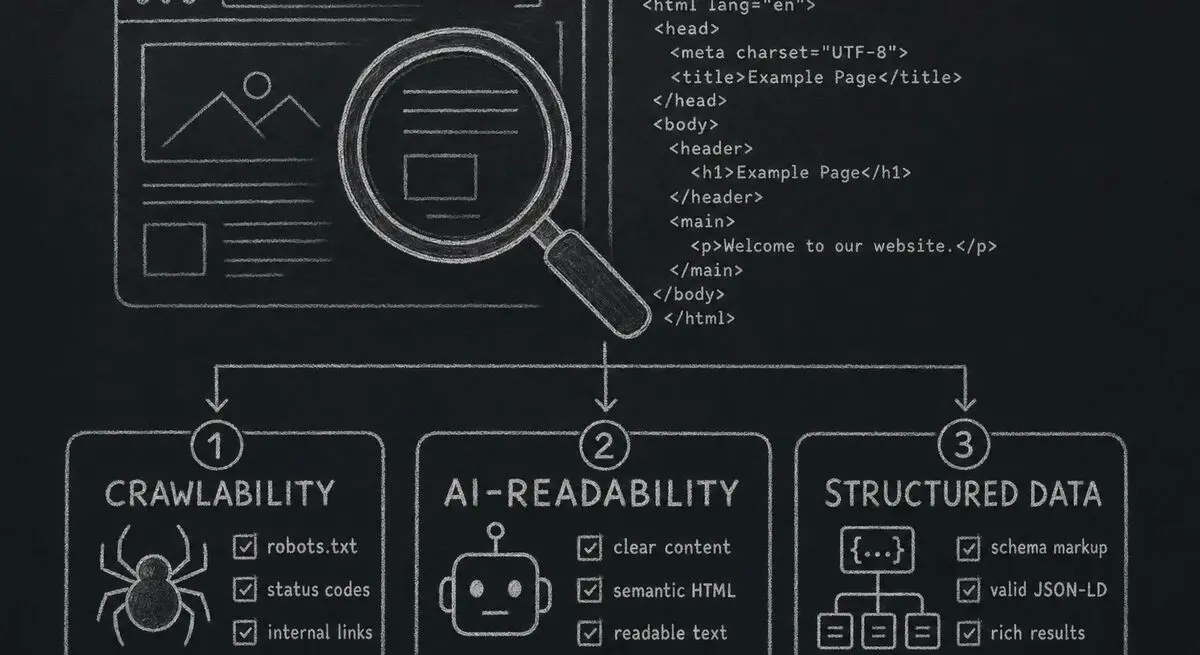
How Dashform computes technical agent readiness, groups its checks into Readiness Layers, and presents Findings without predicting traffic or revenue.

Add a header image in Google Forms and review Dashform's logo, theme, and step-background options for branded forms.
Try the world's first AI-native form and turn every response into action instantly.