

This ministry application form opens with a welcoming note and moves through seven questions in a logical order: personal identity and contact details first, then ministry interests and availability, and finally a faith statement. The "Which areas of ministry are you most interested in? (Select all that apply)" question lets applicants select from six areas — youth, music, outreach, teaching, administration, or other — so ministry leaders can match volunteers to the right teams. The optional "Do you have any previous experience volunteering or working in a ministry setting? If so, please describe." question lets applicants share relevant background without making newcomers feel excluded. After submitting, applicants see a confirmation message thanking them and noting that their application will be reviewed shortly.
Try the conversation below to see how this template works
Trusted by over 10,000 customers and growing
Conversations Started
Questions Answered
Forms Created
Relies on the areas-of-interest and availability questions to sort incoming applicants into the right teams before any follow-up conversation takes place.
Uses the six interest options — from youth and music to administration and outreach — to direct a single application to several different ministry leads at once.
Depends on the faith-journey question to understand an applicant's personal motivation and fit, which matters most when a community is tight-knit and relationship-driven.

AI builds and refines your form through natural conversation no templates, no complex logic, no coding. From a simple text prompt or URL, Dashform generates intelligent flows that adapt automatically.
Dashform turns traditional form-filling into a two-way dialogue. The AI understands intent, remembers context, and asks relevant follow-up questions just like a real human conversation.
Every response is transformed into structured, meaningful, and ready-to-use data. Integrate with your favorite tools.
Everything you need to create amazing forms
Everything you need to know about this template
Don't see exactly what you need? Use our AI Form Generator to create a custom form in seconds. Just describe what you want, and AI will build it for you.
Explore more templates to find the perfect fit
 Attendance
A seven-question entry log that records employee identity, department, visit purpose, and policy confirmation before granting premises access.
 Job Application
Collect applicant contact details, a CV, data-processing consent, and the source of a job referral.
 Consent
Collect informed GDPR consent and acknowledgment from respondents in five structured steps.
 Contact
A clean six-question form for capturing general inquiries, including contact details, subject, message, and preferred follow-up method.
 Survey
Collect neighborhood residents' perceptions of urban change, housing affordability, and community involvement in local planning.
 Other
OtherOutline a recipient, gift value or service, message, proposed expiry, and issuing business for separate certificate preparation.
Learn how to get the most out of your forms and templates

AI quiz generation is reliable for drafting questions, not for an unchecked answer key. How it compares with manual quiz writing, and the checks to run before you publish.

AI agents are taking on client intake for service businesses. How agent funnels handle discovery, qualification, and booking, and how the front desk's job changes.
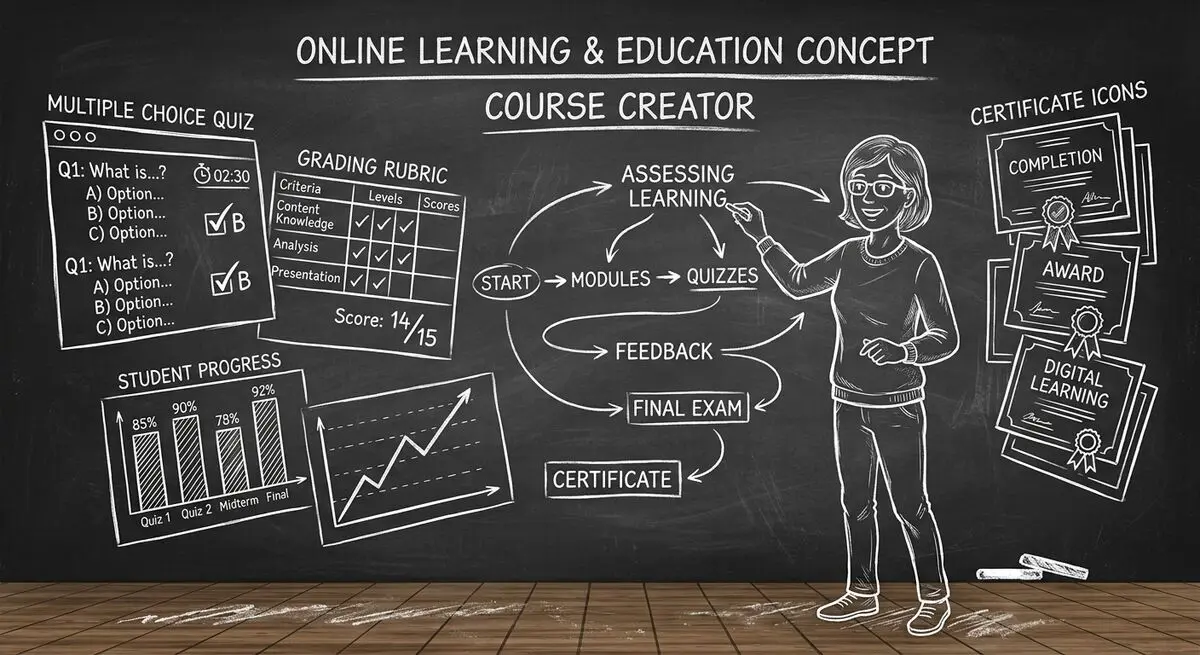
6 AI drafting tools for course creators, with suggestions for reviewing quiz questions, gathering feedback, and collecting enrollment information.
Try the world's first AI-native form and turn every response into action instantly.