

The Hospice Sponsorship Form opens with a welcome screen expressing gratitude for the sponsor's interest before walking through eight questions in a logical sequence. It first gathers the organization's legal name, primary contact name, email address, and an optional phone number to ensure the hospice team can follow up with the right person. From there, it asks whether the sponsorship is individual or corporate, then prompts the respondent to choose a tier — Bronze, Silver, Gold, Platinum, or Custom Amount — with a follow-up open field for those who select a custom figure. A final optional comments box lets sponsors ask questions or share context before they submit. After submitting, respondents see a thank-you screen confirming their support and its importance to the hospice's mission.
Try the conversation below to see how this template works
Trusted by over 10,000 customers and growing
Conversations Started
Questions Answered
Forms Created
Relies on the sponsorship tier and custom amount questions to capture giving commitments at every level, giving the team a clear picture of incoming support before any follow-up conversation.
Uses the 'Corporate Sponsorship' option and the legal organization name question to ensure submissions arrive with the details needed to process formal partnership agreements straight away.
Depends on the 'Individual Sponsorship' path and the optional custom amount field to let personal donors commit at a level that suits them, without being locked into preset tiers.

AI builds and refines your form through natural conversation no templates, no complex logic, no coding. From a simple text prompt or URL, Dashform generates intelligent flows that adapt automatically.
Dashform turns traditional form-filling into a two-way dialogue. The AI understands intent, remembers context, and asks relevant follow-up questions just like a real human conversation.
Every response is transformed into structured, meaningful, and ready-to-use data. Integrate with your favorite tools.
Everything you need to create amazing forms
Everything you need to know about this template
Don't see exactly what you need? Use our AI Form Generator to create a custom form in seconds. Just describe what you want, and AI will build it for you.
Explore more templates to find the perfect fit
 Assessment
A clinical intake questionnaire covering mood, stress, sleep, coping strategies, and recent life changes to support patient mental health care.
 Membership Registration
Register for the Game Dev Club by sharing your skills, interests, academic year, and what you hope to get out of membership.
 Course Registration
Register for computer tuition by selecting your course, preferred schedule, and sharing a little about your experience.
 Attendance
A seven-question entry log that records employee identity, department, visit purpose, and policy confirmation before granting premises access.
 Job Application
Collect applicant contact details, a CV, data-processing consent, and the source of a job referral.
 Consent
Collect informed GDPR consent and acknowledgment from respondents in five structured steps.
Learn how to get the most out of your forms and templates
How real estate teams can use OpenClaw and Dashform to qualify inbound leads around the clock and fill calendars with serious buyers.
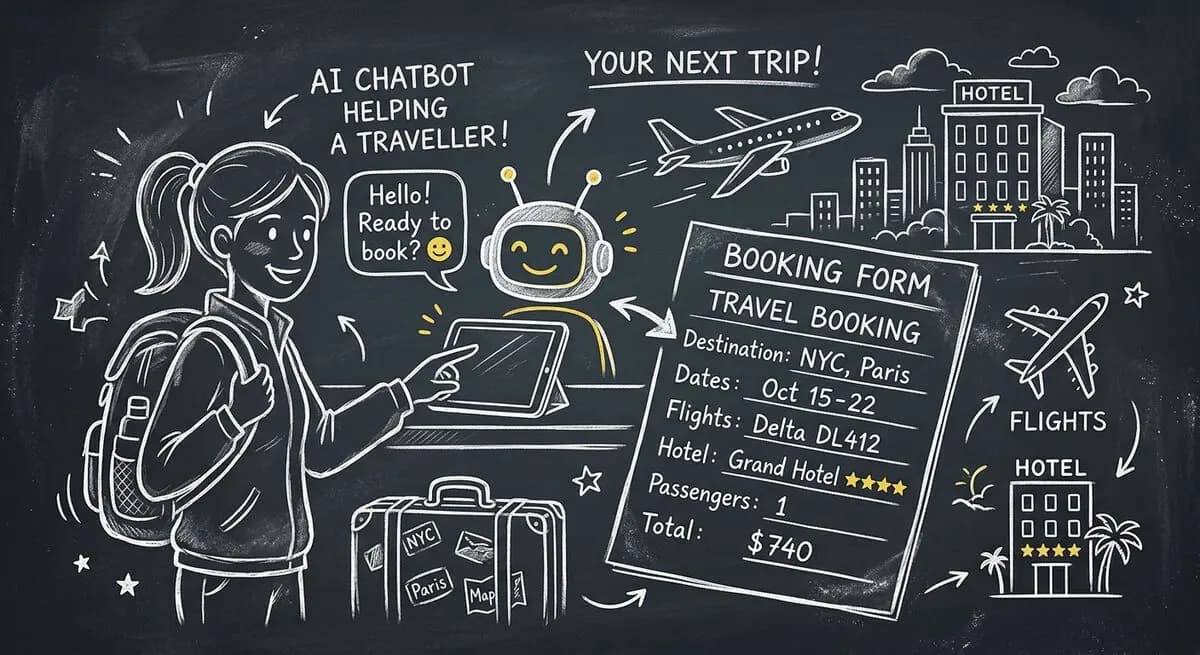
How hotels and tour operators can use OpenClaw AI agents with Dashform preference forms to personalize bookings, offer relevant upsells, and follow up after each trip.

GLP-1 medications like Ozempic are bringing new patients to med spas. How AI-powered lead qualification helps your clinic focus on high-value clients as the Ozempic face trend drives demand.
Try the world's first AI-native form and turn every response into action instantly.