

This eight-question form collects everything needed to publish or distribute a press release. It opens by asking for the title and organization name to identify the submission, then gathers a primary contact name and email so the recipient knows exactly who to follow up with. The "What is the official release date for this press release (e.g., YYYY-MM-DD)?" question ensures the news is dated correctly before it goes anywhere. Submitters then paste their full content directly into the form, select the industry or category that fits best, and optionally pick the regions they want to reach. After submitting, respondents see a brief thank-you confirmation acknowledging their submission.
Try the conversation below to see how this template works
Trusted by over 10,000 customers and growing
Conversations Started
Questions Answered
Forms Created
Relies on the "Please provide the name of your organization or company." and contact questions to keep client submissions clearly attributed and easy to route to the right editor or distribution channel.
Uses the "Which industry or category best describes your press release?" and "Which regions is your press release primarily targeting?" questions to quickly sort incoming submissions by beat and geography.
Depends on the "What is the official release date for this press release (e.g., YYYY-MM-DD)?" question to schedule announcements accurately and avoid premature or delayed publication.

AI builds and refines your form through natural conversation no templates, no complex logic, no coding. From a simple text prompt or URL, Dashform generates intelligent flows that adapt automatically.
Dashform turns traditional form-filling into a two-way dialogue. The AI understands intent, remembers context, and asks relevant follow-up questions just like a real human conversation.
Every response is transformed into structured, meaningful, and ready-to-use data. Integrate with your favorite tools.
Everything you need to create amazing forms
Everything you need to know about this template
Don't see exactly what you need? Use our AI Form Generator to create a custom form in seconds. Just describe what you want, and AI will build it for you.
Explore more templates to find the perfect fit
 Quiz
QuizA five-question Halloween quiz mixing personal reflection, activity knowledge, and origin history — with an optional rating and costume favourite.
 Agreement
Formally record a property handover with condition, inventory, meter readings, and an electronic signature in one streamlined form.
 Professions
Request a handyman visit by describing your job, urgency, and preferred appointment time in about 2 minutes.
 Survey
A seven-question lifestyle survey covering diet, activity, sleep, and stress to support personalized health assessments.
 Assessment
Name a health condition, then explore perceived risk, severity, benefits, barriers, personal context, and confidence in taking action.
 Professions
Gather health goals, habits, medical context, and motivation before a first coaching session.
Learn how to get the most out of your forms and templates
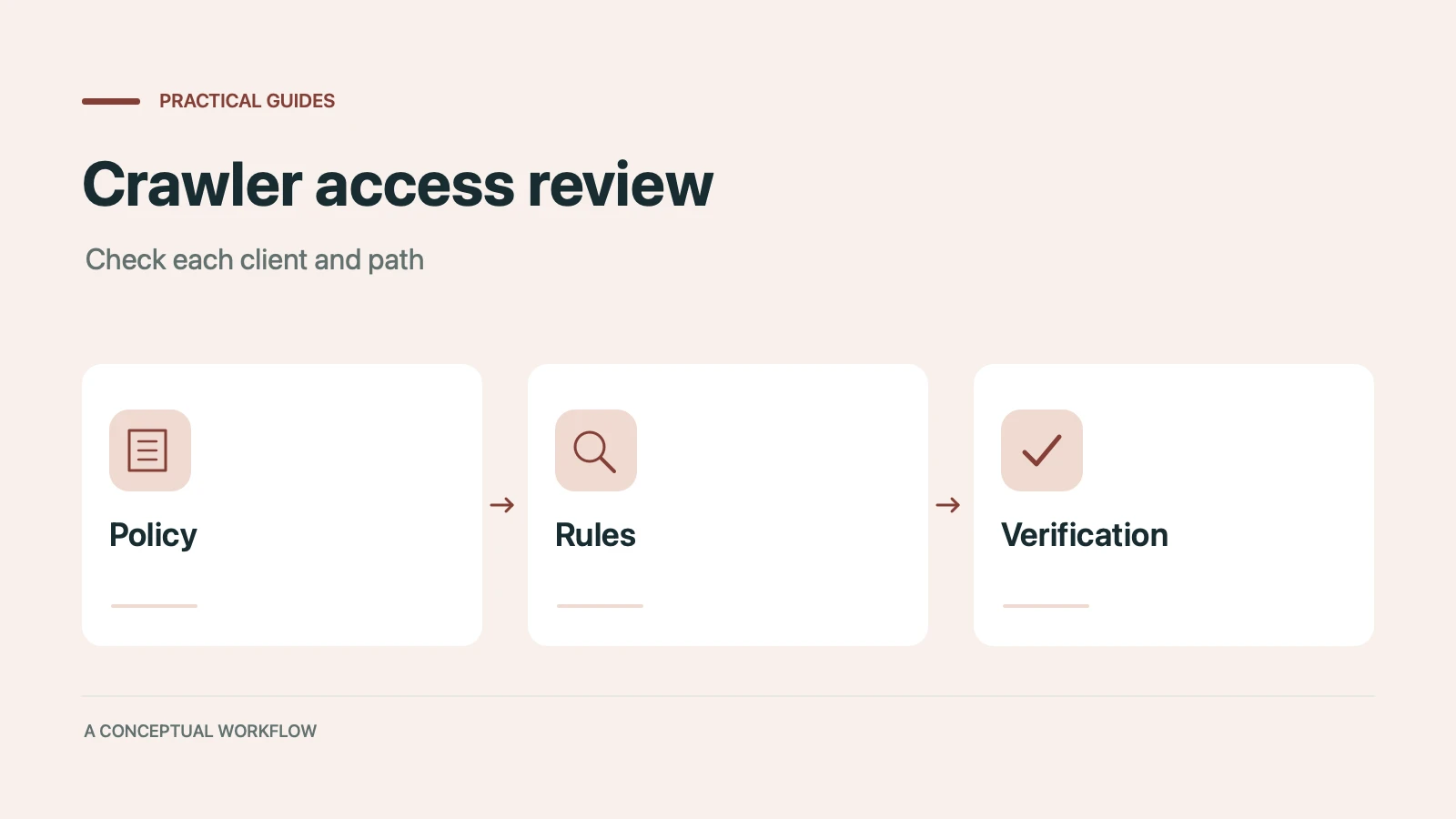
Many websites block AI crawlers without knowing it. Which 12 AI bots visit your site, how to check your robots.txt, and copy-paste fixes to become visible to ChatGPT, Claude, and Gemini.
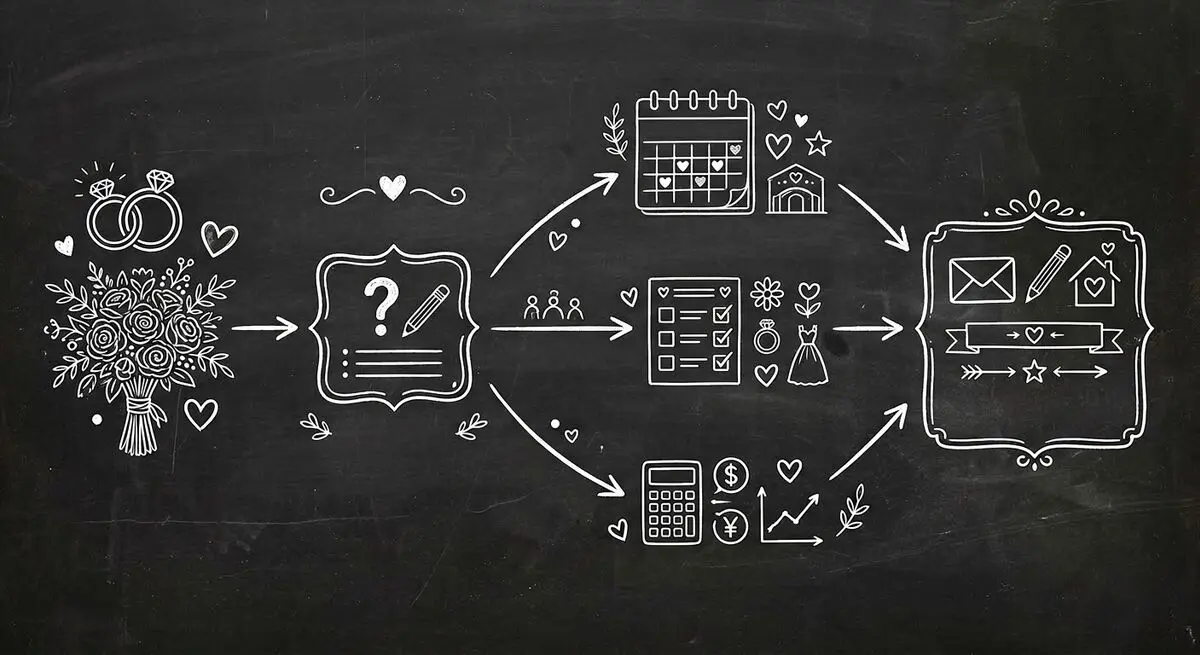
How wedding planners can use AI quiz funnels to attract and qualify couples online by style, budget, and timeline, and walk into consultations prepared. Step-by-step implementation guide.

A conversational form asks one question at a time, like a person would. The three kinds, worked examples, when they beat a regular form, and when they don't.
Try the world's first AI-native form and turn every response into action instantly.