

The Event Planning Inquiry Form opens by collecting contact details — name, email, and an optional phone number — before moving into the specifics of the event itself. The "Type of Event" and "Expected Number of Guests" questions establish scope straight away, while "Preferred Event Date" and "Do you have a venue in mind?" reveal timeline pressure and how much logistical support is needed. "Estimated Budget" and "Which services are you looking for?" together let the planner arrive at a consultation already knowing what's feasible and where to focus. A final open-ended question invites the respondent to share their vision or any special requirements in their own words. After submitting, respondents see a confirmation screen letting them know their inquiry has been received and that the planning team will be in touch within one to two business days to schedule a consultation.
Try the conversation below to see how this template works
Trusted by over 10,000 customers and growing
Conversations Started
Questions Answered
Forms Created
Relies on the "Which services are you looking for?" and "Estimated Budget" questions to qualify leads and walk into every consultation with a clear picture of scope and budget.
Uses the "Type of Event", "Expected Number of Guests", and "Preferred Event Date" questions to quickly assess whether a conference, meeting, or product launch fits the team's capacity and calendar.
Depends on the "Do you have a venue in mind?" question to identify which clients need venue recommendations, making follow-up conversations more targeted from the start.

AI builds and refines your form through natural conversation no templates, no complex logic, no coding. From a simple text prompt or URL, Dashform generates intelligent flows that adapt automatically.
Dashform turns traditional form-filling into a two-way dialogue. The AI understands intent, remembers context, and asks relevant follow-up questions just like a real human conversation.
Every response is transformed into structured, meaningful, and ready-to-use data. Integrate with your favorite tools.
Everything you need to create amazing forms
Everything you need to know about this template
Don't see exactly what you need? Use our AI Form Generator to create a custom form in seconds. Just describe what you want, and AI will build it for you.
Explore more templates to find the perfect fit
 Survey
A five-question survey capturing motorcycle type, make and model, satisfaction, purchase factors, and feature wishes.
 Application
Submit a movie awards nomination across ten categories, with your reasoning and contact details, in one short form.
 Survey
Gather movie rental habits, genre preferences, and satisfaction scores to improve your service or platform.
 Education
A general knowledge quiz covering science, geography, and literature, with built-in identity capture and an optional feedback question.
 Application
Submit your music for distribution by sharing your genre, release details, a streaming link, and contact info.
 Other
OtherGather artist, release, story, listening links, and media contact details for drafting a music press release.
Learn how to get the most out of your forms and templates

Learn how automated form workflows reduce manual work and improve data accuracy. Discover how Dashform uses AI to generate forms, map fields, and automate workflows across your business tools.
A proposed personal injury intake workflow for collecting inquiries, preparing attorney reviews, and gathering feedback, with clear boundaries for legal decisions, sensitive records, signatures, and external tools.
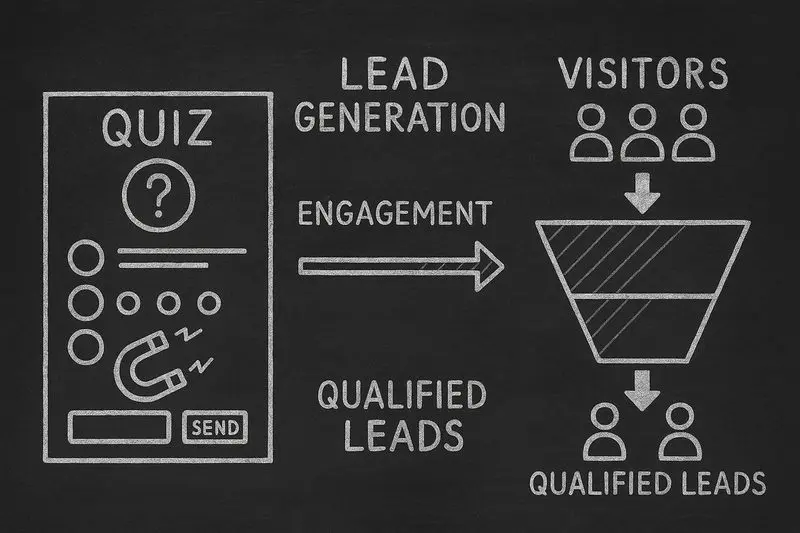
How lead generation quizzes work, the 5 quiz types that fit different goals, a design framework, and an email-capture playbook, with conversion data from Interact's quiz report.
Try the world's first AI-native form and turn every response into action instantly.