

This Education Verification Form opens with a welcome screen explaining that the details collected will be used to confirm qualifications for a role, then walks applicants through seven required questions in a logical order. It starts with the "Please provide the full name of the applicant as it appears on their academic records." question to anchor all subsequent information to an official identity, then asks for the institution, credential, and field of study before collecting enrollment start and end dates in a plain month-and-year format. It closes with the "Did you graduate from this institution?" question, which offers three options — 'Yes', 'No', or 'In Progress' — so incomplete or ongoing studies are captured honestly. After submitting, applicants see a brief end screen thanking them and noting that their responses are important to the hiring process.
Try the conversation below to see how this template works
Trusted by over 10,000 customers and growing
Conversations Started
Questions Answered
Forms Created
Relies on the 'Did you graduate from this institution?' question and the credential and date questions to build a complete, verifiable picture of each candidate's academic history before making a hiring decision.
Depends on the 'Please provide the full name of the applicant as it appears on their academic records.' question to match submissions directly against official transcripts and institutional records.
Uses the 'What degree, diploma, or certification was obtained?' and 'Please specify your major or field of study.' questions to confirm that an applicant's stated qualifications align with the awarding institution's records.

AI builds and refines your form through natural conversation no templates, no complex logic, no coding. From a simple text prompt or URL, Dashform generates intelligent flows that adapt automatically.
Dashform turns traditional form-filling into a two-way dialogue. The AI understands intent, remembers context, and asks relevant follow-up questions just like a real human conversation.
Every response is transformed into structured, meaningful, and ready-to-use data. Integrate with your favorite tools.
Everything you need to create amazing forms
Everything you need to know about this template
Don't see exactly what you need? Use our AI Form Generator to create a custom form in seconds. Just describe what you want, and AI will build it for you.
Explore more templates to find the perfect fit
 Agreement
Capture both parties' details, agreed services, deliverables, timeline, pricing, and success metrics in one SEO contract form.
 Assessment
Nine questions across technical SEO, content, and links to show you where your search rankings are strongest and where to focus next.
 Consent
Collect client details, scope of work, dates, payment structure, and formal agreement consent before a project begins.
 Agreement
Collect client contact details, informed consent, financial goals, and an electronic signature before coaching begins.
 Checklist
Record the shift date and time, actual attendees, task completion, observations, and the condition left for the next shift.
 Other
OtherCollect scenes, locations, cast and crew call times, equipment, and shoot-day notes in one structured form.
Learn how to get the most out of your forms and templates
Compare GoHighLevel alternatives including Dashform, HubSpot, ClickFunnels, and more: what each is best for, its AI features, pros and cons, and which fits your business.
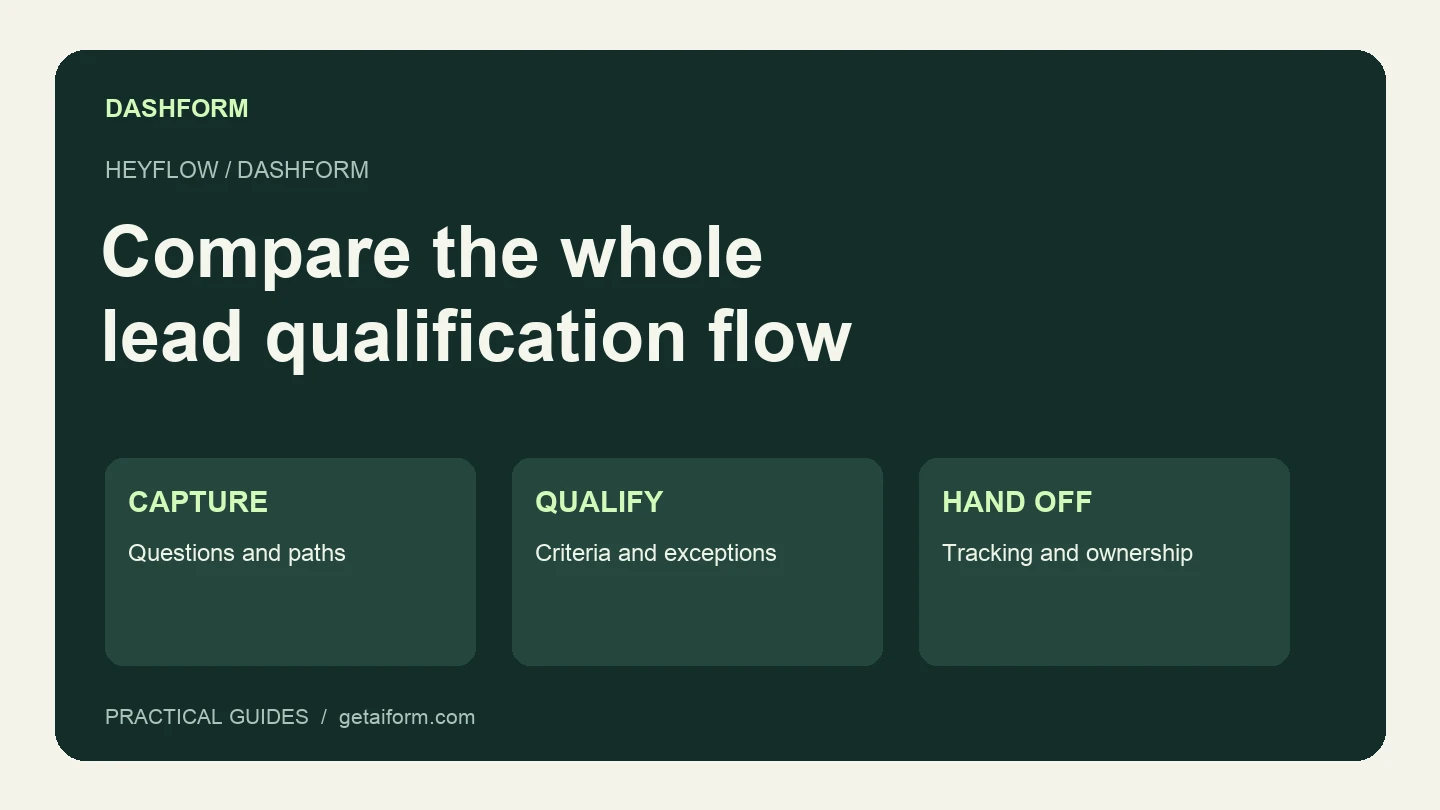
Considering Dashform as a Heyflow alternative? Compare lead qualification, AI assistance, tracking requirements, and a practical pilot before switching.
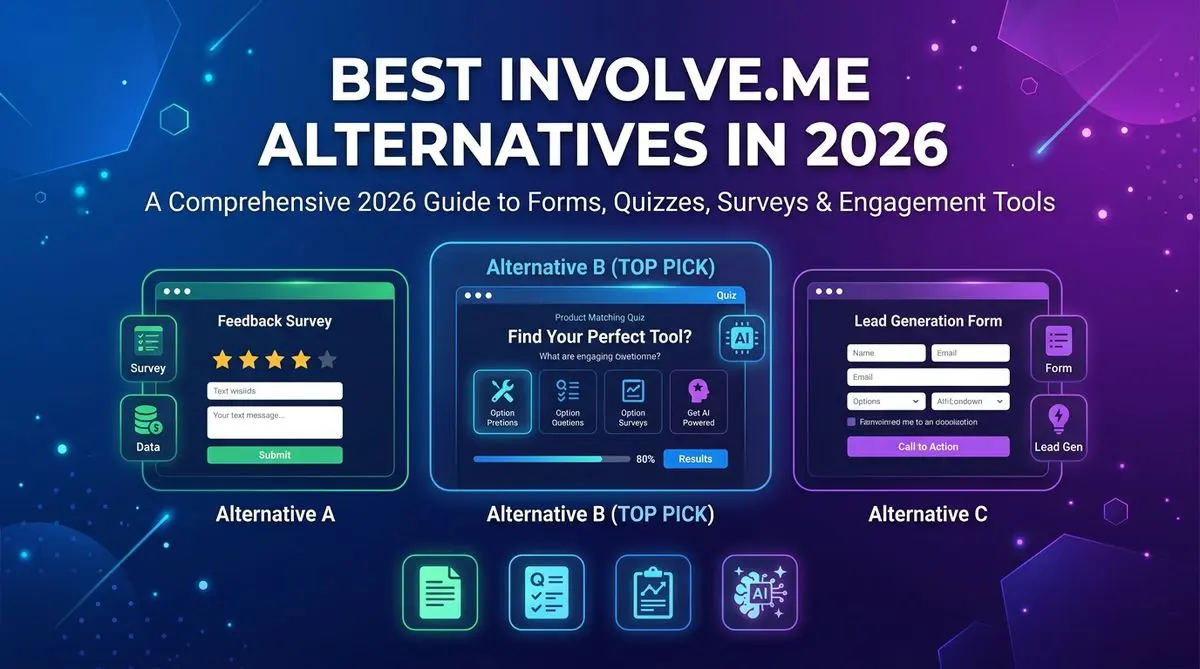
7 involve.me alternatives compared on AI quiz generation, lead scoring, pricing, and templates. Includes Outgrow, LeadQuizzes, Dashform, and 4 others — head-to-head ranking.
Try the world's first AI-native form and turn every response into action instantly.