This eight-question form collects everything needed to build a single shoot day's schedule, starting with the "What is the name of the production or project being scheduled?" question to anchor all entries to the right project, then locking in the date before moving through scenes, locations, cast call times, crew roles, equipment, and any special notes. The scene and location questions sit early because they define the day's shape, while cast and crew questions follow in the order a call sheet would use them. The final "Are there any special notes, weather contingencies, or logistical considerations for this shoot day?" question catches anything the structured fields miss. After submitting, respondents see a confirmation that their details will be compiled and distributed to all cast and crew.
Try the conversation below to see how this template works
Trusted by over 10,000 customers and growing
Conversations Started
Questions Answered
Forms Created
Relies on the production name and shoot date questions to tie each day's submission to the right project and keep multiple shoot days organised separately.
Uses the scenes, cast call times, and crew roles questions to gather the raw material needed to draft a call sheet without chasing individual departments.
Depends on the location, equipment, and special notes questions to spot logistical gaps — missing addresses, unconfirmed gear, or weather contingencies — before the shoot day arrives.

AI builds and refines your form through natural conversation no templates, no complex logic, no coding. From a simple text prompt or URL, Dashform generates intelligent flows that adapt automatically.
Dashform turns traditional form-filling into a two-way dialogue. The AI understands intent, remembers context, and asks relevant follow-up questions just like a real human conversation.
Every response is transformed into structured, meaningful, and ready-to-use data. Integrate with your favorite tools.
Everything you need to create amazing forms
Everything you need to know about this template
Don't see exactly what you need? Use our AI Form Generator to create a custom form in seconds. Just describe what you want, and AI will build it for you.
Explore more templates to find the perfect fit
 Survey
An eight-question survey capturing chocolate type preferences, flavors, buying habits, and market satisfaction.
 Application
Apply to volunteer for the Christmas Cheer Program by sharing your contact details, motivation, role preferences, and availability.
 Registration
Gather Christmas giveaway contact details, a rule-agreement choice, and an optional prize-category preference.
 Membership Registration
Collect contact details, attendance history, and ministry interests from people joining your church community.
 Event Registration
Register for an upcoming church service or event, including date choice, group size, and any accessibility or childcare needs.
 Request
Let students formally submit concerns and suggestions to their Class Council with this structured petition form.
Learn how to get the most out of your forms and templates

Client qualification has moved from ad-hoc discovery calls to structured systems. The process coaches use to assess fit, protect time, and scale well.
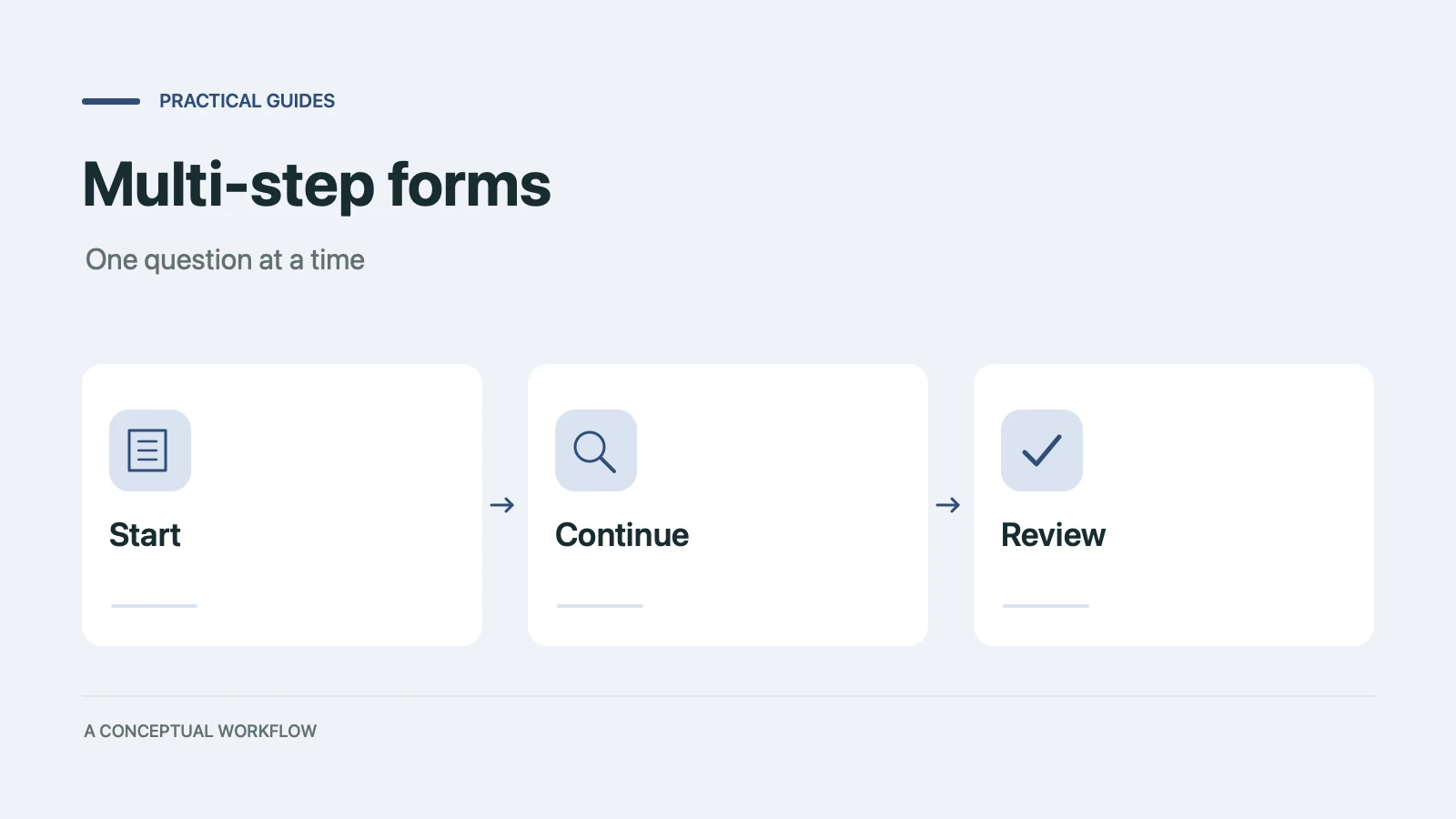
When splitting a form into steps helps conversion and when it doesn't, the research and psychology behind it, and a playbook to build one in any builder.
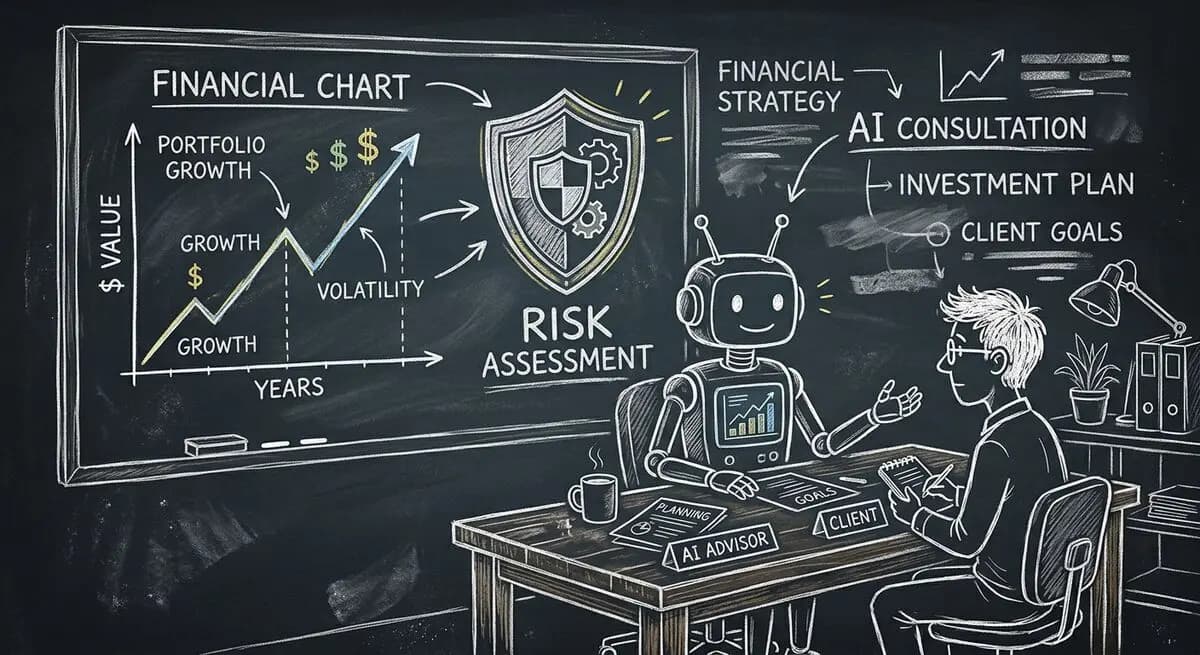
A proposed financial advisory intake workflow using Dashform and a separately configured OpenClaw agent, with advisor review and clear integration limits.
Try the world's first AI-native form and turn every response into action instantly.

