This form collects the details needed to process a medical school education certification request across eight questions. It opens by gathering personal identification — full legal name, date of birth, and primary email — so the request can be matched to the right individual and all follow-up correspondence reaches the correct address. The next three questions establish the academic record: the medical school attended, graduation date, and degree or program completed. The "Which type of certification are you requesting?" question then lets respondents specify whether they need a Medical School Education Verification, a Transcript Request, or something else, directing the request to the right workflow. An optional final question invites any additional instructions before the form closes with a confirmation that the submission is under review and that the team will reach out if anything more is needed.
Try the conversation below to see how this template works
Trusted by over 10,000 customers and growing
Conversations Started
Questions Answered
Forms Created
The "What is the full name of the medical school you attended?" and "Please provide your graduation date from medical school (MM/YYYY)." questions give registrars the exact academic record details needed to locate and verify a student's file.
The "Which type of certification are you requesting?" question lets credentialing staff immediately route each submission — verification, transcript, or other — to the correct processing queue without back-and-forth.
The "Please enter your primary email address for correspondence." question ensures graduates receive timely updates on their request status, keeping the licensure application process moving without delays.

AI builds and refines your form through natural conversation no templates, no complex logic, no coding. From a simple text prompt or URL, Dashform generates intelligent flows that adapt automatically.
Dashform turns traditional form-filling into a two-way dialogue. The AI understands intent, remembers context, and asks relevant follow-up questions just like a real human conversation.
Every response is transformed into structured, meaningful, and ready-to-use data. Integrate with your favorite tools.
Everything you need to create amazing forms
Everything you need to know about this template
Don't see exactly what you need? Use our AI Form Generator to create a custom form in seconds. Just describe what you want, and AI will build it for you.
Explore more templates to find the perfect fit
 Survey
Share your perspective on animal testing practices, ethics, and alternatives in this five-question research survey.
 Performance Evaluation
A six-question self-review covering achievements, development areas, leadership, teamwork, goals, and overall performance.
 Quiz
A structured digital answer sheet covering multiple-choice, multi-select, and short-answer questions for an assessment reviewed by its owner.
 Assessment
Collect student name, ID, course, assignment title, and written answers in one structured submission form.
 Apparel
Collect apparel type, sizes, colors, printing or embroidery needs, and delivery details in one clean order form.
 Request
A structured form for formally requesting reconsideration of a decision, covering grounds, evidence, and contact preferences.
Learn how to get the most out of your forms and templates

Restaurant reputation tips: respond to reviews professionally, manage negative ones, and use AI feedback forms to protect and grow your restaurant's name.
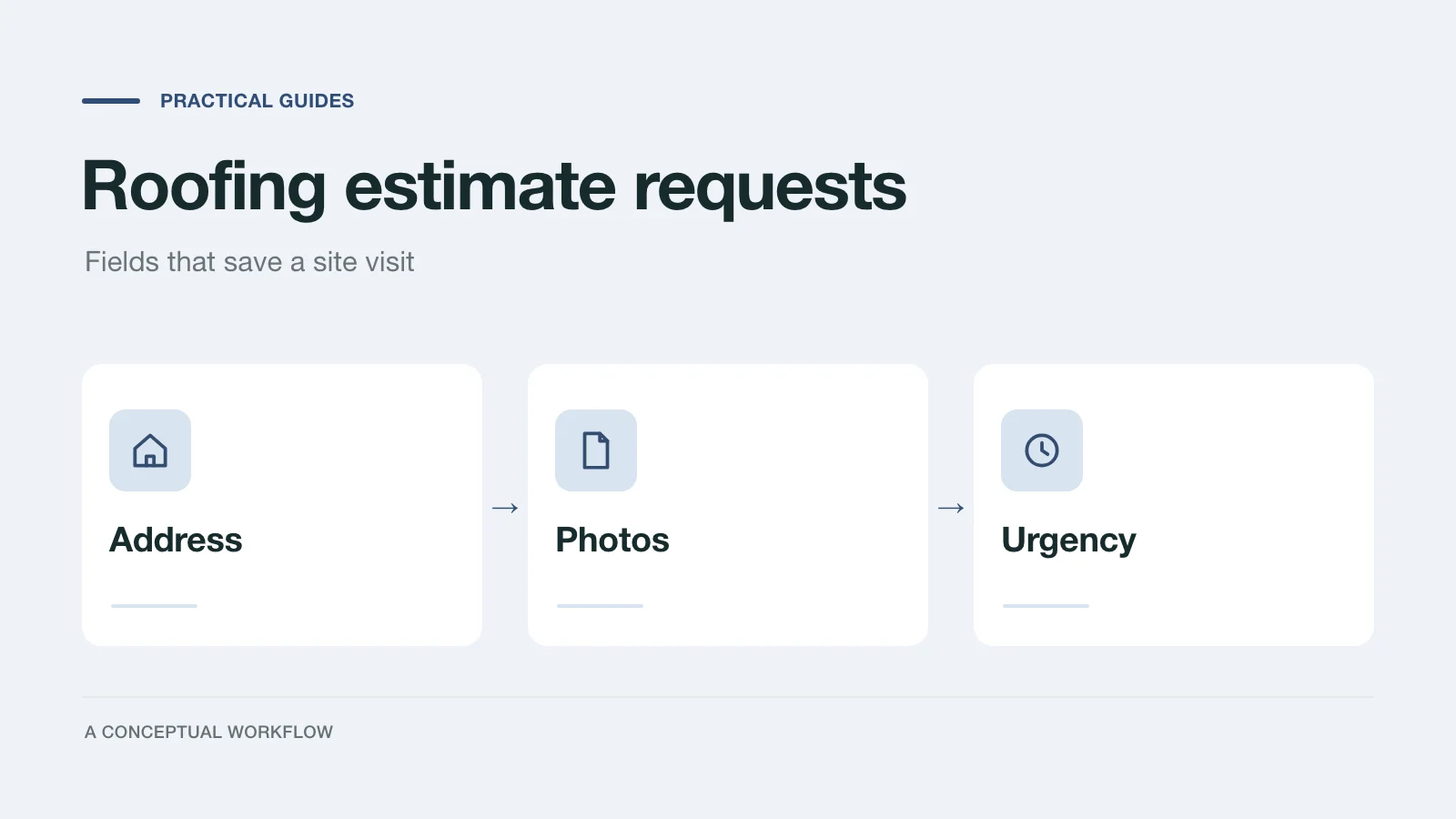
Copy a roofing estimate request form field list, a triage rule for emergency leaks versus planned replacements, and a prompt to build the form in Dashform.

A proposed SaaS intake quiz can collect use case, budget, and timeline before a trial. Test its effect on signups, activation, and paying customers.
Try the world's first AI-native form and turn every response into action instantly.

