This eight-question carrier qualification form opens by asking for a trucking company's legal name, DOT number, and MC or FF number — the three identifiers a broker or shipper needs to pull public safety records and confirm operating authority. It then moves to insurance, with separate questions for liability and cargo coverage amounts, so the reviewing team can immediately check whether limits meet their minimums. The "What types of equipment does your fleet include?" question lets carriers select multiple trailer types, giving the owner a clear picture of which lanes and freight types the carrier can handle. Fleet size and current FMCSA safety rating round out the form, providing the two quick signals most used to triage new carrier applications. After submitting, carriers see a confirmation screen thanking them and letting them know the team will be in touch about next steps.
Try the conversation below to see how this template works
Trusted by over 10,000 customers and growing
Conversations Started
Questions Answered
Forms Created
Relies on the DOT number, MC or FF number, and FMCSA safety rating questions to vet new carriers before adding them to an approved carrier list.
Uses the equipment type and fleet size questions to quickly match a carrier's capacity and trailer mix to specific lane and freight requirements.
Depends on the liability and cargo insurance questions to confirm coverage limits meet contractual minimums before onboarding a new carrier partner.

AI builds and refines your form through natural conversation no templates, no complex logic, no coding. From a simple text prompt or URL, Dashform generates intelligent flows that adapt automatically.
Dashform turns traditional form-filling into a two-way dialogue. The AI understands intent, remembers context, and asks relevant follow-up questions just like a real human conversation.
Every response is transformed into structured, meaningful, and ready-to-use data. Integrate with your favorite tools.
Everything you need to create amazing forms
Everything you need to know about this template
Don't see exactly what you need? Use our AI Form Generator to create a custom form in seconds. Just describe what you want, and AI will build it for you.
Explore more templates to find the perfect fit
 Consent
Authorize medical treatment for a minor by providing guardian details, the child's health history, and formal consent.
 Client Intake
Collect foot concerns, health conditions, and polish preferences before a pedicure appointment.
 Education
Collect scored, structured peer feedback on a group project team member's contribution, communication, and reliability.
 Performance Evaluation
Anchor performance feedback to an employee and review period, then assess strengths, development needs, communication, and teamwork.
 Performance Evaluation
Document employee performance counseling sessions with structured fields for issues, expectations, and follow-up actions.
 Education
Collect parental consent, emergency contacts, and medical notes for a student's upcoming school activity.
Learn how to get the most out of your forms and templates
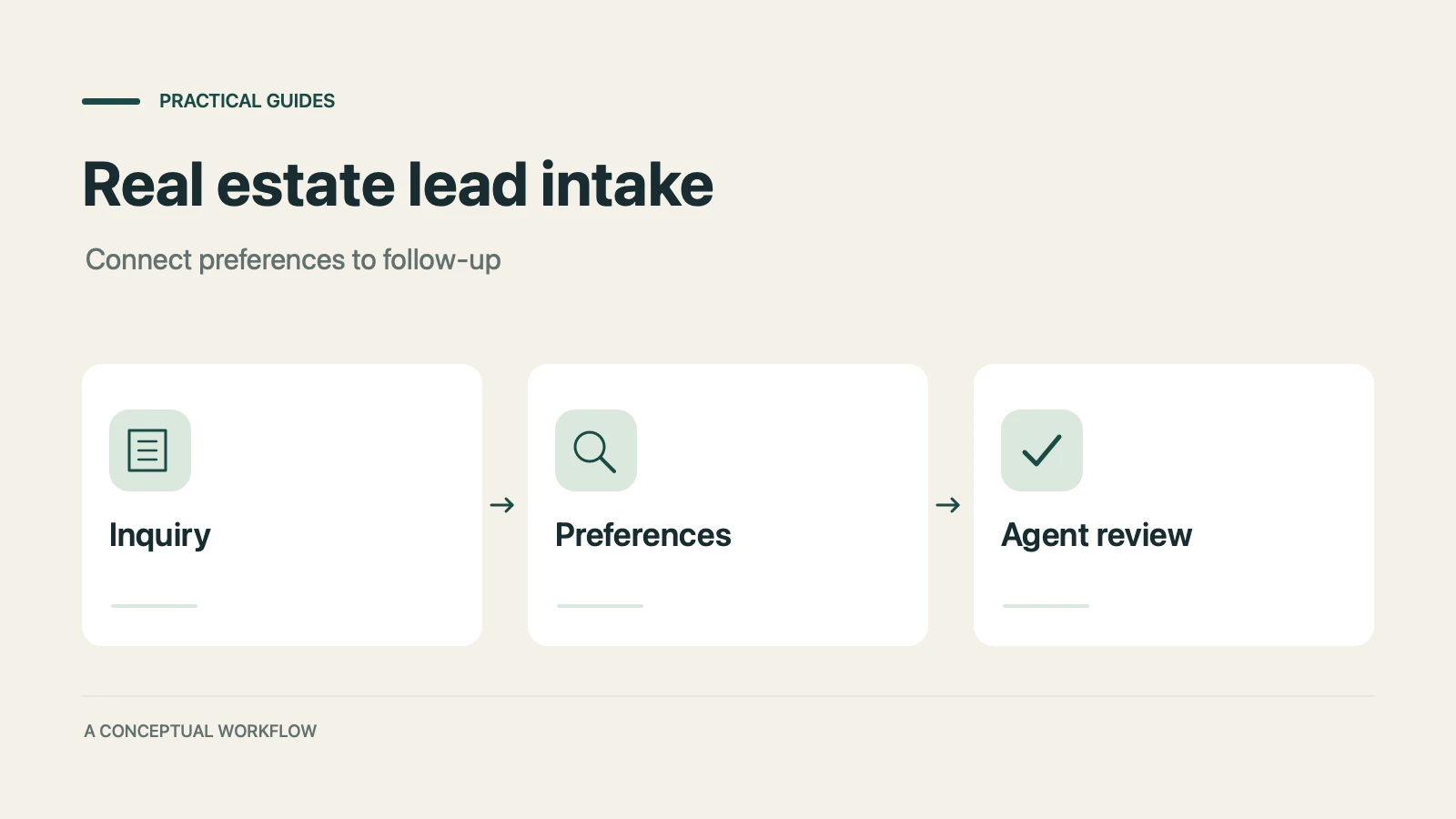
How real estate teams can use OpenClaw and Dashform to qualify inbound leads around the clock and fill calendars with serious buyers.

How hotels and tour operators can pair OpenClaw AI agents with Dashform preference forms to personalize bookings, offer upsells, and follow up after trips.

GLP-1 drugs like Ozempic are bringing new patients to med spas. How AI lead qualification helps clinics focus on high-value clients as the trend grows.
Try the world's first AI-native form and turn every response into action instantly.

