

This eight-question bakery order form collects everything needed to prepare a custom baked goods order, starting with the customer's name and phone number so the bakery can follow up directly. It then walks through the product itself — what to order, the preferred flavor, and the size needed — before asking for a quantity and a requested pickup date. An optional final question captures special requests, dietary restrictions, or decoration details, giving customers a place to add anything the earlier questions didn't cover. After submitting, customers see a confirmation message letting them know the bakery will be in touch within 24 hours to confirm details and pickup date availability.
Try the conversation below to see how this template works
Trusted by over 10,000 customers and growing
Conversations Started
Questions Answered
Forms Created
Relies on the "What would you like to order?", "What flavor would you prefer?", and "What size do you need?" questions to arrive at every customer touchpoint with the product details already sorted.
Uses the size options in the "What size do you need?" question alongside the special requests field to specify serving counts and decoration themes for events in a single submission.
Depends on the "How many would you like to order?" and "When would you like to pick up your order?" questions to plan bulk quantities and coordinate pickup timing across multiple orders.

AI builds and refines your form through natural conversation no templates, no complex logic, no coding. From a simple text prompt or URL, Dashform generates intelligent flows that adapt automatically.
Dashform turns traditional form-filling into a two-way dialogue. The AI understands intent, remembers context, and asks relevant follow-up questions just like a real human conversation.
Every response is transformed into structured, meaningful, and ready-to-use data. Integrate with your favorite tools.
Everything you need to create amazing forms
Everything you need to know about this template
Don't see exactly what you need? Use our AI Form Generator to create a custom form in seconds. Just describe what you want, and AI will build it for you.
Explore more templates to find the perfect fit
 Progress Tracking
Capture, detail, and assign tasks with priority and status fields to keep your workflow organized.
 Document Submission
Document tool and material handoffs between people or departments with a clear chain of custody.
 Customer Feedback
Collect structured post-tour ratings, itinerary feedback, and open-ended suggestions from travelers in one concise form.
 Invoice
Enter vehicle, route, towing service, charge, and reported payment method for separate receipt preparation.
 Agreement
Document and submit proposed amendments to existing international trade agreements clearly and formally.
 Agreement
Outline buyer, seller, trailer identification, price, date, and condition terms before preparing a separate bill of sale.
Learn how to get the most out of your forms and templates

15 real estate forms and templates agents use to capture leads, run showings, collect feedback, and keep transactions organized.
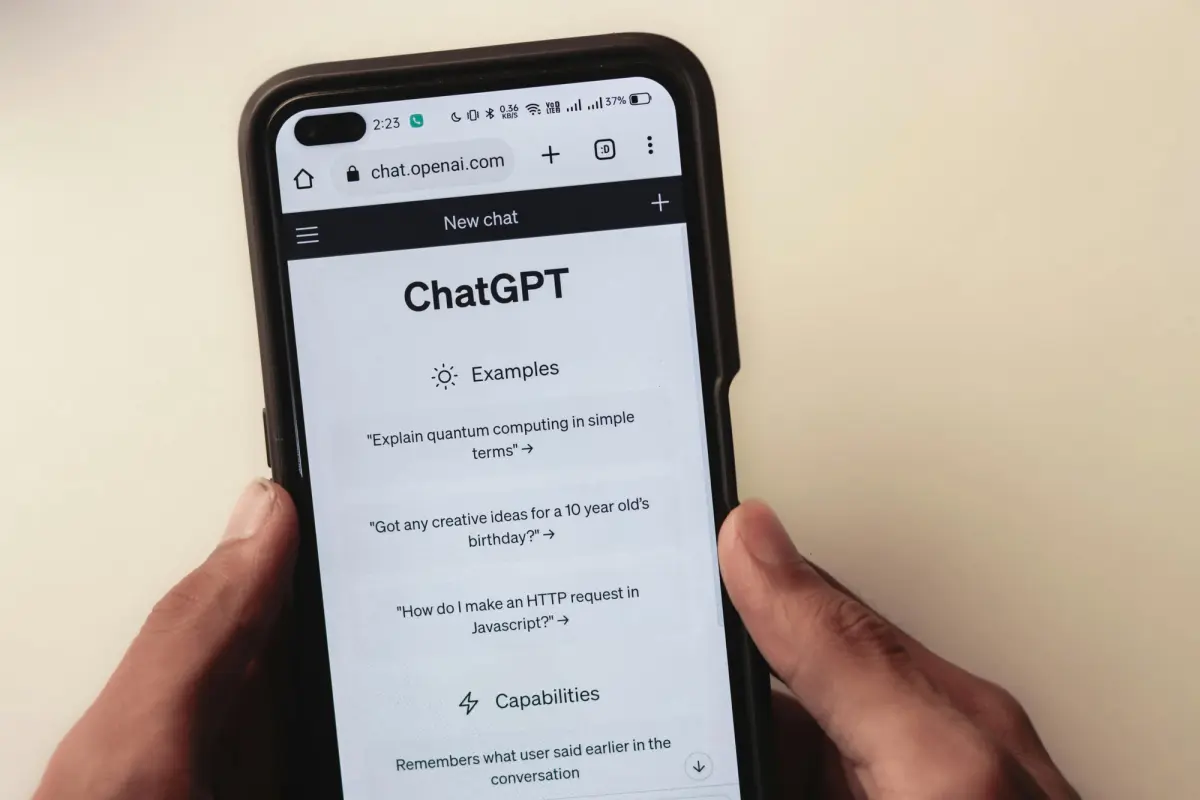
Discover 50 powerful Dashform AI prompts for creating forms and surveys. Learn how to generate better survey questions, improve engagement, and streamline data collection with AI-driven form design.

Explore eight contractor form templates for project inquiries, estimates, inspections, work orders, and follow-up, with practical setup and review advice.
Try the world's first AI-native form and turn every response into action instantly.