The Bake Sale Offerings Form opens with a warm welcome and collects contact details first: the "Please enter your full name." and "What is your email address?" questions are required so the organizer can confirm orders, while "What is your phone number (optional)?" is optional for those who prefer a call. The "Which delicious baked goods would you like to order?" question lets respondents pick from seven treats — cookies, brownies, cupcakes, lemon bars, apple pie slices, and muffins — followed by a required quantity question asking for each selected item and its quantity, then "Do you have any special requests or dietary notes?" for the bakers to review. Pickup logistics come last: "Please select your preferred pickup date." and "Please select your preferred pickup time slot." record a requested calendar date and one of three time windows for the organizer to confirm. After submitting, respondents see a confirmation screen thanking them and letting them know order details are on the way.
Try the conversation below to see how this template works
Trusted by over 10,000 customers and growing
Conversations Started
Questions Answered
Forms Created
Relies on the "Which delicious baked goods would you like to order?" and pickup questions to coordinate item demand and arrival times across a large, varied group.
Depends on the "What is your email address?" question and the optional dietary notes field to confirm orders and prepare items accurately without back-and-forth messages.
Uses the requested pickup date and time-slot questions to plan volunteer coverage after confirming the sale schedule.

AI builds and refines your form through natural conversation no templates, no complex logic, no coding. From a simple text prompt or URL, Dashform generates intelligent flows that adapt automatically.
Dashform turns traditional form-filling into a two-way dialogue. The AI understands intent, remembers context, and asks relevant follow-up questions just like a real human conversation.
Every response is transformed into structured, meaningful, and ready-to-use data. Integrate with your favorite tools.
Everything you need to create amazing forms
Everything you need to know about this template
Don't see exactly what you need? Use our AI Form Generator to create a custom form in seconds. Just describe what you want, and AI will build it for you.
Explore more templates to find the perfect fit
 Feedback
Gather structured attendee feedback on property condition and showing experience right after a viewing.
 Evaluation
Collect structured client ratings and open-ended feedback on your real estate agent's performance and service.
 Hr
Refer a talented individual or potential client by sharing their details and your personal recommendation in one quick form.
 Checklist
A five-question checklist covering cooling, coil cleaning, door seals, noise, and interior cleanliness for routine refrigerator upkeep.
 General Request
Submit a refund request by providing your order details, the items involved, and your preferred refund method.
 Survey
Gather honest perspectives on love, partner qualities, and relationship challenges with this thoughtful six-question survey.
Learn how to get the most out of your forms and templates

Stop spending hours on unqualified discovery calls. AI intake forms qualify fitness clients on goals, budget, and commitment before they book.
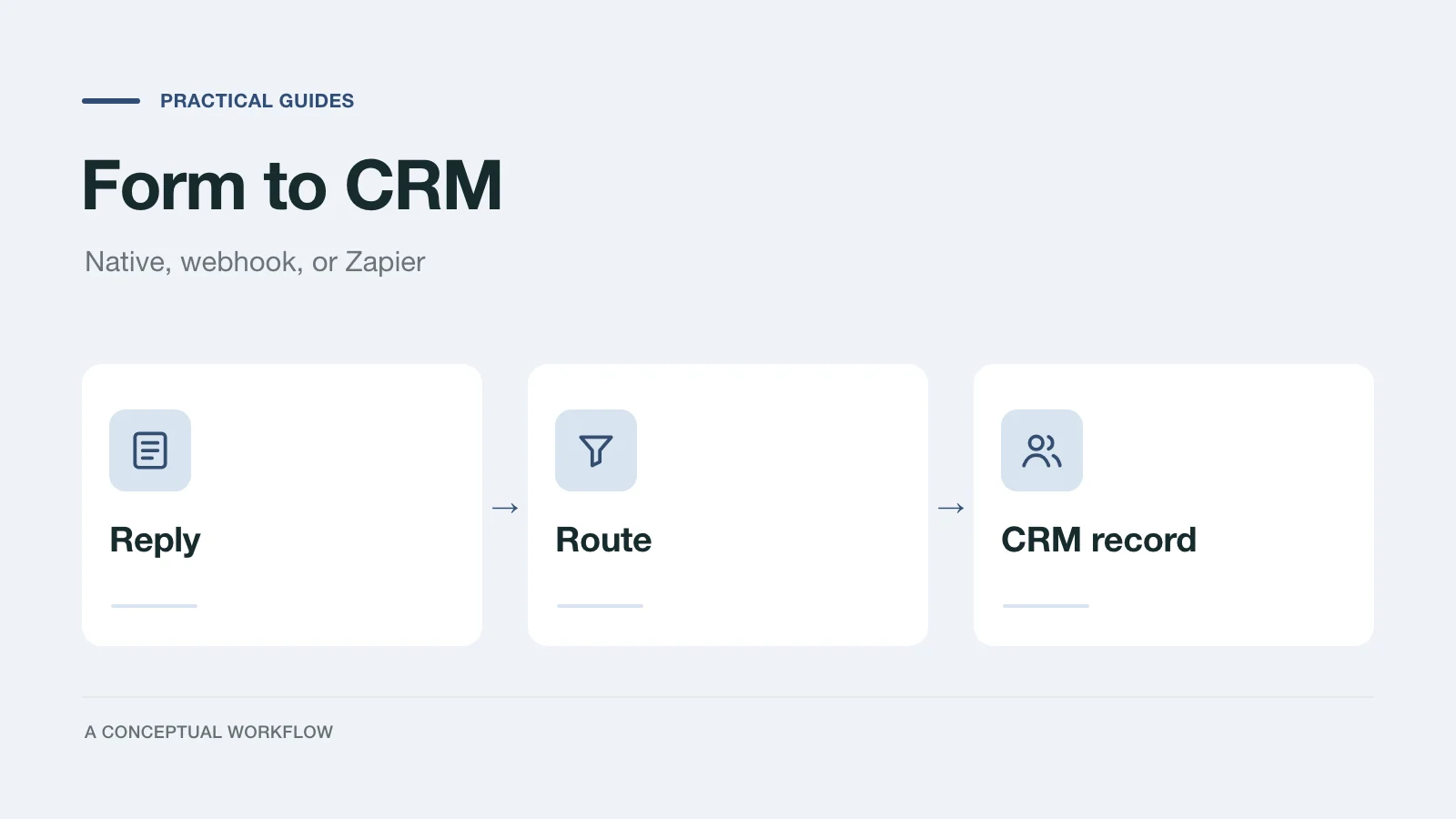
Compare three ways to send form submissions to your CRM (native, webhook, Zapier) by setup, failures, and duplicates, with two worked HubSpot builds.
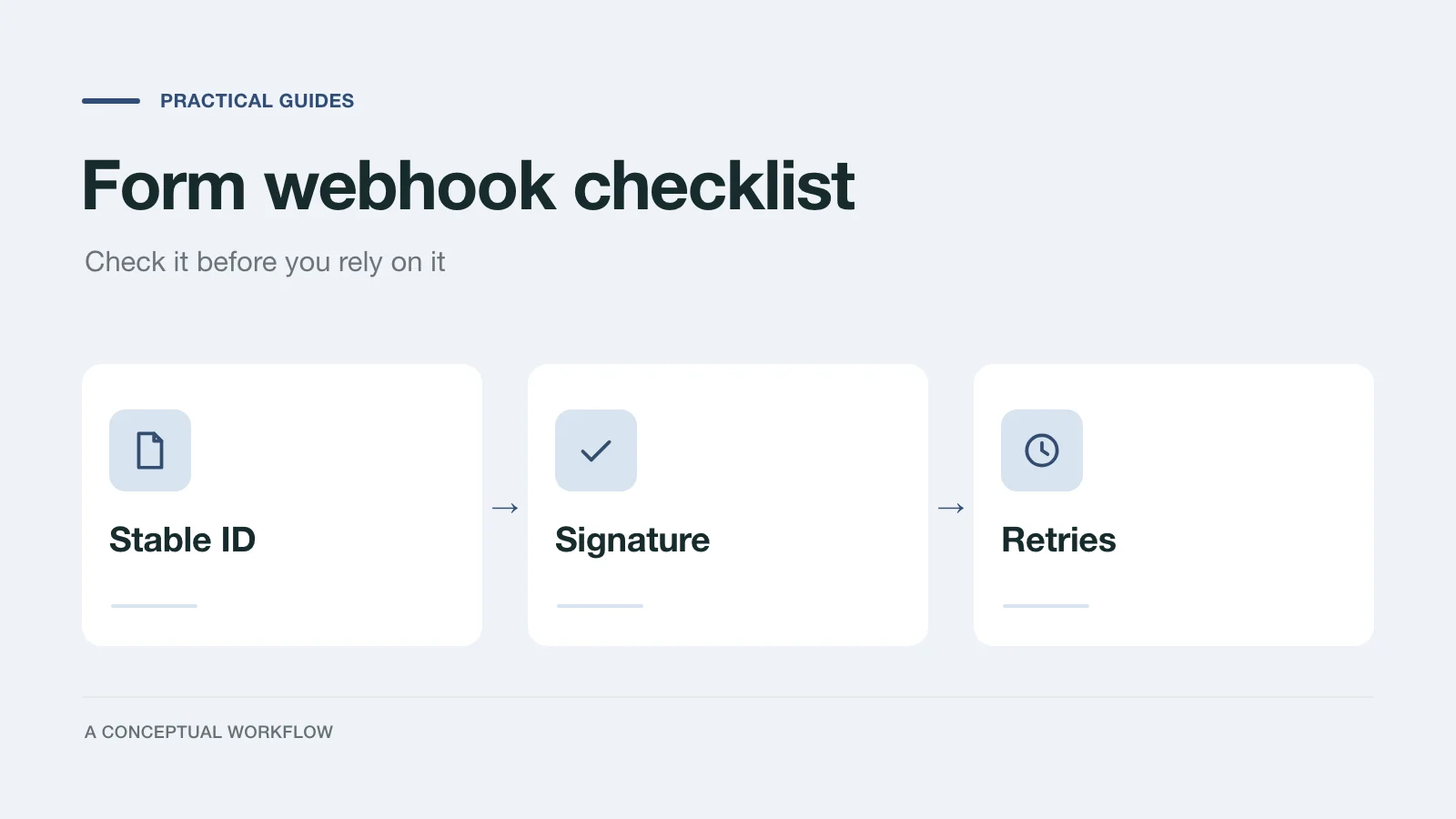
A copyable checklist for any form webhook: stable submission IDs, idempotency keys, signature checks, retries, replay, versioning, and file deletion.
Try the world's first AI-native form and turn every response into action instantly.

