

The Algebra Quiz opens with a short welcome screen setting expectations before moving into five questions that progress from arithmetic algebra to factoring. It starts with two required questions — a solve-for-x equation and a slope identification — to check core skills, then asks respondents to select all valid exponent properties from a list that includes one common misconception (a^0 = 0). An optional factoring question and an optional difficulty rating round things out, giving the quiz owner both performance data and feedback on how students experienced the material. After submitting, respondents see a confirmation screen letting them know their answers have been received for review.
Try the conversation below to see how this template works
Trusted by over 10,000 customers and growing
Conversations Started
Questions Answered
Forms Created
Relies on the three required questions to quickly gauge whether students can handle linear equations, slope, and exponent rules before moving to new material.
Uses the optional quadratic factoring question and difficulty rating together to identify which students need extra support and at what level.
Depends on the "How would you rate the overall difficulty of this quiz?" question to calibrate quiz difficulty across a diverse remote audience without direct classroom feedback.

AI builds and refines your form through natural conversation no templates, no complex logic, no coding. From a simple text prompt or URL, Dashform generates intelligent flows that adapt automatically.
Dashform turns traditional form-filling into a two-way dialogue. The AI understands intent, remembers context, and asks relevant follow-up questions just like a real human conversation.
Every response is transformed into structured, meaningful, and ready-to-use data. Integrate with your favorite tools.
Everything you need to create amazing forms
Everything you need to know about this template
Don't see exactly what you need? Use our AI Form Generator to create a custom form in seconds. Just describe what you want, and AI will build it for you.
Explore more templates to find the perfect fit
 Request
Collect customer contact info, vehicle details, and repair descriptions to log auto body service requests in one place.
 Assessment
Eight questions that map your B2B sales funnel from lead generation to conversion and surface your biggest process gaps.
 Rsvp
RsvpPlan desired baby items and quantities, note gift preferences and items already owned, and share optional registry links.
 Rsvp
RsvpA simple baby shower RSVP form that collects attendance, guest count, well-wishes, and dietary needs.
 Membership Registration
Register to attend church services by sharing your contact details, attendance plans, and health status in one simple form.
 Application
Gather applicant background details, references, and consent or refusal after review of separately supplied investigation disclosures.
Learn how to get the most out of your forms and templates
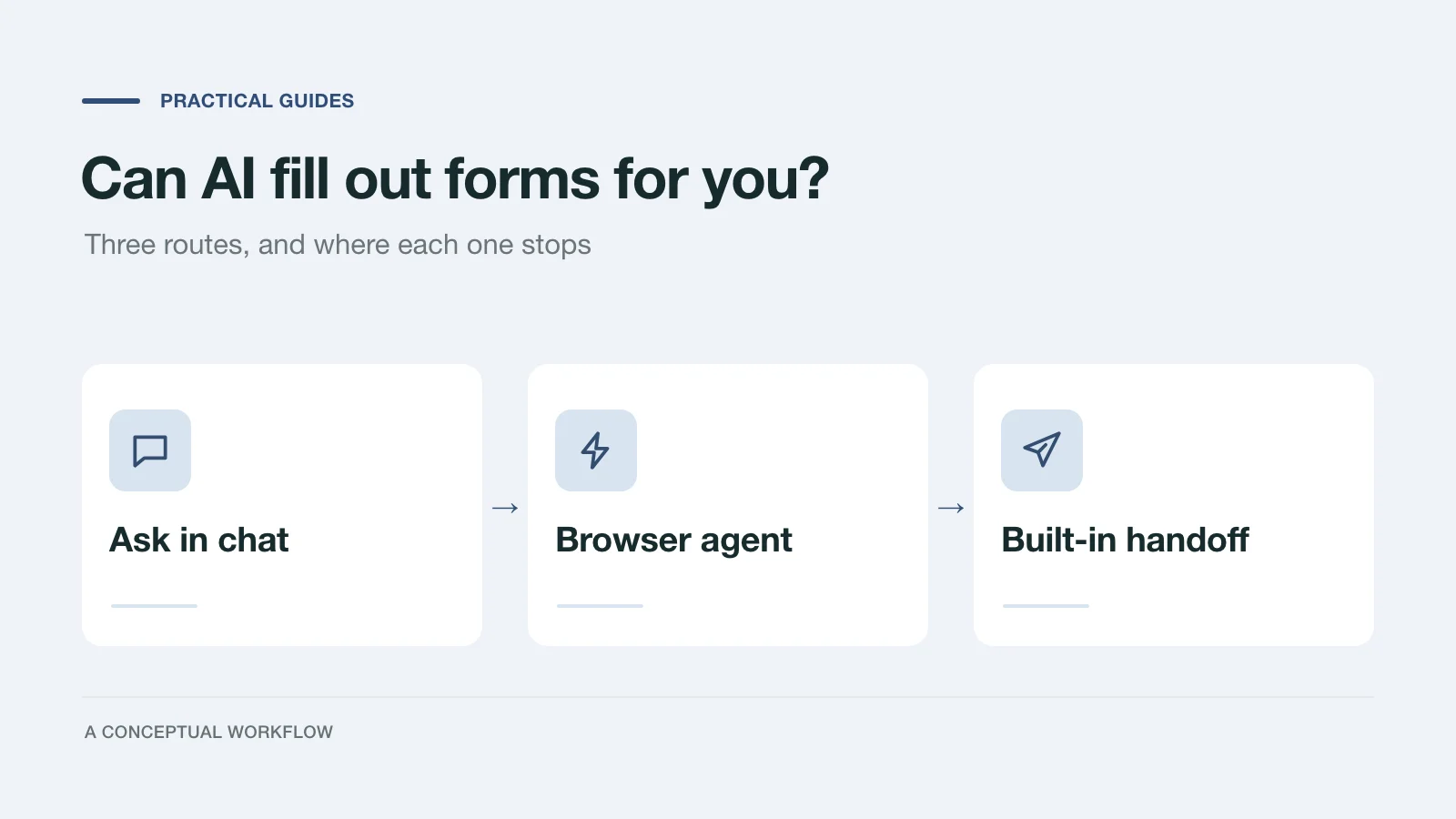
Yes, in three different ways: answers you paste in, a browser agent that clicks for you, or a form built for assistants. What each one handles and where it stops.
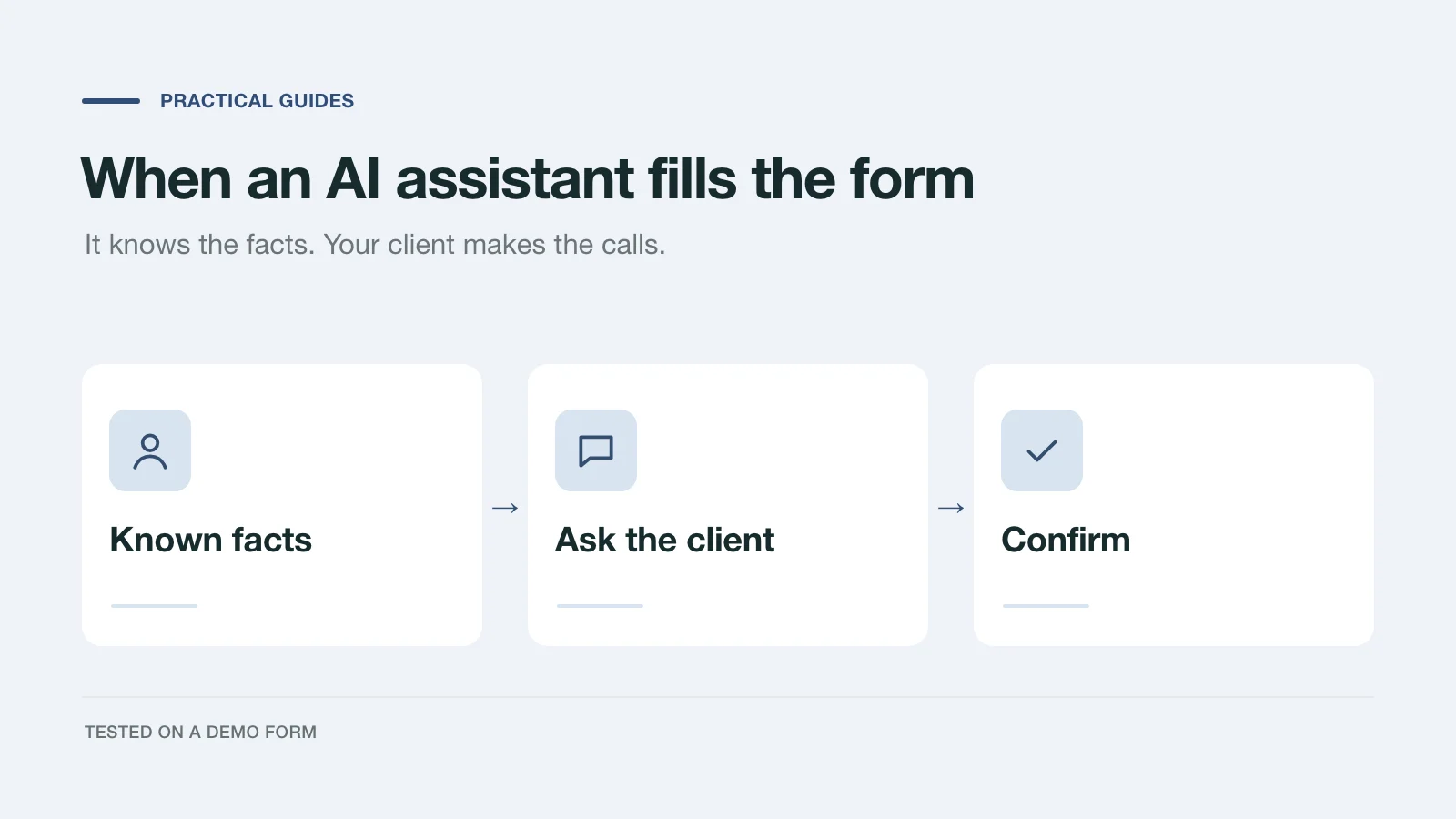
We had an AI assistant complete a demo project inquiry two ways: by clicking through the page and through a handoff prompt. What it knew, what it asked, and what to change.
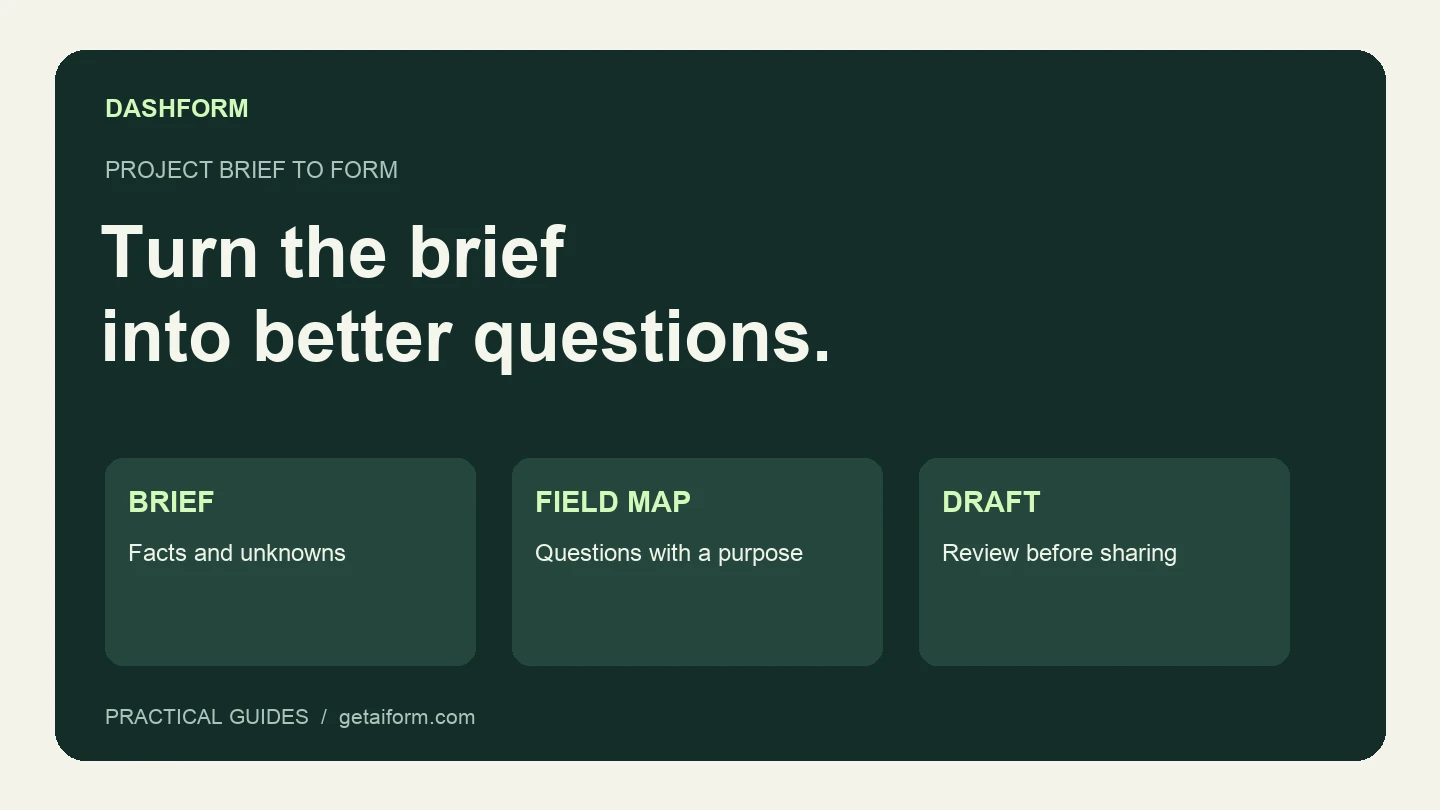
Turn a fictional agency brief into a reviewed Dashform draft using Claude Code, with copyable prompts, a field map, and a publication checklist.
Try the world's first AI-native form and turn every response into action instantly.