The Family Therapy Intake Form opens by asking who is involved, with the "Please list all family members involved in therapy, including their names, ages, and relationships to each other." question establishing the cast of people the therapist will be working with. It then moves to the core of the referral — the "What are the primary concerns or challenges that bring your family to therapy at this time?" question — before inviting context through optional questions on family history, communication patterns, and strengths and challenges. The required "Has anyone in the family attended therapy before?" question flags prior therapeutic experience, which shapes how a first session is framed. The form closes with the "What do you hope to achieve through family therapy? What would a positive outcome look like for your family?" question so the therapist arrives at the first session already aligned with the family's goals. After submitting, respondents see a confirmation that their information has been received and that someone will be in touch to schedule or confirm the first session.
Try the conversation below to see how this template works
Trusted by over 10,000 customers and growing
Conversations Started
Questions Answered
Forms Created
The goals and concerns questions mean therapists arrive at a first session with a clear picture of what the family wants to work on, reducing the time spent on purely administrative groundwork.
The family members question lets intake coordinators immediately identify how many people are involved and assign the right room size, session length, or therapist before any contact is made.
The optional communication patterns and strengths questions help school counsellors understand family dynamics that may be directly affecting a child's experience in school.

AI builds and refines your form through natural conversation no templates, no complex logic, no coding. From a simple text prompt or URL, Dashform generates intelligent flows that adapt automatically.
Dashform turns traditional form-filling into a two-way dialogue. The AI understands intent, remembers context, and asks relevant follow-up questions just like a real human conversation.
Every response is transformed into structured, meaningful, and ready-to-use data. Integrate with your favorite tools.
Everything you need to create amazing forms
Everything you need to know about this template
Don't see exactly what you need? Use our AI Form Generator to create a custom form in seconds. Just describe what you want, and AI will build it for you.
Explore more templates to find the perfect fit
 Product Order
Place a streetwear order by submitting your details, item selections, and preferred payment method in one simple form.
 Feedback
A six-question daily check-in that captures student ratings, comprehension, engagement, and confidence after each lesson.
 Registration
Collect student name, date of birth, grade level, parent contact details, and emergency contact in one tidy form.
 General Request
Collect student details, optional email-address preferences, and agreement or clarification needs about institutional IT policies.
 Survey
Collect student feedback on classroom satisfaction, engagement, material clarity, and instructor support.
 Agreement
Collect student housing details, emergency contacts, and formal agreement acceptance in one streamlined form.
Learn how to get the most out of your forms and templates

Compare conversational interfaces with tool-using agents, and learn how a published Dashform funnel can support human and agent-assisted inquiries.
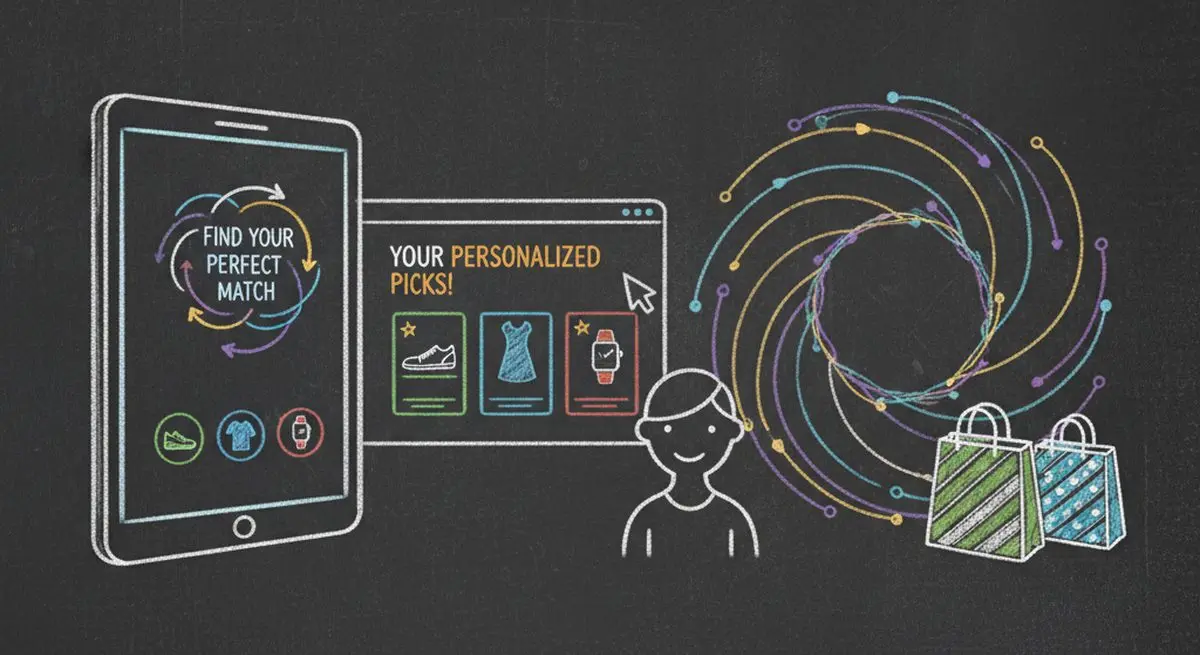
AI product quizzes capture real-time intent, so DTC brands can personalize like Amazon without its purchase history and open an agent sales channel.

AI quiz generation is reliable for drafting questions, not for an unchecked answer key. How it compares with manual writing, and the checks to run first.
Try the world's first AI-native form and turn every response into action instantly.

