

The Real Estate Leads Form opens by asking for contact details — "Full Name", "Email Address", and optionally "Phone Number" — so an agent knows exactly who to follow up with and how. It then asks "I am looking to..." to establish the nature of the inquiry, whether that's buying, selling, renting, listing, or getting a valuation, followed by "Property Type" and "Preferred Location(s)" to narrow down what the respondent has in mind. Optional questions on budget range, a desired move-in or transaction date, and key features like parking, pet-friendliness, or waterfront views let respondents share as much detail as they're comfortable with, giving agents a richer picture before making contact. A final open text field, "Additional Details or Questions", lets anyone add context that didn't fit elsewhere. After submitting, the end screen confirms the inquiry was received and lets respondents know an agent will be in touch within one to two business days.
Try the conversation below to see how this template works
Trusted by over 10,000 customers and growing
Conversations Started
Questions Answered
Forms Created
Agencies rely on the 'I am looking to...' and 'Property Type' questions to route each new lead to the right agent before making first contact.
Solo agents use the 'Budget Range' and 'Preferred Location(s)' questions to qualify leads and prioritise follow-ups without a lengthy back-and-forth.
Property managers depend on the 'List a property for rent' option and the 'Key Features or Requirements' question to capture landlord and tenant needs in a single shared form.

AI builds and refines your form through natural conversation no templates, no complex logic, no coding. From a simple text prompt or URL, Dashform generates intelligent flows that adapt automatically.
Dashform turns traditional form-filling into a two-way dialogue. The AI understands intent, remembers context, and asks relevant follow-up questions just like a real human conversation.
Every response is transformed into structured, meaningful, and ready-to-use data. Integrate with your favorite tools.
Everything you need to create amazing forms
Everything you need to know about this template
Don't see exactly what you need? Use our AI Form Generator to create a custom form in seconds. Just describe what you want, and AI will build it for you.
Explore more templates to find the perfect fit
 Application
Collect complete personal, residential, education, and employment details for official records and verification.
 Agreement
Collect birth photography booking details and the client's agreement, refusal, or questions about separately supplied contract terms.
 Checklist
A five-question checklist to map out your Black Friday goals, budget, categories, and shopping channel before the big day.
 Signup
Collect name, email, product interests, and referral source ahead of your Black Friday sale.
 Checklist
A five-question checklist to help shoppers review personal safety, security, and planning before Black Friday.
 Document Submission
Collect seller and buyer details, property description, transaction type, and value for a property deed record.
Learn how to get the most out of your forms and templates

How automated form workflows cut manual work and improve data accuracy, and how Dashform uses AI to generate forms, map fields, and automate your tools.
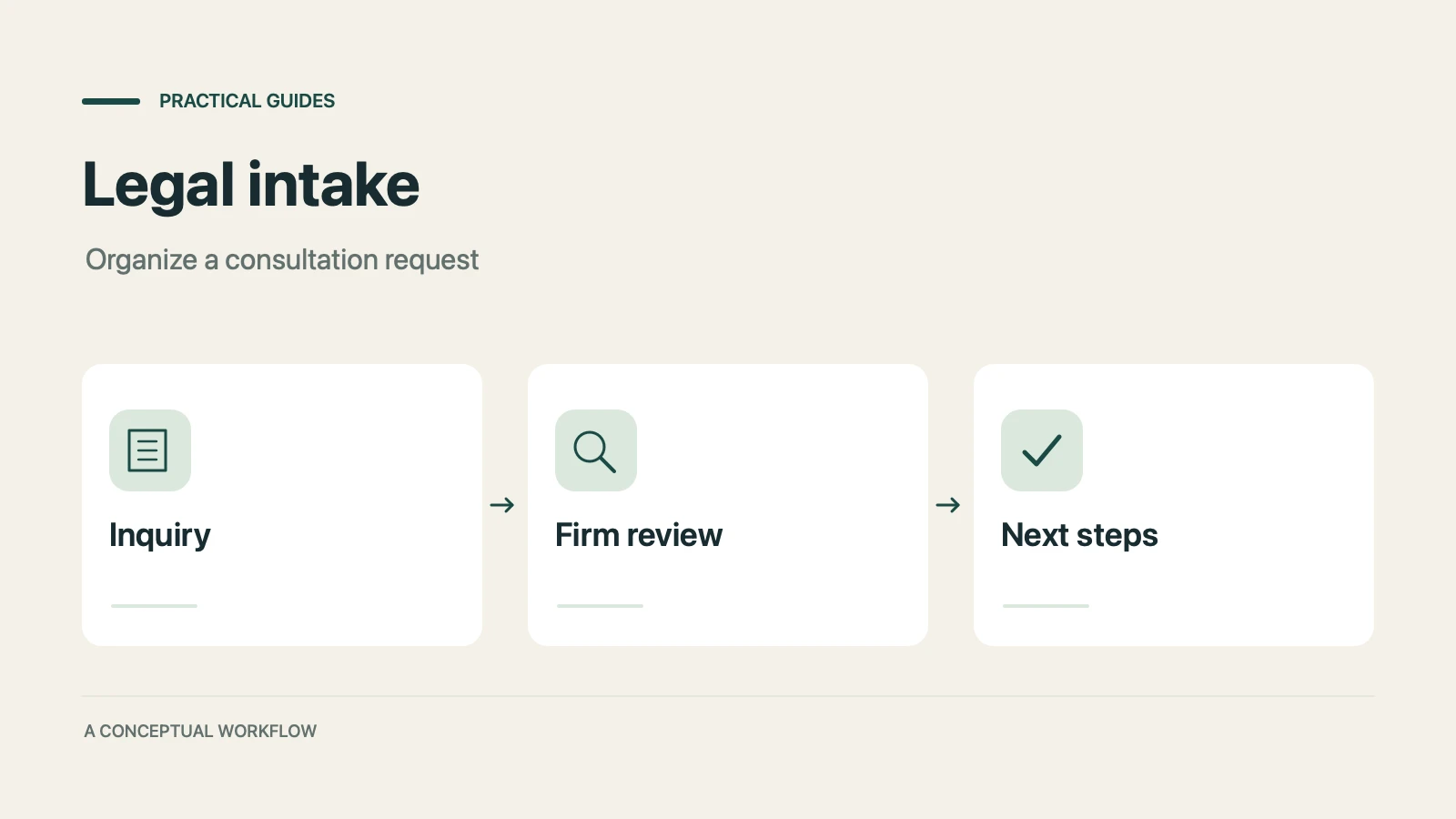
A proposed personal injury intake workflow for inquiries, attorney reviews, and feedback, with limits on legal decisions, records, signatures, and tools.
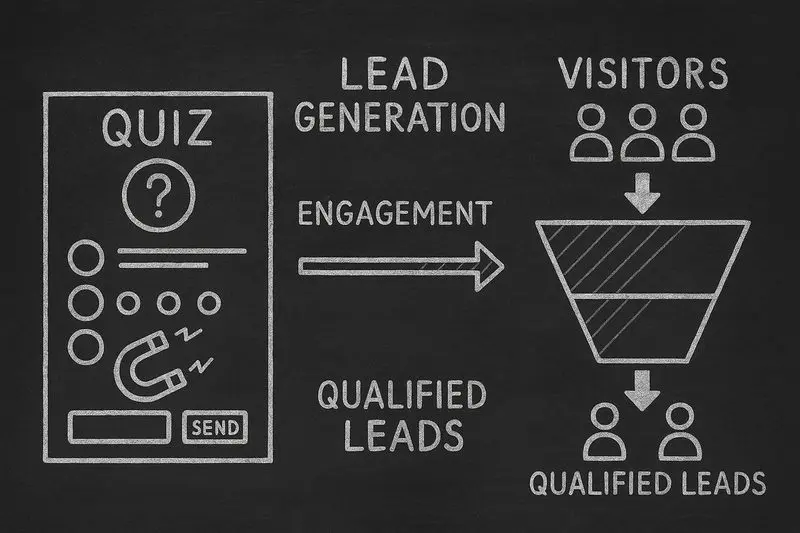
How lead generation quizzes work, 5 quiz types for different goals, a design framework, and an email-capture playbook, with Interact quiz report data.
Try the world's first AI-native form and turn every response into action instantly.