

This four-question contact form opens with a welcoming prompt before collecting a respondent's full name and email address so the owner knows who to reply to and where. The "What is the subject of your inquiry?" question lets the owner triage and route messages before reading them in full, while "Please provide details of your message or inquiry." gives respondents the space to explain their need completely. All four questions are required, so the owner never receives an incomplete or unactionable submission. After submitting, respondents see a confirmation that their message has been received and that a reply is on the way.
Try the conversation below to see how this template works
Trusted by over 10,000 customers and growing
Conversations Started
Questions Answered
Forms Created
They rely on the "What is the subject of your inquiry?" question to sort sales, support, and general queries without reading every message first.
The "What is your email address?" question ensures every potential client inquiry comes with a direct reply address, keeping the conversation moving.
They use the "Please provide details of your message or inquiry." question to collect full context upfront, reducing the need for follow-up emails before work can begin.

AI builds and refines your form through natural conversation no templates, no complex logic, no coding. From a simple text prompt or URL, Dashform generates intelligent flows that adapt automatically.
Dashform turns traditional form-filling into a two-way dialogue. The AI understands intent, remembers context, and asks relevant follow-up questions just like a real human conversation.
Every response is transformed into structured, meaningful, and ready-to-use data. Integrate with your favorite tools.
Everything you need to create amazing forms
Everything you need to know about this template
Don't see exactly what you need? Use our AI Form Generator to create a custom form in seconds. Just describe what you want, and AI will build it for you.
Explore more templates to find the perfect fit
 Checklist
A structured site inspection checklist covering hazards, weather, emergency equipment, and route safety for any outdoor activity.
 Agreement
Document a seller-financed property sale by capturing both parties' details, the property address, and all key payment terms.
 Evaluation Survey
Measure parent confidence in supporting their child's learning, school communication, and homework help across all grade levels.
 Consent
Gather child and guardian details, emergency contact information, and separate participation and media-permission choices.
 Waiver
Collect participant details, emergency contacts, and signed risk and liability acknowledgements before any event or activity.
 Waiver
Collect passenger and trip details, emergency contacts, and choices about operator-supplied risk information, rules, and waiver terms.
Learn how to get the most out of your forms and templates

The questions to ask a new coaching client before the first session, grouped by purpose, with which to make optional, what to leave out, and a template to start from.
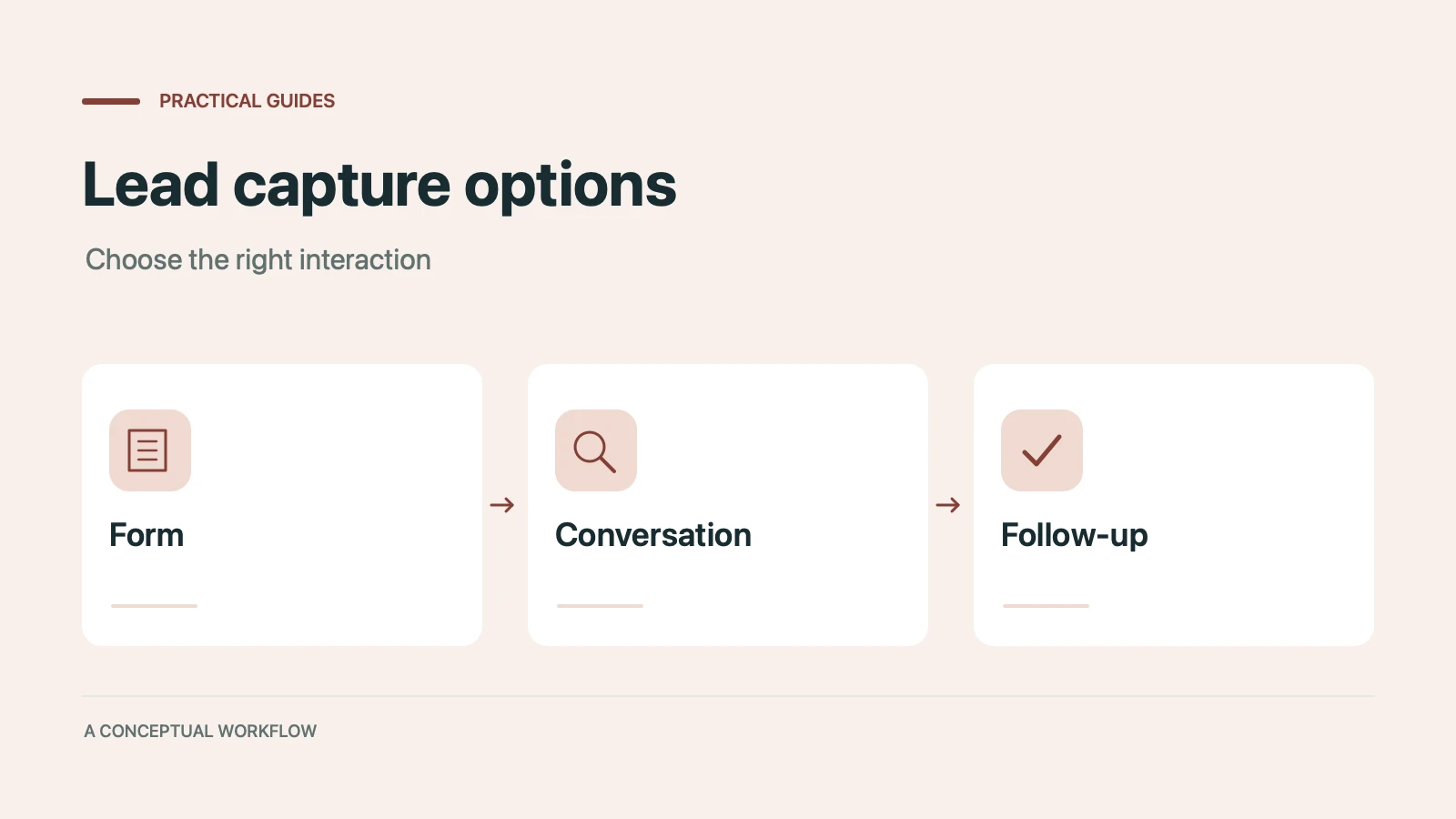
Static forms, AI chatbots, and conversational AI forms compared for lead capture: where each works, where each breaks, and the hybrid stack that combines them.
Call-to-action button examples grouped by goal, with best practices for placement, color, copy, and A/B testing.
Try the world's first AI-native form and turn every response into action instantly.