The Hospital Discharge Form is a nine-question documentation aid for care-team staff. Staff enter the patient name, discharge date, diagnosis, medication instructions, activity restrictions, and warning signs from the clinician-approved plan. A follow-up choice is paired with an optional details field that remains visible whether follow-up is needed or not. The final question records whether instructions were discussed and understood according to the patient or caregiver, need clarification, or have not yet been discussed. These are staff-entered details and discussion status, not instructions generated by the form or a patient signature. The ending leaves discharge readiness to the care team's process.
Try the conversation below to see how this template works
Trusted by over 10,000 customers and growing
Conversations Started
Questions Answered
Forms Created
Diagnosis, medication, restriction, and warning-sign fields organize details taken from the clinician-approved discharge plan.
The follow-up requirement and optional appointment details provide space to document the provider, date, and reason when known.
The final discussion-status choice distinguishes reported understanding from unresolved clarification or a discussion still to be held.

AI builds and refines your form through natural conversation no templates, no complex logic, no coding. From a simple text prompt or URL, Dashform generates intelligent flows that adapt automatically.
Dashform turns traditional form-filling into a two-way dialogue. The AI understands intent, remembers context, and asks relevant follow-up questions just like a real human conversation.
Every response is transformed into structured, meaningful, and ready-to-use data. Integrate with your favorite tools.
Everything you need to create amazing forms
Everything you need to know about this template
Don't see exactly what you need? Use our AI Form Generator to create a custom form in seconds. Just describe what you want, and AI will build it for you.
Explore more templates to find the perfect fit
 Registration
Sign up for a Secret Santa exchange and share your wish list, budget, and gifting preferences in one quick form.
 General Survey
Help your Secret Santa pick the perfect gift by sharing your tastes, sizes, wishlist, and any gift preferences to avoid.
 Progress Tracking
Track mood, sleep, physical activity, and emotional practices in one concise self-care check-in.
 Survey
A seven-question survey on self-harm experiences, triggers, coping strategies, and help-seeking behavior.
 Event Registration
Register a senior for the all-night party with emergency contact details, health notes, and parent or guardian e-signature consent.
 Evaluation
Capture SEO strategies, tool usage, key metrics, satisfaction, and 12-month goals in one structured business report.
Learn how to get the most out of your forms and templates
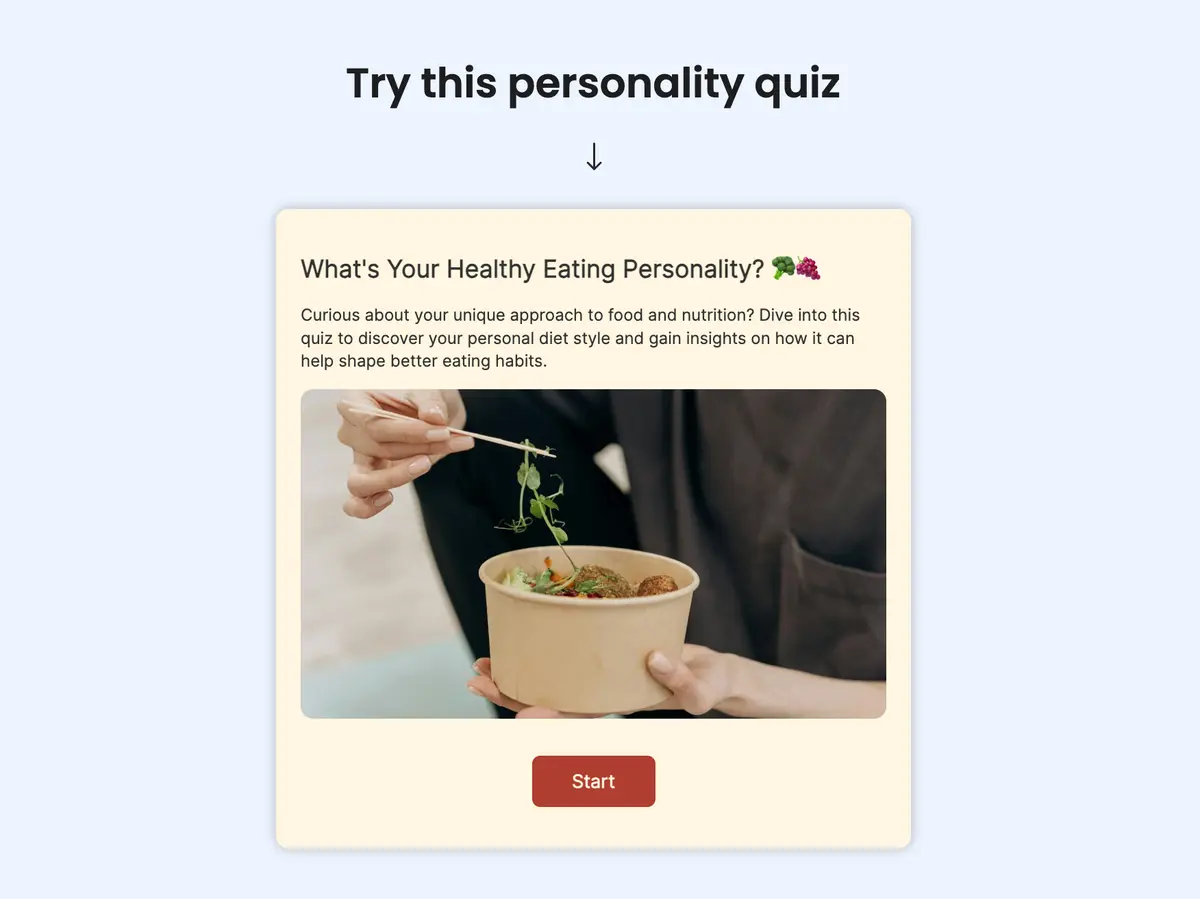
Compare Dashform quiz authoring with your Opinion Stage workflow: AI-assisted drafts, configurable branches, Endings, themes, and plan allowances.
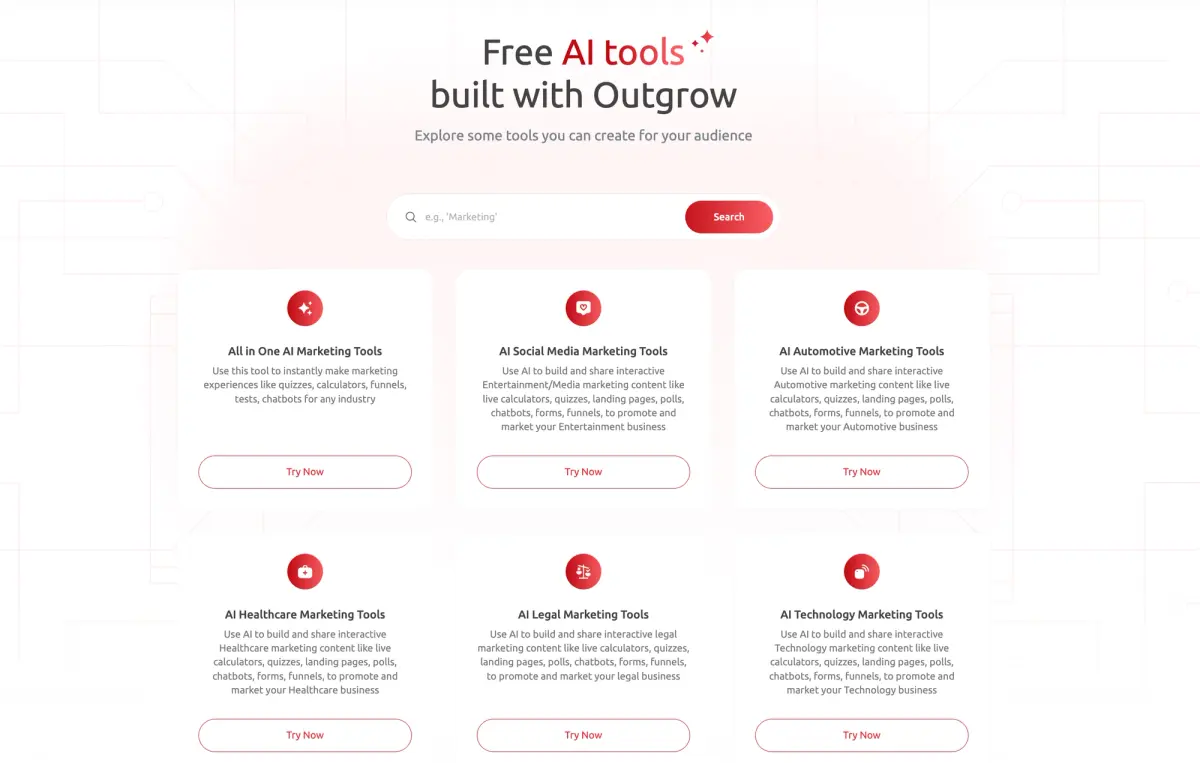
Dashform vs Outgrow on drafting workflow, qualification needs, branding, and current plan allowances. Test what your campaign needs before switching.
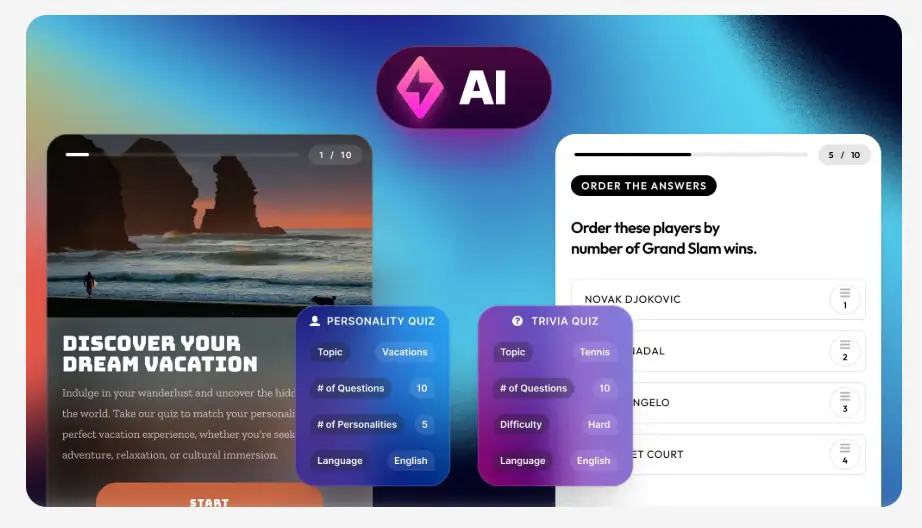
Evaluate Dashform and Riddle for quiz drafting, question logic, result content, branding, and publishing with a practical workflow checklist.
Try the world's first AI-native form and turn every response into action instantly.

