


Nine workflow scenarios cover duplicate records, lookups, formula errors, summaries, protection, dates, charts, VBA events, and conditional counts. "How would you protect selected cells while leaving others editable?" distinguishes sheet protection from workbook structure, and the final counting scenario focuses on simultaneous conditions. Examples include "Excel Newcomer" and "Excel Power User". The displayed profile is random, not an assessment of your answers; no workbook is executed or Excel proficiency measured.
One of the listed results is selected at random. Your answers are not scored or used to choose the result.
Create engaging quizzes tailored to your brand. Our AI-powered quiz generator helps you build personalized assessments that capture attention and drive engagement.
Discover what your quiz results might reveal

Workflow example: someone starting with spreadsheets may benefit from practicing cell references, simple formulas, and small tables with known answers. Keep an original copy before changing data and check a calculation manually. This random learning profile does not show that you lack Excel skill; the quiz has not opened or graded a workbook.

Workflow example: routine work may involve sorting, filters, basic formulas, and charts. A useful next exercise is to make a summary repeatable and check totals against the source. Choose a tool that fits the task rather than assuming more complexity is better. The profile is randomly displayed and does not certify your current level.

Workflow example: lookups, conditional summaries, and error investigation can support analysis when inputs and assumptions are checked. Practice exact matches, date boundaries, and tracing a wrong result to its source. This random example does not prove formula fluency or that your answers were correct; use an actual workbook exercise to verify skill.

Workflow example: Power Query, data models, and VBA can help repeat suitable tasks, but also add maintenance and version requirements. Useful advanced work includes documentation, explicit references, error handling, and verification after refresh. This random profile does not establish expertise, certify automation, or guarantee that a complex tool will be faster.
Explore more quizzes in this category

Compare the kind of coaching or consulting support you would seek through ten questions about goals, working style, implementation help, team training, and signs of progress. "What would make this session most valuable for you?" contrasts action steps, new perspectives, independent tools, and accountability. The displayed Ending is chosen randomly and is not determined by your answers. This is a preference exercise with no contact fields; it neither registers you for a webinar nor supplies a consulting engagement. "The Action-Oriented Achiever" emphasizes practical next steps, while "The Reflective Strategist" offers a contrasting focus on examining choices.

Ten short riddles focus on wording and assumptions. "How many months have 28 days?" invites you to separate what is stated from what you imagine. The Ending "Good Logical Thinker" is a practice message selected randomly after the questions, without counting correct answers. Simple calculations sit alongside a letter puzzle that keeps its English words in translations so the wordplay still works.

Explore what you would want from a community workshop: practical instruction, shared experimentation, new connections, or a chance to contribute. "How do you prefer to participate in group activities?" sits alongside questions about group size, materials, and follow-up interests. The displayed Ending is chosen randomly and is not determined by your answers. This public quiz is a workshop-fit reflection: it has no contact fields, does not reserve a place, and does not send workshop links. "The Dedicated Learner" focuses on building skills, while "The Thoughtful Contributor" considers contributing experience to the group.

Ten questions explore what you want to learn, how you participate, and what you could use after a session. "What device will you primarily use to attend the webinar?" adds device context, while "Are you interested in earning a certificate of completion?" asks about certificate interest. Examples include "Curious Explorer" and "Engaged Practitioner". The final learning profile is randomly selected and independent of answers. This preview does not register you, reserve a place, send materials, or issue a certificate.

Review ten parts of an email program, starting with "Select the approach that best describes your list building strategy" and continuing through cadence, personalization, automation, segmentation, testing, subject lines, nurturing, analytics, and deliverability. The questions can organize a discussion about current practices. An Ending such as "Email Novice" is drawn randomly, without inspecting campaign data or using your selections. The four examples offer planning ideas rather than a maturity rating, personalized audit, or promise of higher revenue.

Prepare for an expert talk by considering speaker interests, topic familiarity, useful formats and recording preferences. "Which material would help you prepare for the talk?" asks which preparation material would help, distinct from the desired takeaway. "The Engaged Participant" is one of four sample Endings. The sample is random and independent of answers. This quiz neither registers attendance nor collects a question for the speaker.
Tips, guides, and insights on quizzes and lead generation
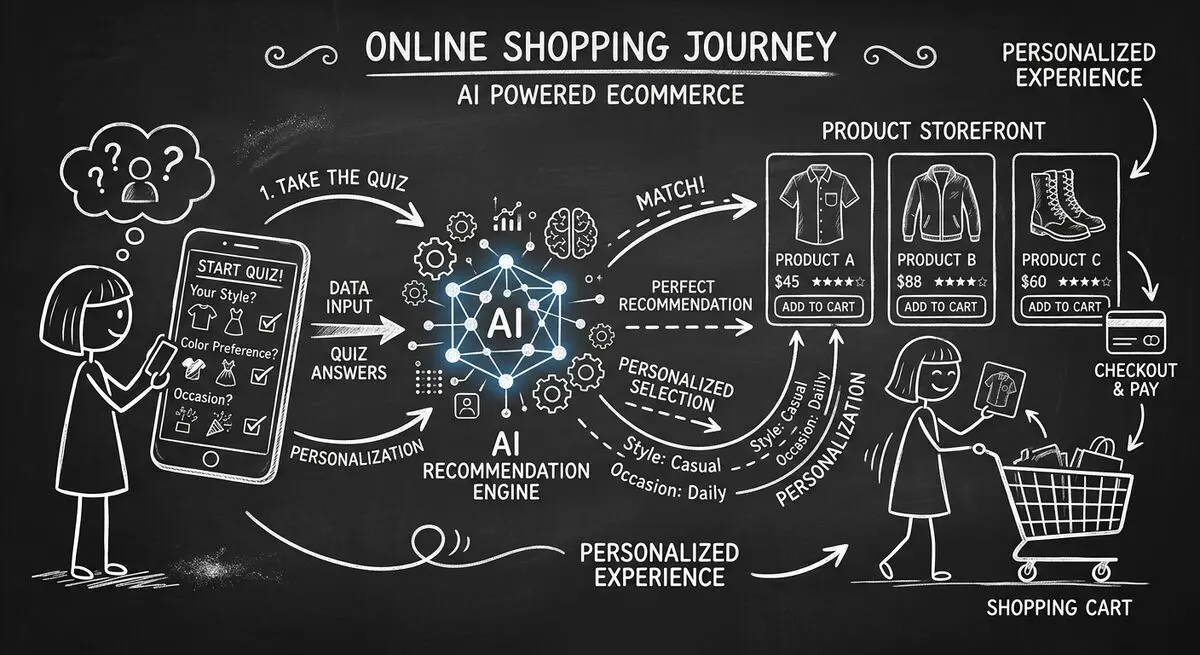
How to design an AI-assisted product quiz, map answers to recommendations, configure external tools, and measure the result for your store.
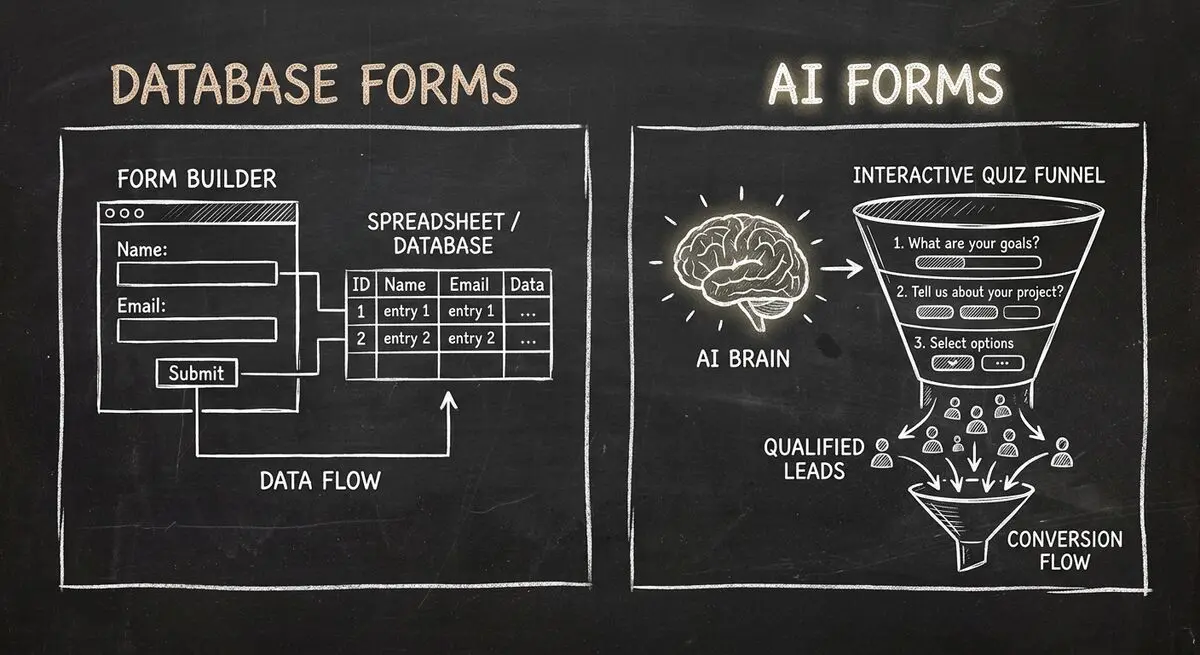
Compare Dashform and Fillout for lead intake, AI drafting, qualification, database connections, and the handoffs to test before switching.
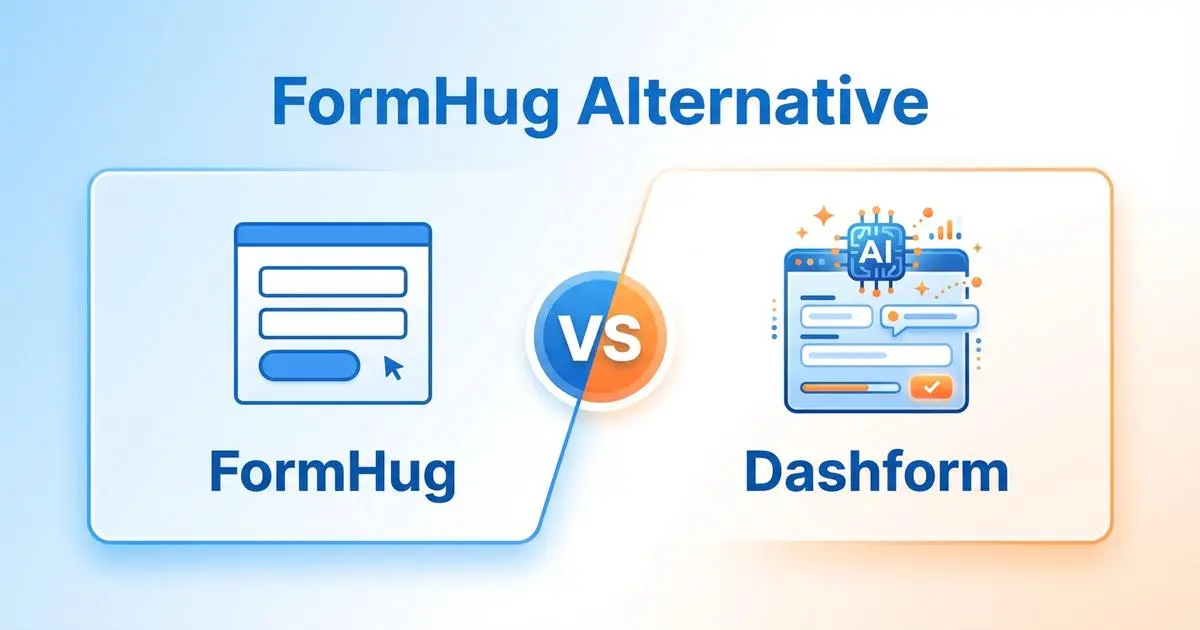
FormHug vs Dashform side by side: AI quiz funnels, lead scoring, and pricing. Where FormHug excels and where switching makes sense for agencies and coaches.
