The Benefits Open Enrollment Form walks employees through nine questions covering every major benefit decision in one place. It opens by collecting full legal name and employee ID to tie submissions to the right personnel record, then moves through health, dental, and vision plan selections — each offering a waive option for employees who don't need that coverage. A dependent question follows to flag any household changes that HR needs to process. Retirement contribution percentage and an optional FSA/HSA annual contribution amount let employees set their savings elections before a final confirmation question, where employees must actively select 'I confirm' to acknowledge their selections are accurate and final. After submitting, employees see a confirmation message that their enrollment has been received successfully.
Try the conversation below to see how this template works
Trusted by over 10,000 customers and growing
Conversations Started
Questions Answered
Forms Created
Relies on the name and employee ID questions upfront to match every submission to the correct personnel record without manual reconciliation.
Depends on the health, dental, and vision questions — each with an explicit waive option — to capture a complete, unambiguous coverage decision for every employee in one pass.
Uses the retirement contribution percentage and the optional FSA/HSA annual amount questions to collect the exact figures needed to update payroll deductions without follow-up.

AI builds and refines your form through natural conversation no templates, no complex logic, no coding. From a simple text prompt or URL, Dashform generates intelligent flows that adapt automatically.
Dashform turns traditional form-filling into a two-way dialogue. The AI understands intent, remembers context, and asks relevant follow-up questions just like a real human conversation.
Every response is transformed into structured, meaningful, and ready-to-use data. Integrate with your favorite tools.
Everything you need to create amazing forms
Everything you need to know about this template
Don't see exactly what you need? Use our AI Form Generator to create a custom form in seconds. Just describe what you want, and AI will build it for you.
Explore more templates to find the perfect fit
 Checklist
A seven-question walkthrough for documenting a rental property's condition, from overall rating to room-by-room detail.
 Real Estate
Record tenant, landlord, property, and payment details for preparing a rent receipt.
 Survey
Gather parent comfort levels, safety priorities, and student needs to plan a safe and informed school reopening.
 Quote
Collect everything a repair team needs to turn around an accurate, tailored quote in one to two business days.
 Request
Collect all the details needed to produce an accurate, tailored report — from requester info to metrics and visualization preferences.
 Evaluation
Review a named closing manager for a specific restaurant and shift, with ratings, procedure adherence, supervision notes, and issue handling.
Learn how to get the most out of your forms and templates
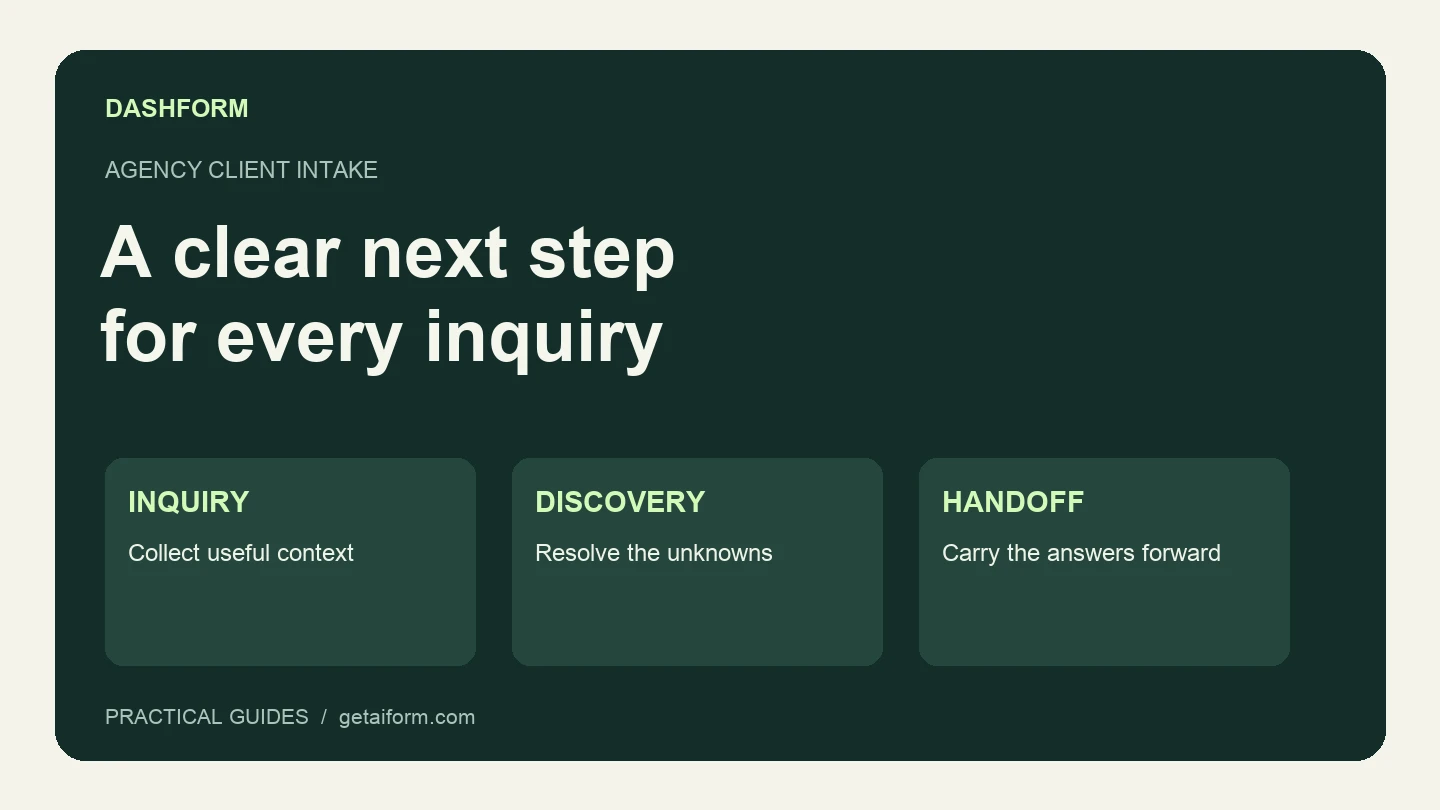
A practical agency intake workflow covering the first form, fit review, clarification, discovery, and handoff, with copyable questions and sample answers.

Client qualification has moved from ad-hoc discovery calls to structured systems. The process coaches use to assess fit, protect time, and scale well.
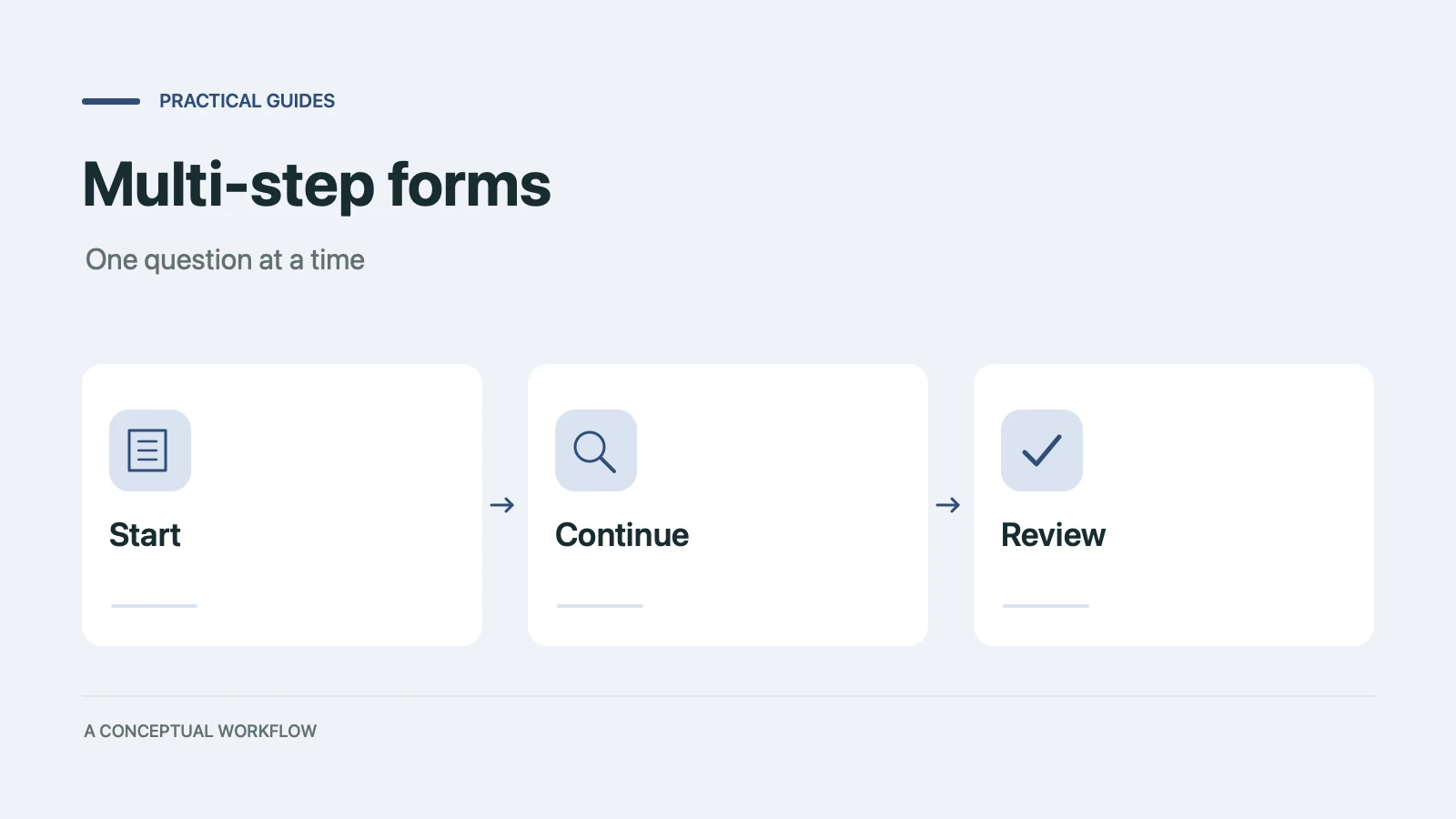
When splitting a form into steps helps conversion and when it doesn't, the research and psychology behind it, and a playbook to build one in any builder.
Try the world's first AI-native form and turn every response into action instantly.

