

The Airport Pickup Reservation Form opens with a welcome screen inviting travelers to book a transfer in a few steps, then walks through ten questions in a logical order: contact details first ("Full Name", "Email Address", and "Phone Number"), followed by travel specifics ("Arrival Date", "Flight Number", and "Arriving Airport") so the operator knows exactly when and where to dispatch a driver. The form then collects ride logistics — "Number of Passengers", "Vehicle Type Preference", and "Luggage" — giving the service enough information to send the right vehicle with enough space. A final optional "Special Requests or Notes" question lets passengers flag anything unusual before submitting. After submitting, the end screen confirms the reservation, lets the respondent know a confirmation email with booking and driver details is on its way, and wishes them safe travels.
Try the conversation below to see how this template works
Trusted by over 10,000 customers and growing
Conversations Started
Questions Answered
Forms Created
Relies on "Arriving Airport", "Flight Number", and "Arrival Date" to dispatch the right driver to the right terminal at the right time.
Uses "Vehicle Type Preference" and "Number of Passengers" to match guests with an appropriately sized vehicle from the property's fleet.
Depends on the "Special Requests or Notes" question to capture executive preferences and the contact fields to coordinate across multiple travellers.

AI builds and refines your form through natural conversation no templates, no complex logic, no coding. From a simple text prompt or URL, Dashform generates intelligent flows that adapt automatically.
Dashform turns traditional form-filling into a two-way dialogue. The AI understands intent, remembers context, and asks relevant follow-up questions just like a real human conversation.
Every response is transformed into structured, meaningful, and ready-to-use data. Integrate with your favorite tools.
Everything you need to create amazing forms
Everything you need to know about this template
Don't see exactly what you need? Use our AI Form Generator to create a custom form in seconds. Just describe what you want, and AI will build it for you.
Explore more templates to find the perfect fit
 Assessment
A six-question form that captures a candidate's technical skills, problem-solving approach, teamwork, learning habits, and communication style.
 Survey
Understand your clients' skin types, concerns, routines, and goals with this seven-question skin care survey.
 Client Intake
Collect skin type, concerns, product history, and allergies before a client's first appointment.
 Agreement
Collect client details, health disclosures, and treatment consent before a skincare appointment.
 Survey
Six questions to capture skin type, concerns, routine habits, and product preferences for tailored skincare recommendations.
 Assessment
Nine questions that pinpoint which marketing levers are working and which gaps are slowing your small business's growth.
Learn how to get the most out of your forms and templates
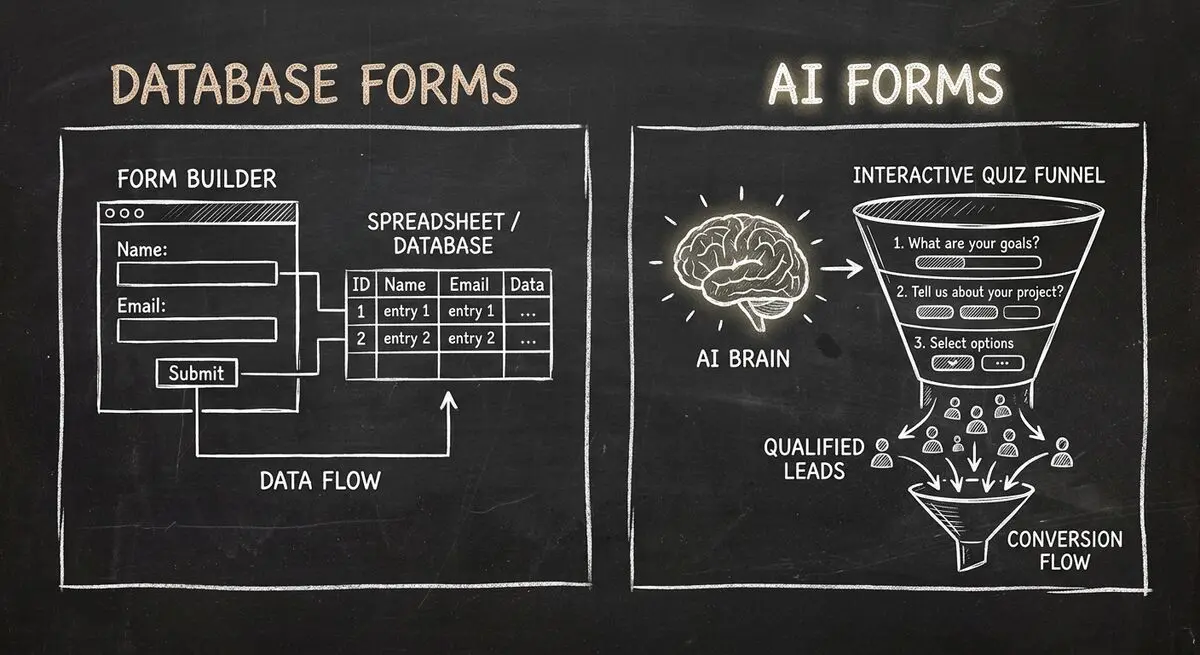
Compare Dashform and Fillout for lead intake, AI drafting, qualification, database connections, and the handoffs to test before switching.
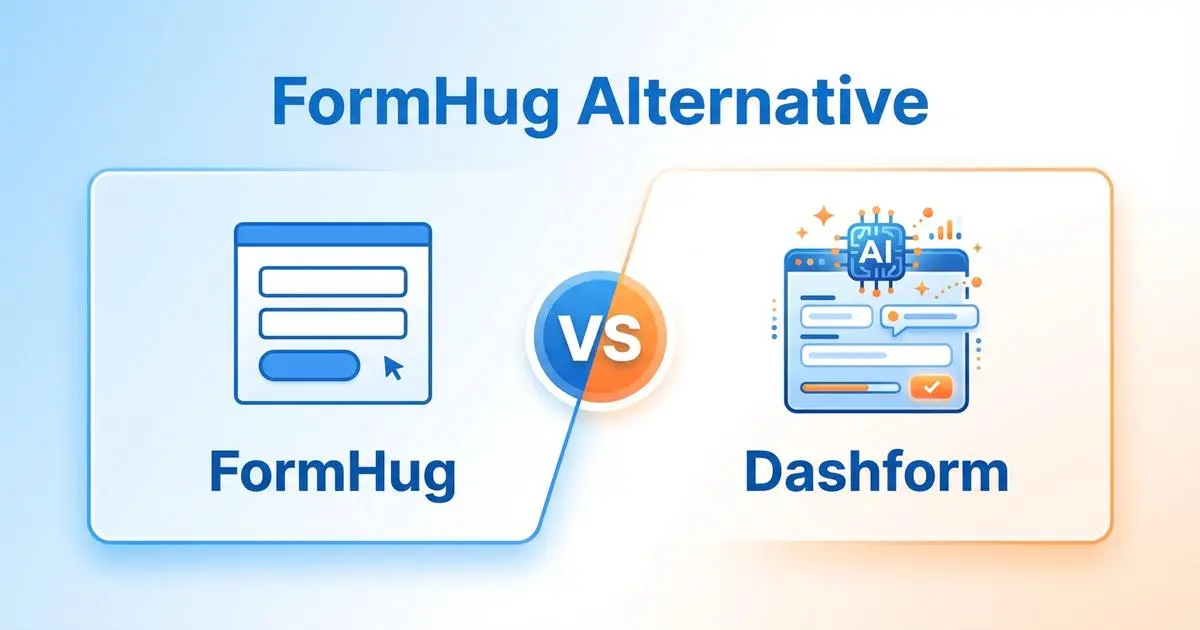
FormHug vs Dashform on AI quiz funnels, lead scoring, and pricing. Where FormHug excels and where switching makes sense for agencies and coaches.
GoHighLevel alternatives such as Dashform, HubSpot, and ClickFunnels compared: best uses, AI features, pros and cons, and which fits your business.
Try the world's first AI-native form and turn every response into action instantly.