

The Invoice Update Form opens with a welcome screen explaining its three uses: creating new invoices, updating billing details, or recording payment preferences. It then asks five questions: first, the "Please enter the invoice ID or a new reference number." question anchors every submission to a specific record; second, the "What is the full name of the customer or client associated with this invoice?" question ties the entry to the right account. The "Please provide detailed information regarding the items, services, or specific updates for this invoice." question captures the substance of the invoice, followed by the "What is the preferred payment method for this invoice?" question, which lets the submitter choose from Check, PayPal, Stripe, or Other Digital Payment. The optional "Do you have any additional notes or special instructions for this invoice?" question closes the form before a confirmation screen lets the submitter know their records have been updated successfully.
Try the conversation below to see how this template works
Trusted by over 10,000 customers and growing
Conversations Started
Questions Answered
Forms Created
Relies on the invoice ID and item detail questions to keep a clean record of each project billed, without needing separate accounting software for intake.
Uses the client name and preferred payment method questions to route each submission to the right account and process it through the correct payment channel straight away.
Depends on the additional notes question to capture one-off client instructions — such as split payments or late-fee waivers — that don't fit standard invoice fields.

AI builds and refines your form through natural conversation no templates, no complex logic, no coding. From a simple text prompt or URL, Dashform generates intelligent flows that adapt automatically.
Dashform turns traditional form-filling into a two-way dialogue. The AI understands intent, remembers context, and asks relevant follow-up questions just like a real human conversation.
Every response is transformed into structured, meaningful, and ready-to-use data. Integrate with your favorite tools.
Everything you need to create amazing forms
Everything you need to know about this template
Don't see exactly what you need? Use our AI Form Generator to create a custom form in seconds. Just describe what you want, and AI will build it for you.
Explore more templates to find the perfect fit
 Client Intake
Capture new client contact details, service interests, project description, timeline, and referral source in one tidy form.
 Registration
Collect a new horse's profile, owner contacts, vet details, vaccinations, and feeding schedule before arrival.
 Satisfaction Survey
Five quick questions to gauge subscriber satisfaction, content preferences, and ideal send frequency for your newsletter.
 Rsvp
RsvpCollect attendee details, guest counts, and dietary needs for a non-profit charity dinner in one tidy form.
 Consent
Outline the parties, proposed authority, dates, limits, and revocation terms before separate legal review or notarization.
 Professions
Collects health history, goals, diet preferences, and lifestyle habits so a nutrition coach can prepare a personalised plan before the first session.
Learn how to get the most out of your forms and templates
Map an existing ScoreApp assessment into a Dashform intake workflow, with a copyable brief, scoring worksheet, test cases, and clear migration limits.
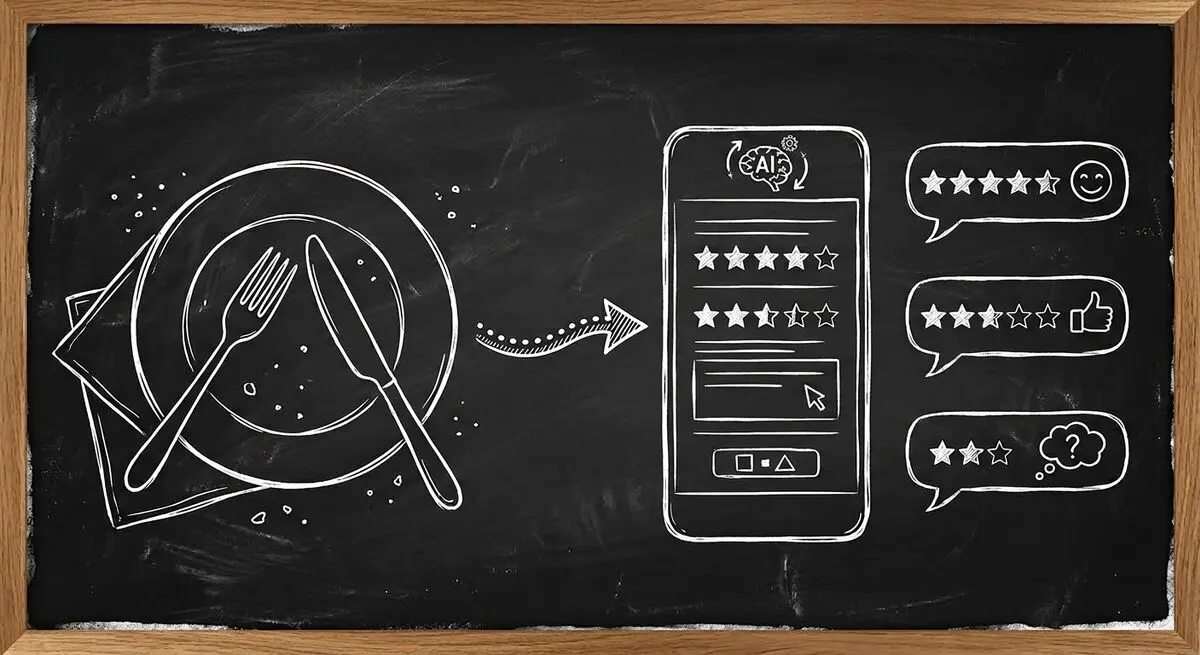
How restaurants use AI-powered feedback forms to capture customer sentiment in real time, resolve problems before they become public reviews, and bring guests back. A complete setup guide with QR code strategy.

Learn proven restaurant reputation management tips for handling online reviews. Discover how to respond to feedback professionally, manage negative reviews, and use AI-powered feedback forms to protect and grow your restaurant’s reputation.
Try the world's first AI-native form and turn every response into action instantly.