

The Corrective Action Form opens with a welcome screen explaining its purpose — systematically resolving non-conformances across processes, products, or services — before walking through eight questions. The first two establish what happened and who caught it, while the third asks for root cause analysis, prompting submitters to consider causes like equipment failure, process error, or lack of training. Questions four through six focus on the fix: proposed corrective actions, their current status (from 'Not Started' to 'Completed'), and how their effectiveness will be measured. Two optional closing questions capture a completion date and the reviewer's name and title, keeping the record audit-ready. After submitting, respondents see a confirmation screen thanking them for their input and confirming the information will be reviewed promptly.
Try the conversation below to see how this template works
Trusted by over 10,000 customers and growing
Conversations Started
Questions Answered
Forms Created
Rely on the "What is the identified root cause of this issue? (e.g., equipment failure, process error, human error, lack of training)" question to gather structured root cause data without needing a separate investigation worksheet.
Depend on the "Name and title of the person reviewing this corrective action." question and the completion date question to maintain a clear, attributable record for regulatory review.
Use the "What is the current status of the proposed corrective actions?" question to monitor whether fixes across multiple incidents are on track or stalled before issues escalate.

AI builds and refines your form through natural conversation no templates, no complex logic, no coding. From a simple text prompt or URL, Dashform generates intelligent flows that adapt automatically.
Dashform turns traditional form-filling into a two-way dialogue. The AI understands intent, remembers context, and asks relevant follow-up questions just like a real human conversation.
Every response is transformed into structured, meaningful, and ready-to-use data. Integrate with your favorite tools.
Everything you need to create amazing forms
Everything you need to know about this template
Don't see exactly what you need? Use our AI Form Generator to create a custom form in seconds. Just describe what you want, and AI will build it for you.
Explore more templates to find the perfect fit
 Attendance
Collect guest names, contact details, attendance confirmation, headcount, and dietary needs ahead of your event.
 Job Application
A clean, eight-question application covering contact details, role interest, availability, and resume link.
 Assessment
A six-question form that captures a candidate's technical skills, problem-solving approach, teamwork, learning habits, and communication style.
 Survey
Understand your clients' skin types, concerns, routines, and goals with this seven-question skin care survey.
 Client Intake
Collect skin type, concerns, product history, and allergies before a client's first appointment.
 Agreement
Collect client details, health disclosures, and treatment consent before a skincare appointment.
Learn how to get the most out of your forms and templates
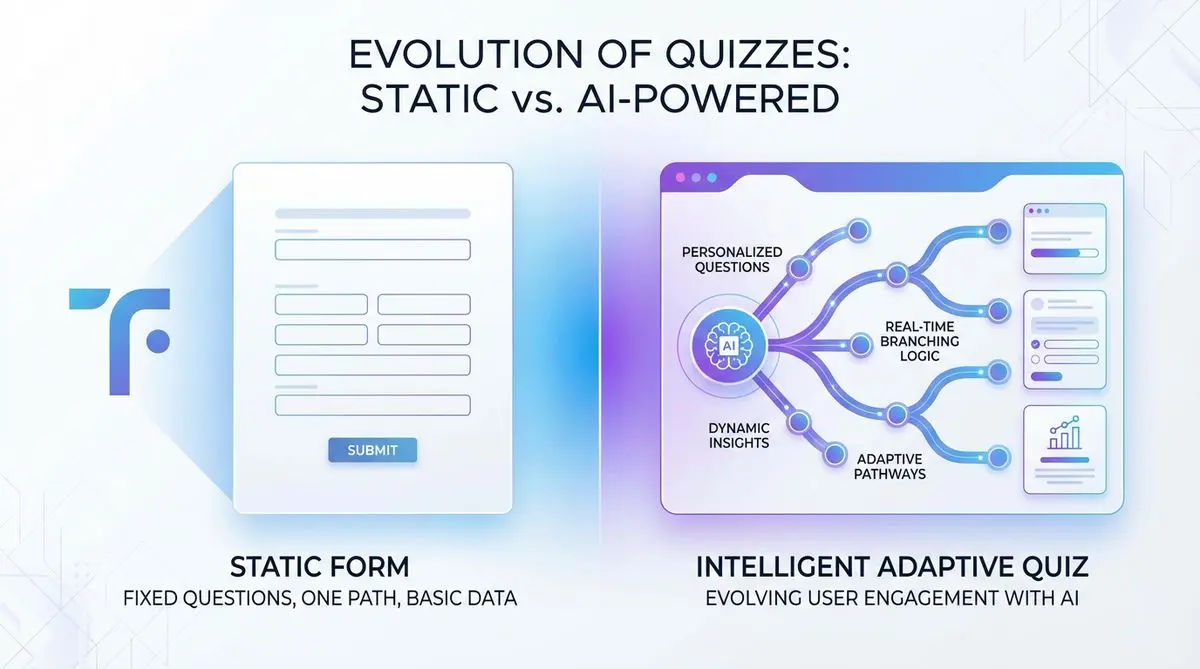
Compare Dashform and Typeform for question drafting, qualification, results, and configured CRM or scheduling handoffs.

Eight Botox marketing ideas to evaluate: dedicated landing pages, consultation requests, seasonal promotions, local SEO, and configured follow-ups.
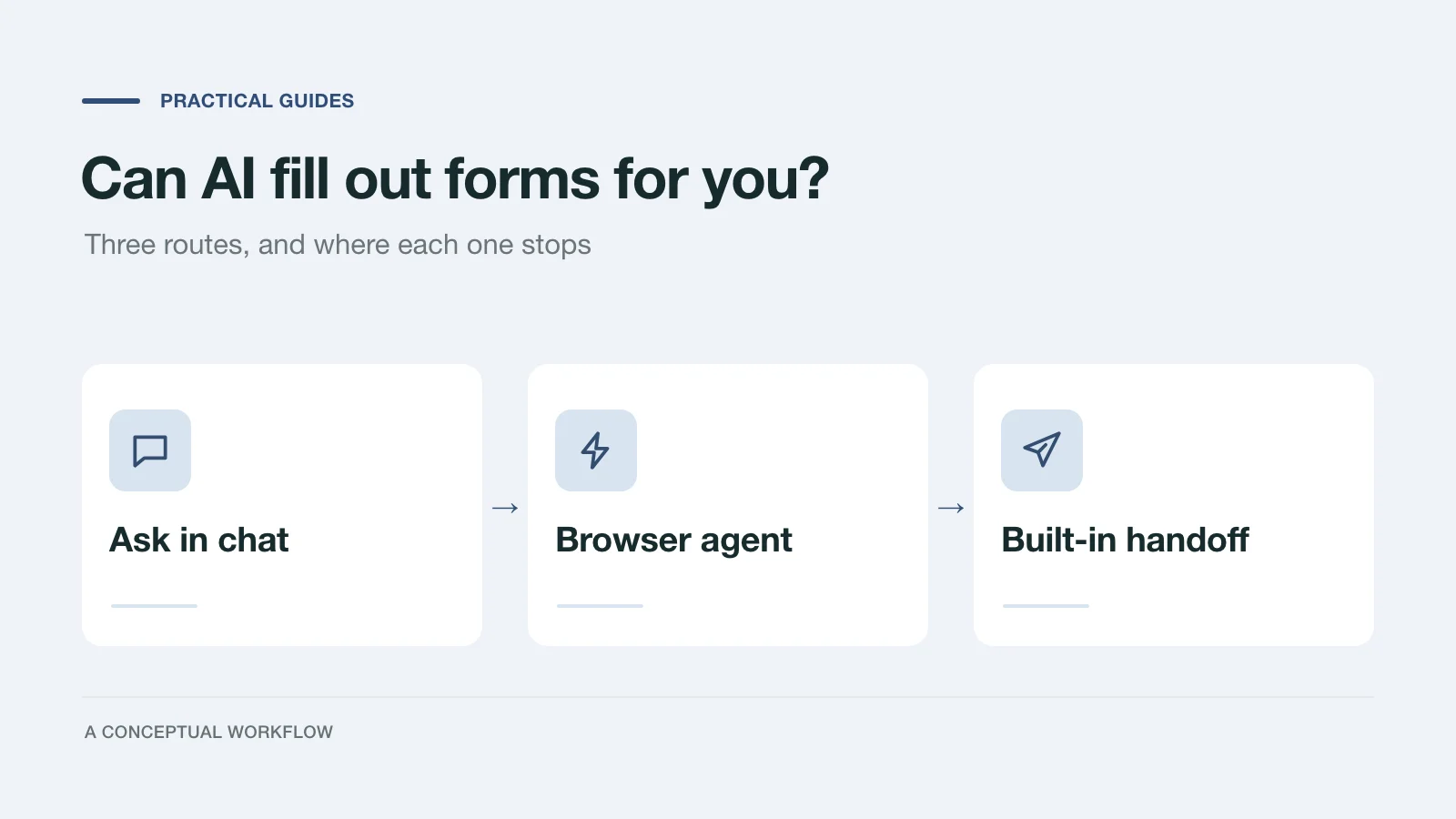
Yes, in three different ways: answers you paste in, a browser agent that clicks for you, or a form built for assistants. What each one handles and where it stops.
Try the world's first AI-native form and turn every response into action instantly.