

This eight-question form re-establishes the connection between alumni and their alma mater. It opens by collecting contact details — full name, email, and optionally a phone number — then moves to academic history with graduation year and degree or major, so the institution can segment its alumni community accurately. Two optional questions follow: current profession or employer, which helps build a picture of alumni outcomes, and interest in making a donation, kept optional so it never feels like a demand. The "Are you interested in receiving updates about alumni events?" question ensures only willing alumni receive event communications. After submitting, registrants see a confirmation message letting them know their information was received successfully.
Try the conversation below to see how this template works
Trusted by over 10,000 customers and growing
Conversations Started
Questions Answered
Forms Created
Relies on the graduation year and degree questions to accurately segment alumni by cohort and faculty for targeted outreach.
Uses the "Would you like to express interest in making a donation to support your alma mater?" question to identify prospective donors without pressuring registrants.
Depends on the "Are you interested in receiving updates about alumni events?" question to build a consent-based mailing list for reunions and events.

AI builds and refines your form through natural conversation no templates, no complex logic, no coding. From a simple text prompt or URL, Dashform generates intelligent flows that adapt automatically.
Dashform turns traditional form-filling into a two-way dialogue. The AI understands intent, remembers context, and asks relevant follow-up questions just like a real human conversation.
Every response is transformed into structured, meaningful, and ready-to-use data. Integrate with your favorite tools.
Everything you need to create amazing forms
Everything you need to know about this template
Don't see exactly what you need? Use our AI Form Generator to create a custom form in seconds. Just describe what you want, and AI will build it for you.
Explore more templates to find the perfect fit
 Subscription
Collect plan choices, billing preferences, and content interests from new subscribers in one clean form.
 Checklist
A step-by-step packing checklist covering documents, clothing, toiletries, and electronics for any trip type.
 General Application
Collect camper details, guardian contacts, health notes, and session choice in one tidy admission form.
 Other
OtherOrganize patient, insurer, provider, service-date, diagnosis-code, and procedure-fee details for clinician billing review.
 Assessment
Evaluate a support staff member's performance across communication, problem-solving, teamwork, and attendance in eight questions.
 Consent
Collect a legally structured sworn statement with identity details, a formal affirmation, and an electronic signature.
Learn how to get the most out of your forms and templates
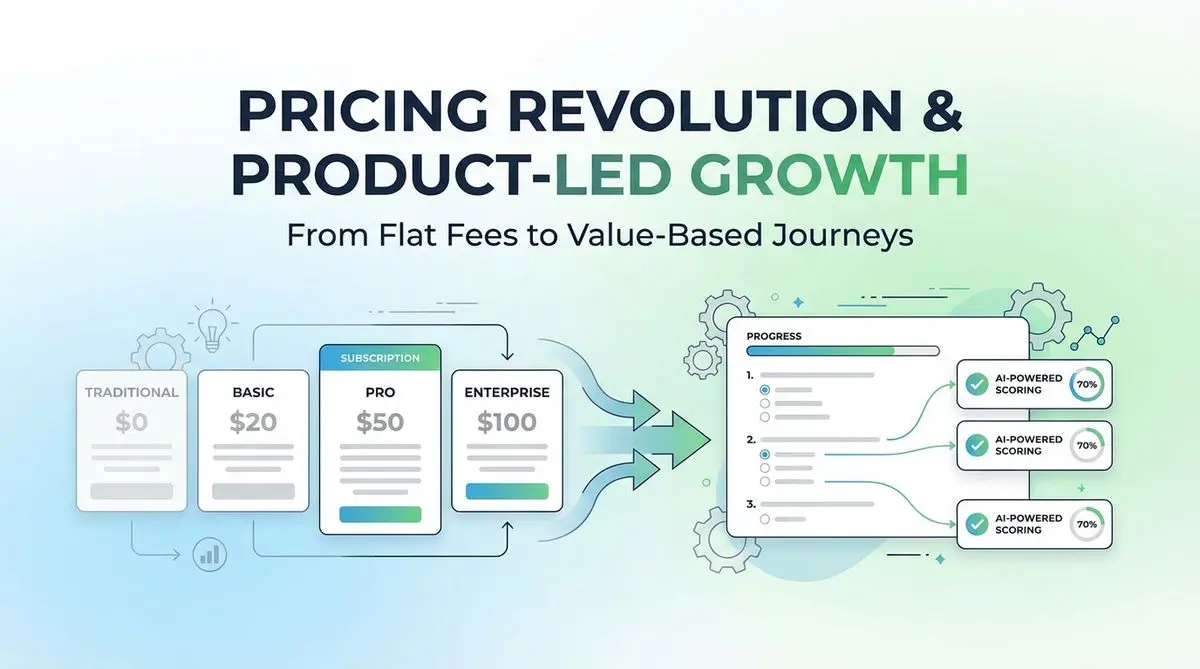
A proposed SaaS intake quiz can collect use case, budget, and timeline before a trial. Test its effect on signups, activation, and paying customers.
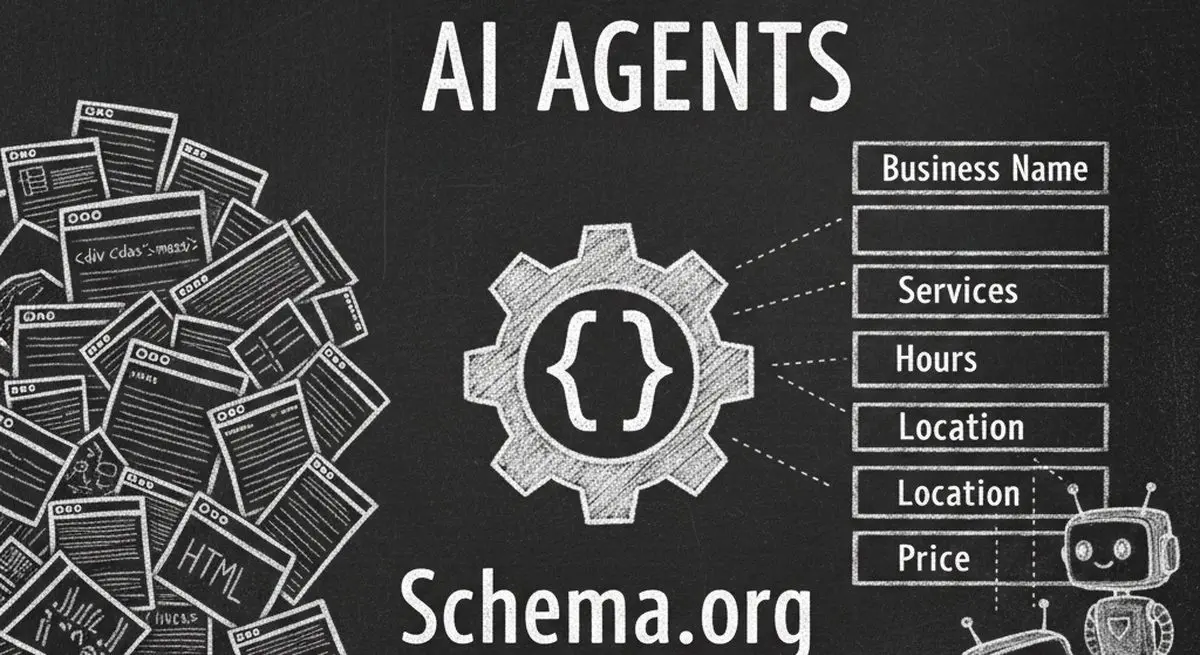
Review seven Schema.org types for describing business information accurately. Structured data can aid parsing, but does not guarantee discovery, citations, or bookings.

Many coaches start with ScoreApp for client scoring, but outgrow scoring-only workflows as their business scales. This article explores common ScoreApp alternatives and what modern coaches should look for beyond simple assessments.
Try the world's first AI-native form and turn every response into action instantly.