

The Teacher Class Verification Form opens by asking for the teacher's full name and the class name or unique ID, anchoring every subsequent answer to a specific person and course. A date field follows, creating a timestamped record for audit purposes. The form then asks two focused yes/no questions — whether the teacher is officially assigned to the class and whether attendance was accurately recorded — giving administrators a quick compliance snapshot. Two optional fields let the verifier log the number of students present and flag any discrepancies, capturing detail without blocking submission when nothing unusual occurred. The form closes by collecting the verifier's own name, establishing accountability for the record. After submitting, respondents see a confirmation screen thanking them and noting that their input supports accurate academic records and institutional compliance.
Try the conversation below to see how this template works
Trusted by over 10,000 customers and growing
Conversations Started
Questions Answered
Forms Created
Rely on the assignment and attendance yes/no questions to quickly audit whether records match what actually happened in class.
Use the class name or unique ID question alongside the verifier name field to track which courses have been checked and by whom.
Depend on the date field and the discrepancies question to build a timestamped, annotated paper trail for institutional audits.

AI builds and refines your form through natural conversation no templates, no complex logic, no coding. From a simple text prompt or URL, Dashform generates intelligent flows that adapt automatically.
Dashform turns traditional form-filling into a two-way dialogue. The AI understands intent, remembers context, and asks relevant follow-up questions just like a real human conversation.
Every response is transformed into structured, meaningful, and ready-to-use data. Integrate with your favorite tools.
Everything you need to create amazing forms
Everything you need to know about this template
Don't see exactly what you need? Use our AI Form Generator to create a custom form in seconds. Just describe what you want, and AI will build it for you.
Explore more templates to find the perfect fit
 Quote Request
Collect project scope, materials, timeline, budget, and permitting details to build an accurate construction proposal.
 Document Submission
Submit proposed materials, equipment, shop drawings, or work methods for project team review and approval.
 Registration
Collect a child's legal name, date of birth, parent/guardian contact, emergency contact, and medical notes in one tidy form.
 Contact
A clean, paper-themed contact form that captures name, email, subject, message, and contact preferences.
 Information Request
Collect a contact's name, email, phone number, and optional mailing address in one clean, straightforward form.
 Checklist
Document your organization's emergency contacts, safety policies, medical protocols, and response plan in one structured checklist.
Learn how to get the most out of your forms and templates

Plan an onboarding questionnaire with AI-assisted drafting, relevant follow-ups, explicit next steps, and a tested handoff to your team.
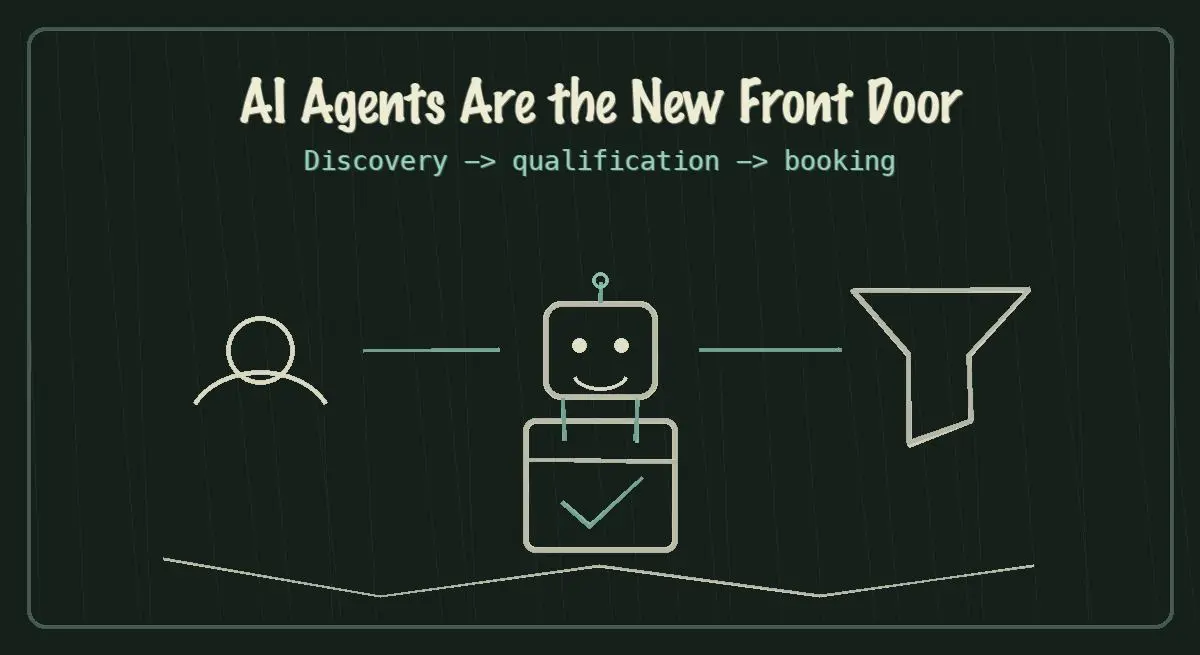
AI agents are becoming the new front door for local service discovery. Learn how to make your business discoverable, qualified, and bookable in 2026.
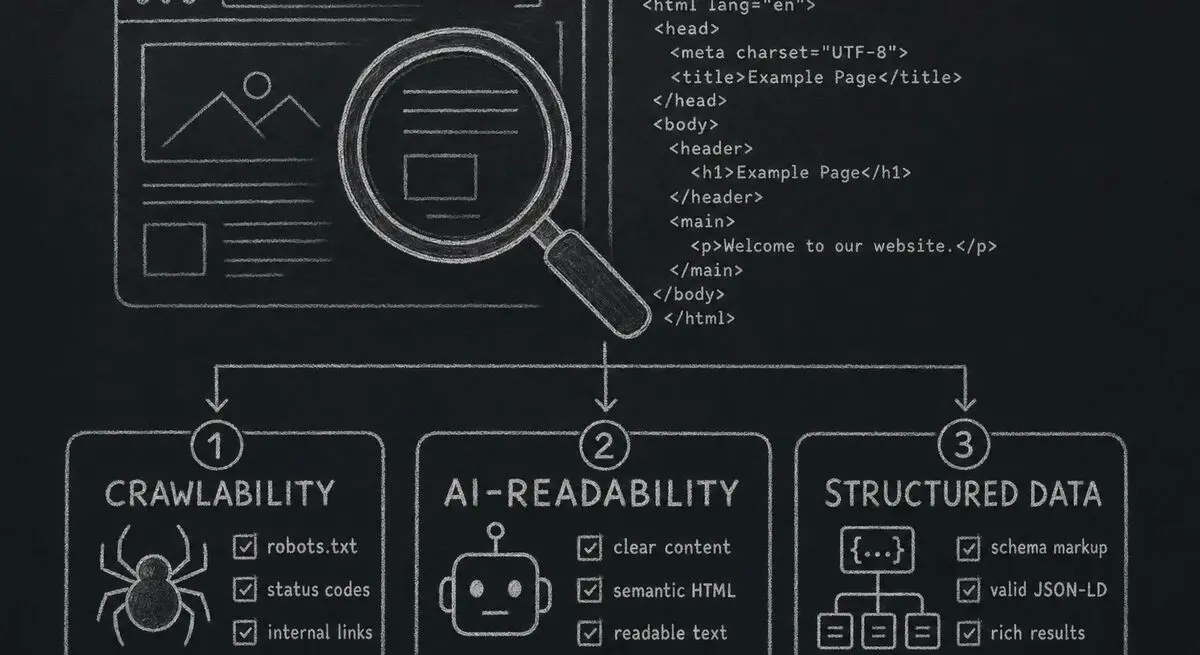
How Dashform computes technical agent readiness, groups its checks into Readiness Layers, and presents Findings without predicting traffic or revenue.
Try the world's first AI-native form and turn every response into action instantly.