

The Monthly Recognition Form is an essential tool for organizations seeking to celebrate outstanding employee contributions and foster a positive workplace culture. Designed to streamline the nomination process for programs like 'employee of the month,' this template empowers managers, HR departments, and team leaders to easily document achievements and positive behaviors. It simplifies the collection of nominations, ensuring that merits are captured efficiently and regularly. Beyond facilitating nominations, this form helps maintain a comprehensive history of recognition records, which are invaluable for performance reviews and HR audits. By promoting regular acknowledgment and providing a platform for sharing recognition results, this form significantly boosts employee engagement and contributes to a healthy, appreciative work environment.
Try the conversation below to see how this template works
Trusted by over 10,000 customers and growing
Conversations Started
Questions Answered
Forms Created
Efficiently manage and track employee recognition nominations for various programs and audits.
Easily nominate team members for their outstanding contributions and foster a culture of appreciation.
Implement a structured and consistent system for acknowledging and celebrating employee achievements.

AI builds and refines your form through natural conversation no templates, no complex logic, no coding. From a simple text prompt or URL, Dashform generates intelligent flows that adapt automatically.
Dashform turns traditional form-filling into a two-way dialogue. The AI understands intent, remembers context, and asks relevant follow-up questions just like a real human conversation.
Every response is transformed into structured, meaningful, and ready-to-use data. Integrate with your favorite tools.
Everything you need to create amazing forms
Everything you need to know about this template
Don't see exactly what you need? Use our AI Form Generator to create a custom form in seconds. Just describe what you want, and AI will build it for you.
Explore more templates to find the perfect fit
 Consent
Collect essential patient information and medical history from individuals who decline vaccination, streamlining documentation for healthcare providers.
 Product Order
Streamline the sale of Valentine DIY kits with a customizable online order form, making it simple for customers to purchase unique gifts.
 Assessment
This form helps property managers efficiently assess and track the current market value of their rental units for informed decision-making and portfolio optimization.
 Tracking Log
This form streamlines van audits, helping businesses track vehicle condition, mileage, and service history to ensure compliance and identify maintenance needs.
 Checklist
Detailed vehicle inspection form for documenting condition, safety, and maintenance requirements.
 Waiver
Streamline the transfer of vehicle ownership or possession with this form, ensuring all necessary details are captured for a clear and legally sound release.
Learn how to get the most out of your forms and templates
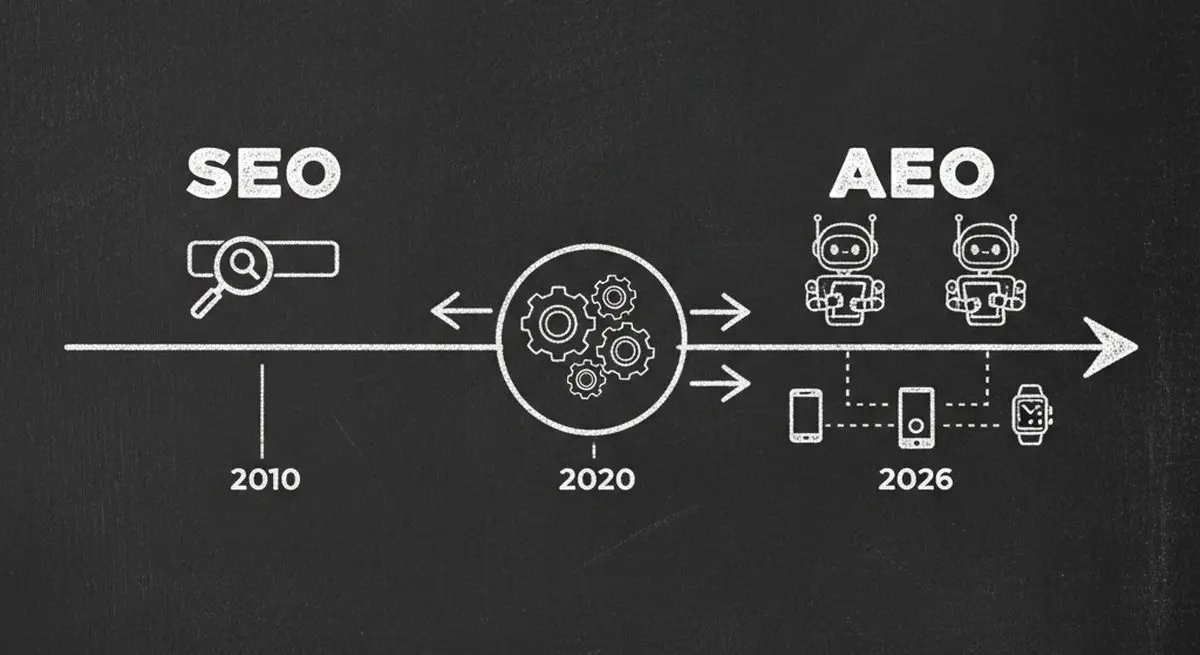
AEO (Agent Experience Optimization) is the new SEO for the AI era. Learn the 6-dimension framework, check your AX Score, and follow the roadmap to make your business visible to ChatGPT, Claude, and Gemini.
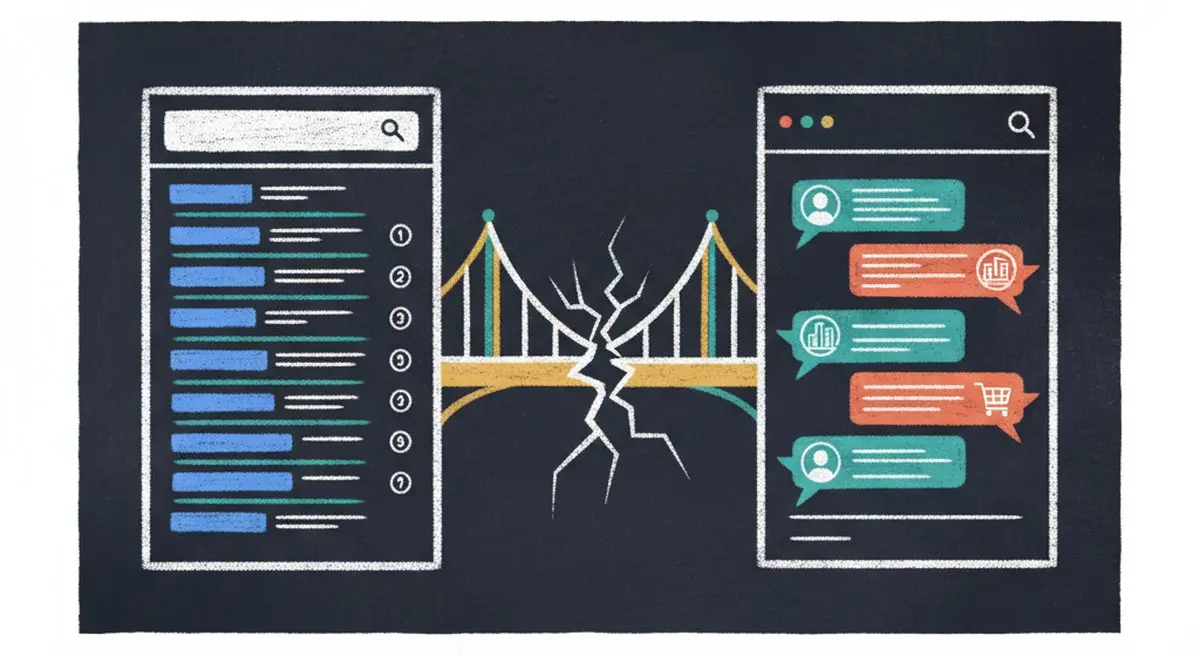
SEO alone isn't enough in 2026. Learn the difference between SEO, AEO (Answer Engine Optimization), and AXO -- and how to appear in ChatGPT, Claude, and AI agent recommendations.
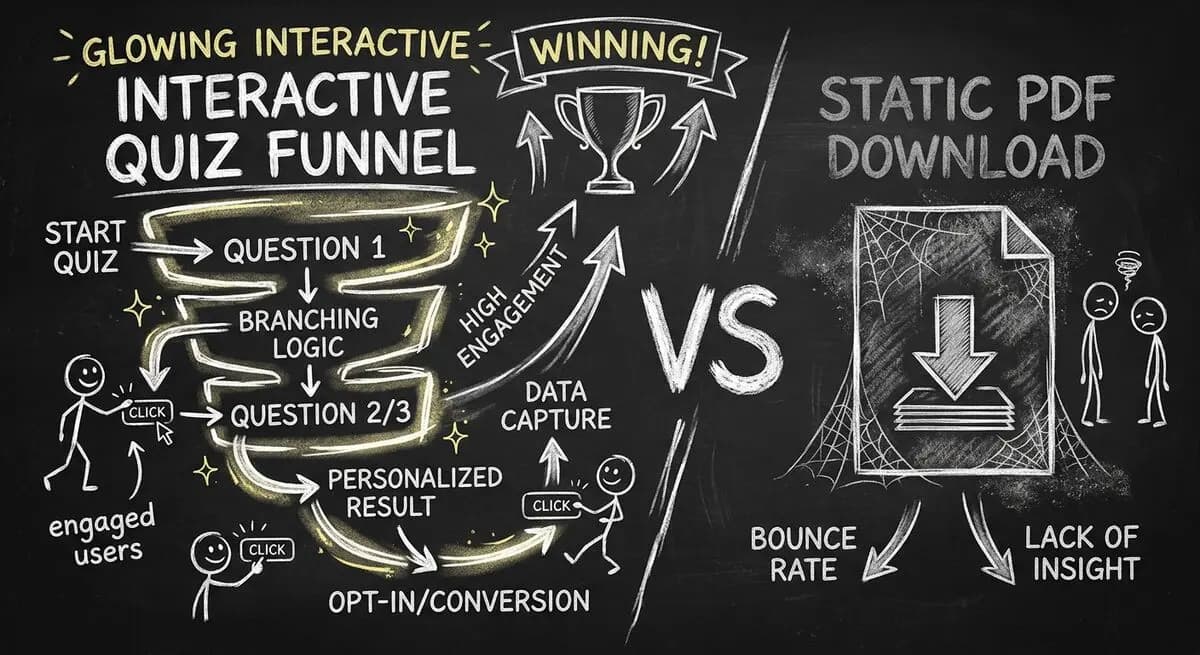
Gated PDFs convert at 2-5%. Quiz funnels convert at 40-60%. This is the agency playbook for replacing static lead magnets with interactive qualification funnels that generate 10x more leads with 3x better quality. Includes 4 B2B templates.
Try the world's first AI-native form and turn every response into action instantly.