

This eight-question survey opens by asking employees to rate their overall satisfaction with workplace processes, then moves into how clearly those processes are defined and communicated within their team. It follows up with a rating of management support for process adherence, and a single-choice question on how effectively process changes are communicated. Two optional open-ended questions invite employees to name specific areas needing improvement and to suggest new tools or technologies, ensuring candid ideas aren't lost. The final two required questions ask how much current processes enable or hinder daily productivity, and whether employees feel adequately trained to follow them — grounding the survey in lived, day-to-day experience. After submitting, respondents see a thank-you screen confirming that their insights will directly inform continuous improvement efforts.
Try the conversation below to see how this template works
Trusted by over 10,000 customers and growing
Conversations Started
Questions Answered
Forms Created
The "Do you feel adequately trained and equipped to follow current processes effectively?" question helps HR spot training gaps before they become retention or compliance problems.
The "To what extent do current processes enable or hinder your daily productivity?" question gives operations managers a direct signal on which workflows are creating friction across teams.
The "How effective is communication regarding changes to existing processes or the introduction of new ones?" question tells leads whether their rollout communications are landing — or getting lost.

AI builds and refines your form through natural conversation no templates, no complex logic, no coding. From a simple text prompt or URL, Dashform generates intelligent flows that adapt automatically.
Dashform turns traditional form-filling into a two-way dialogue. The AI understands intent, remembers context, and asks relevant follow-up questions just like a real human conversation.
Every response is transformed into structured, meaningful, and ready-to-use data. Integrate with your favorite tools.
Everything you need to create amazing forms
Everything you need to know about this template
Don't see exactly what you need? Use our AI Form Generator to create a custom form in seconds. Just describe what you want, and AI will build it for you.
Explore more templates to find the perfect fit
 Client Intake
Capture new client contact details, service interests, project description, timeline, and referral source in one tidy form.
 Registration
Collect a new horse's profile, owner contacts, vet details, vaccinations, and feeding schedule before arrival.
 Satisfaction Survey
Five quick questions to gauge subscriber satisfaction, content preferences, and ideal send frequency for your newsletter.
 Rsvp
RsvpCollect attendee details, guest counts, and dietary needs for a non-profit charity dinner in one tidy form.
 Consent
Outline the parties, proposed authority, dates, limits, and revocation terms before separate legal review or notarization.
 Professions
Collects health history, goals, diet preferences, and lifestyle habits so a nutrition coach can prepare a personalised plan before the first session.
Learn how to get the most out of your forms and templates

View Google Form responses, link a Google Sheet, enable email notifications, and export a CSV. Compare these workflows with Dashform Reply review.
A guide to sharing and closing Google Forms, checking the controls available in your account, and comparing Dashform sharing workflows.
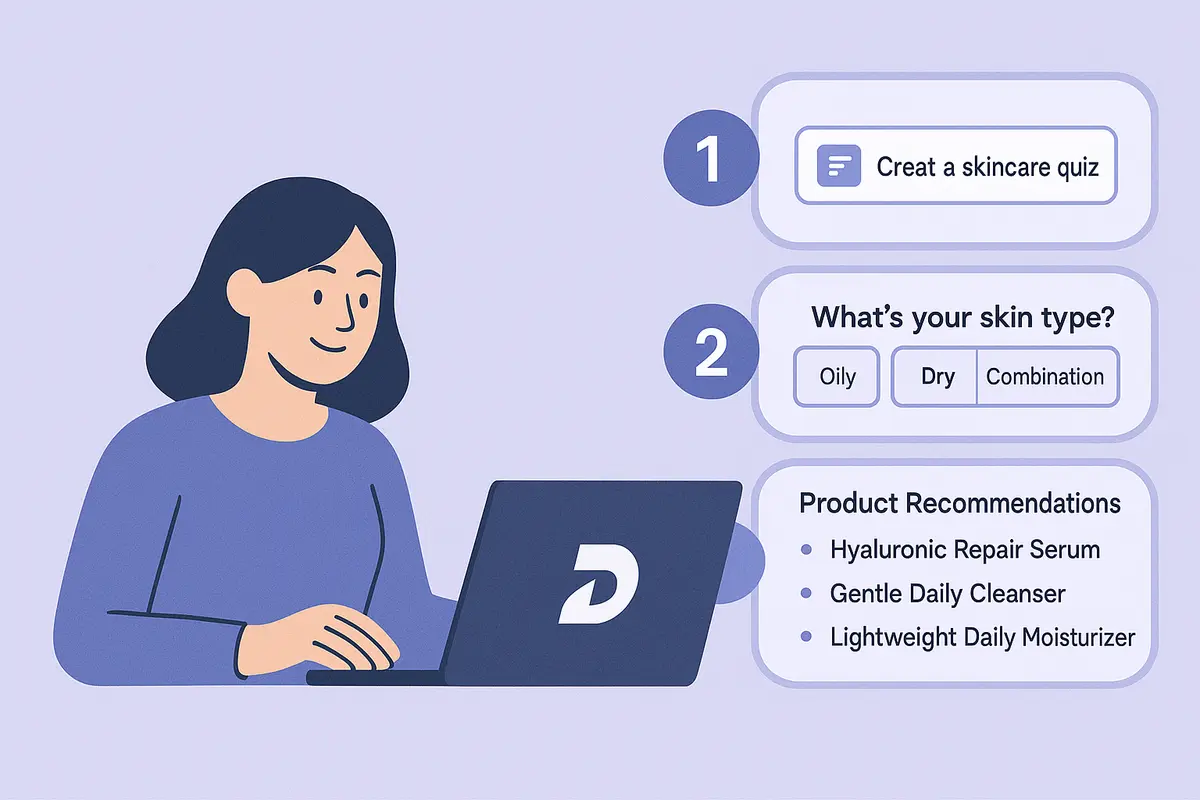
Learn how to create a high-converting AI product recommendation quiz using Dashform. This step-by-step guide shows how to generate personalized quizzes with conditional logic, branding, and CRM integrations — no coding required.
Try the world's first AI-native form and turn every response into action instantly.