

The Invoice Upload Form opens with a brief welcome explaining its purpose, then collects eight pieces of information in a logical order. It starts with three identifying fields — customer name, email address, and invoice number — so submissions can be matched to the right person and record straight away. The "What is the date on the invoice?" and "What is the total amount due as stated on the invoice?" questions capture the core financial details before the optional "If applicable, what is the name of your company or organization?" question adds business context where relevant. The "Please paste a shareable link to your electronic invoice document." question is the heart of the form, placed after the metadata so the document link accompanies its identifying details. A final optional comments field lets submitters flag anything unusual. After submitting, respondents see a confirmation that their submission has been received.
Try the conversation below to see how this template works
Trusted by over 10,000 customers and growing
Conversations Started
Questions Answered
Forms Created
The invoice number, date, and total amount due questions give independent workers a structured way to submit billing documents without relying on email threads.
Pairs the invoice link with the name, email, and optional company details needed to route the submission to an account.
The optional comments question lets suppliers flag special payment terms or references at the point of submission, reducing the need for follow-up calls.

AI builds and refines your form through natural conversation no templates, no complex logic, no coding. From a simple text prompt or URL, Dashform generates intelligent flows that adapt automatically.
Dashform turns traditional form-filling into a two-way dialogue. The AI understands intent, remembers context, and asks relevant follow-up questions just like a real human conversation.
Every response is transformed into structured, meaningful, and ready-to-use data. Integrate with your favorite tools.
Everything you need to create amazing forms
Everything you need to know about this template
Don't see exactly what you need? Use our AI Form Generator to create a custom form in seconds. Just describe what you want, and AI will build it for you.
Explore more templates to find the perfect fit
 Consent
Collect ketamine therapy consent choices and questions after a patient reviews information from their healthcare provider.
 File Upload
Collect a website funding overview, requested amount, accessible supporting-document links, and an application-readiness declaration.
 Assessment
Review laboratory education, instrument experience, quality-control practice, and critical-value reporting in seven questions.
 General Request
Collect late assignment details, reasons, and a proposed new deadline from students or staff in one tidy form.
 Client Intake
Collects incident details, damages, and prior legal history so an attorney can assess a prospective client's case.
 Signup
Capture name, email, and intent from new leads so your team can follow up with the right message.
Learn how to get the most out of your forms and templates

SEO alone isn't enough anymore. The difference between SEO, AEO (Answer Engine Optimization), and AXO, and how to appear in ChatGPT, Claude, and AI agent recommendations.

Gated PDFs collect an email and little else; quiz funnels qualify leads as they answer. The agency playbook for replacing static lead magnets with interactive qualification funnels, with 4 B2B templates.
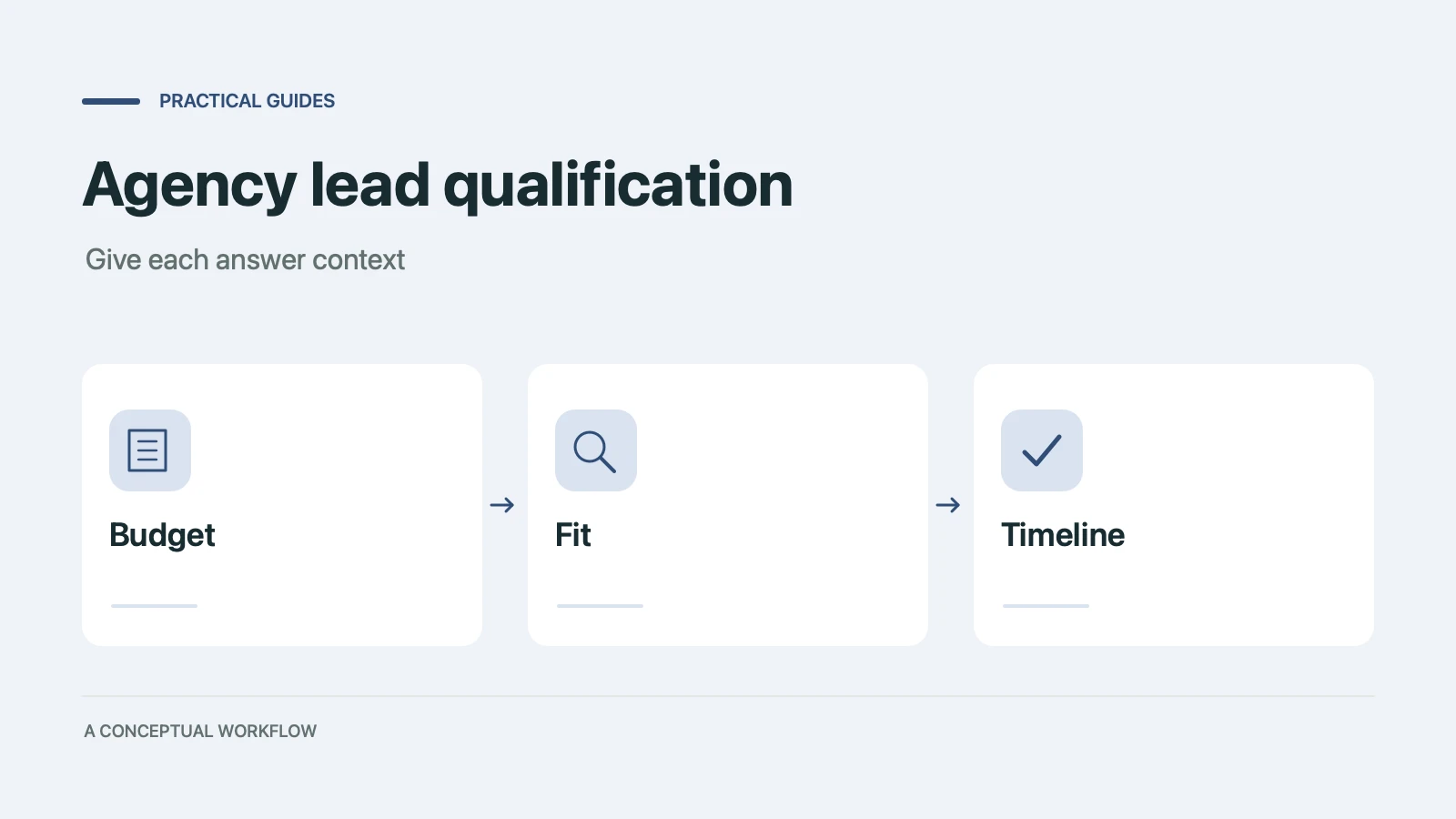
Copy a ten-point agency lead qualification scorecard, check worked examples, and turn the questions into a Dashform inquiry form with clear review rules.
Try the world's first AI-native form and turn every response into action instantly.