This five-question Post Occupancy Evaluation Survey opens by asking occupants to rate their overall satisfaction with the building's environment and facilities, establishing a broad baseline before narrowing in on specifics. The "Please indicate which aspects of comfort in this building are satisfactory:" question lets respondents flag any combination of thermal, acoustic, lighting, and air quality comfort, pinpointing exactly which environmental systems are working. A single-choice question then gauges how well the layout and design supports daily activities, placing spatial usability in context after comfort has been assessed. Two optional open-ended questions invite targeted improvement suggestions and any remaining general comments, giving occupants room to raise anything the structured questions didn't capture. After submitting, respondents see a thank-you screen confirming that their insights will contribute to creating better built environments.
Try the conversation below to see how this template works
Trusted by over 10,000 customers and growing
Conversations Started
Questions Answered
Forms Created
Relies on the "Please indicate which aspects of comfort in this building are satisfactory?" question to quickly spot which environmental systems — heating, acoustics, lighting, or ventilation — need attention.
Uses the "How well does the building's layout and design support your daily activities?" question to validate whether spatial decisions made at design stage are translating into usable, practical spaces for occupants.
Draws on the two open-ended questions to surface specific, actionable tenant concerns that wouldn't appear in a tick-box survey, helping prioritise maintenance and upgrade investments.

AI builds and refines your form through natural conversation no templates, no complex logic, no coding. From a simple text prompt or URL, Dashform generates intelligent flows that adapt automatically.
Dashform turns traditional form-filling into a two-way dialogue. The AI understands intent, remembers context, and asks relevant follow-up questions just like a real human conversation.
Every response is transformed into structured, meaningful, and ready-to-use data. Integrate with your favorite tools.
Everything you need to create amazing forms
Everything you need to know about this template
Don't see exactly what you need? Use our AI Form Generator to create a custom form in seconds. Just describe what you want, and AI will build it for you.
Explore more templates to find the perfect fit
 Performance Evaluation
Document employee performance counseling sessions with structured fields for issues, expectations, and follow-up actions.
 Education
Collect parental consent, emergency contacts, and medical notes for a student's upcoming school activity.
 Product Order
Submit a personal ad for a basketball team member, including your message, size preference, and placement notes.
 Tracking Log
Log every detail of a book in your personal collection, from title and author to format, rating, and your own notes.
 General Request
Request a personal shopping session by sharing your style, budget, and availability in one quick form.
 Professions
Collect health history, fitness goals, and availability from new PT clients before their first session.
Learn how to get the most out of your forms and templates

Stop spending hours on unqualified discovery calls. AI intake forms qualify fitness clients on goals, budget, and commitment before they book.
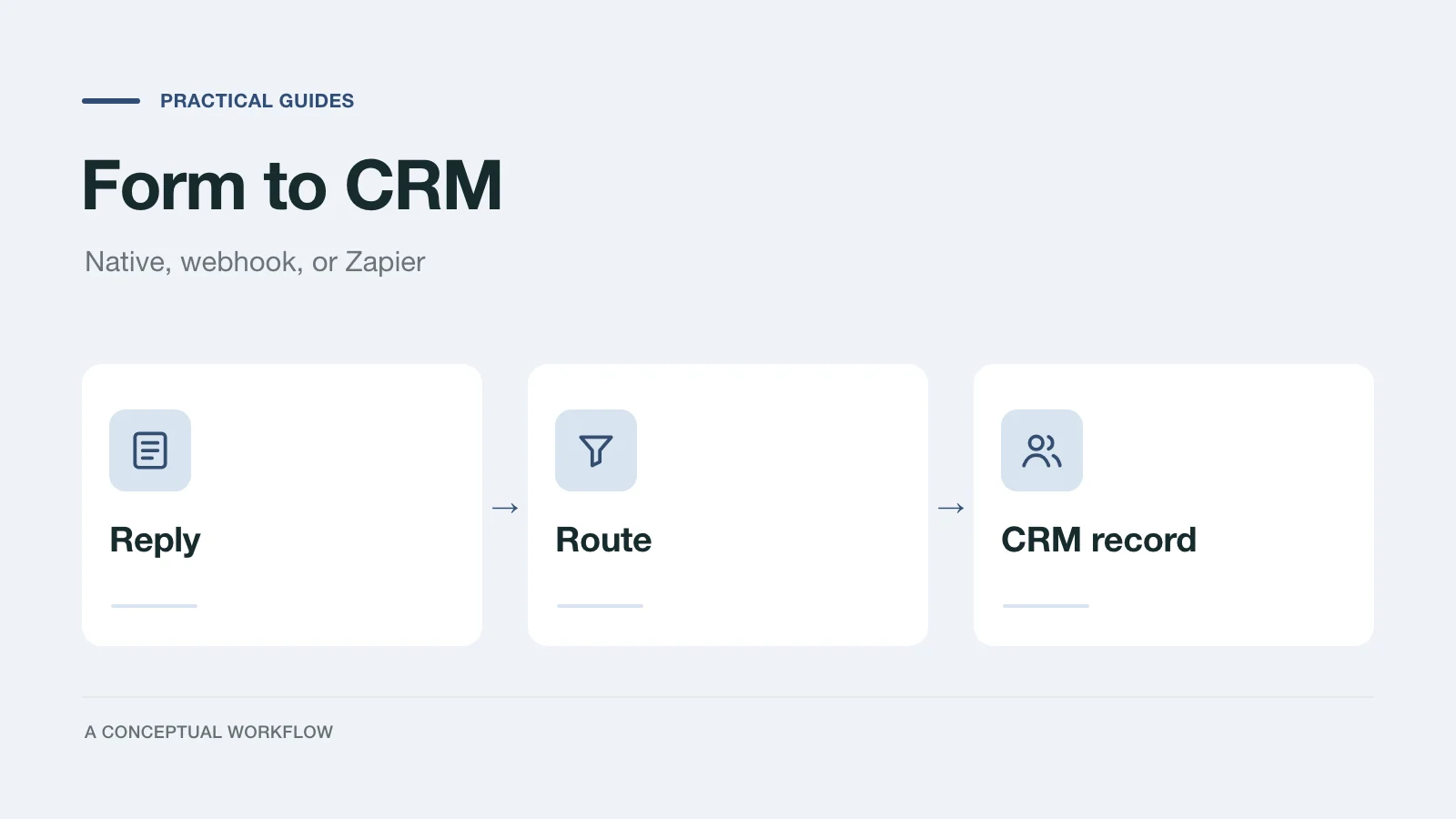
Compare three ways to send form submissions to your CRM (native, webhook, Zapier) by setup, failures, and duplicates, with two worked HubSpot builds.
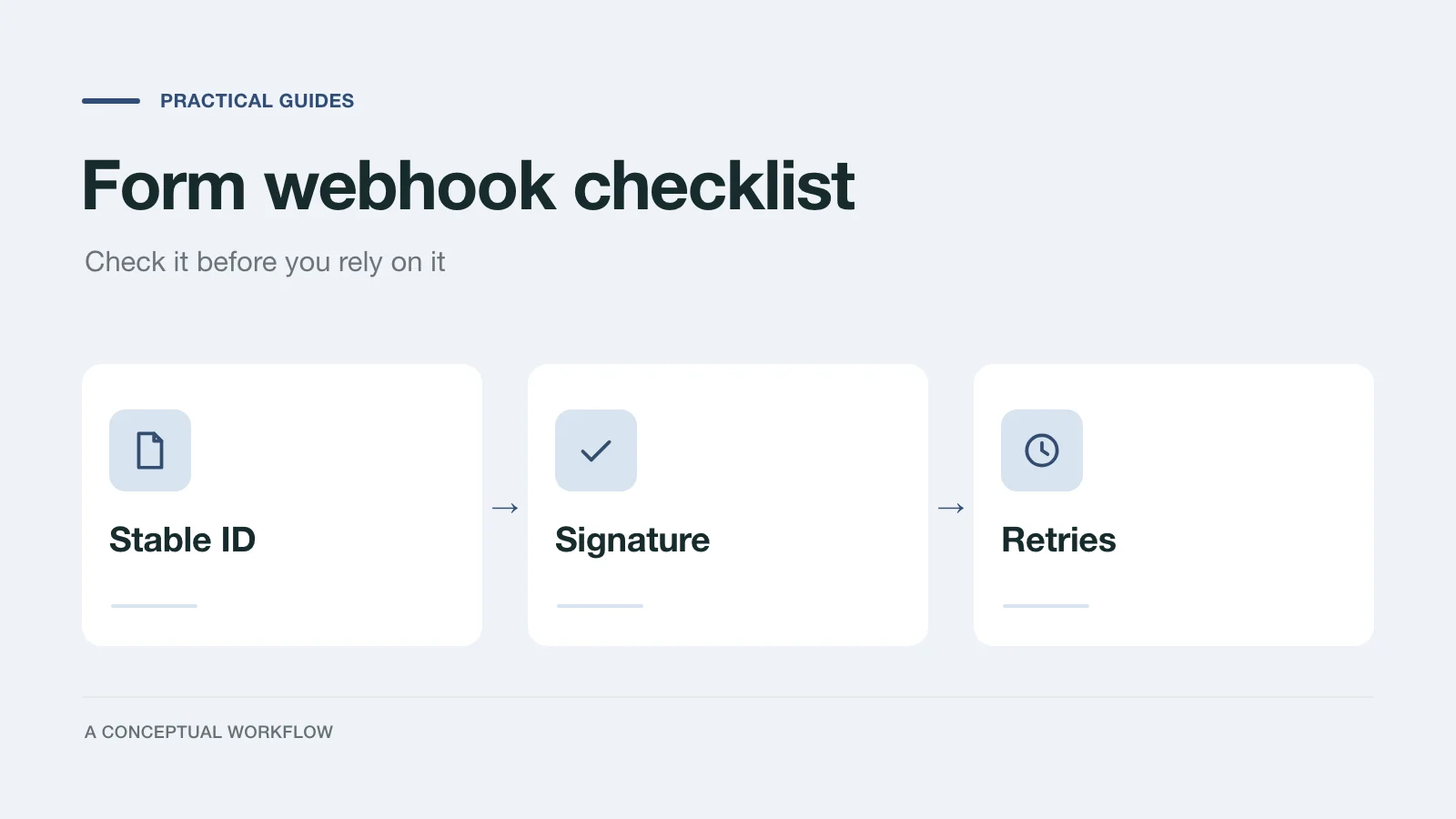
A copyable checklist for any form webhook: stable submission IDs, idempotency keys, signature checks, retries, replay, versioning, and file deletion.
Try the world's first AI-native form and turn every response into action instantly.

