

The Allergy Risk Assessment Form opens by collecting the patient's full legal name and date of birth to anchor the record to the right individual before any clinical detail is gathered. It then asks the "Do you have any known allergies to medications, foods, environmental factors, or other substances?" question, which gates the follow-up prompts where patients list each allergy by name and describe the reaction it causes — keeping irrelevant fields optional for those with no known allergies. The "Have you ever experienced a severe allergic reaction (anaphylaxis) requiring emergency medical attention?" question flags high-risk patients, and the follow-up about carrying an epinephrine auto-injector tells care providers what emergency resources the patient has on hand. A final open-ended prompt captures family allergy history, which can surface hereditary risk patterns. After submitting, patients see a confirmation screen thanking them and confirming their responses will support safe, personalised care.
Try the conversation below to see how this template works
Trusted by over 10,000 customers and growing
Conversations Started
Questions Answered
Forms Created
Rely on the "Do you have any known allergies to medications, foods, environmental factors, or other substances?" question and the follow-up reaction description to update patient records before prescribing.
Use the "Have you ever experienced a severe allergic reaction (anaphylaxis) requiring emergency medical attention?" question alongside the epinephrine auto-injector question to flag high-risk patients at intake.
Depend on the full name and date of birth questions to tie allergy responses to the correct patient file across multi-practitioner settings.

AI builds and refines your form through natural conversation no templates, no complex logic, no coding. From a simple text prompt or URL, Dashform generates intelligent flows that adapt automatically.
Dashform turns traditional form-filling into a two-way dialogue. The AI understands intent, remembers context, and asks relevant follow-up questions just like a real human conversation.
Every response is transformed into structured, meaningful, and ready-to-use data. Integrate with your favorite tools.
Everything you need to create amazing forms
Everything you need to know about this template
Don't see exactly what you need? Use our AI Form Generator to create a custom form in seconds. Just describe what you want, and AI will build it for you.
Explore more templates to find the perfect fit
 Survey
A seven-question survey collecting graduating students' ratings, post-graduation plans, and program feedback.
 Request
Collect project type, description, specs, content, brand guidelines, and deadline for any graphic design request.
 Product Order
Order groceries online by selecting delivery timing, product categories, and providing your address in one simple form.
 Event Registration
Register a whole group for an event or program in one quick submission.
 Consent
Collect a named participant's group therapy understanding, confidentiality choices, attendance position, and consent or refusal.
 Assessment
Collect firearm type, make, model, serial number, condition, and special features for a thorough appraisal.
Learn how to get the most out of your forms and templates

Compare GoHighLevel alternatives including Dashform, HubSpot, ClickFunnels, and more: what each is best for, its AI features, pros and cons, and which fits your business.
Considering Dashform as a Heyflow alternative? Compare lead qualification, AI assistance, tracking requirements, and a practical pilot before switching.
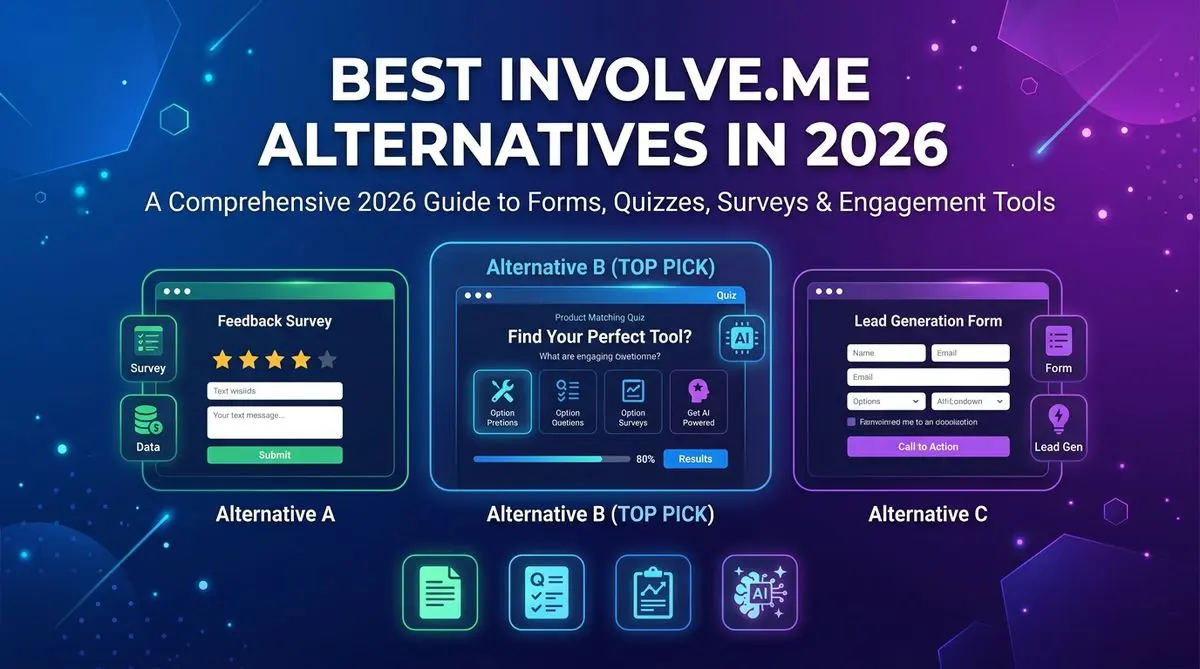
7 involve.me alternatives compared on AI quiz generation, lead scoring, pricing, and templates. Includes Outgrow, LeadQuizzes, Dashform, and 4 others — head-to-head ranking.
Try the world's first AI-native form and turn every response into action instantly.