The Menu Tasting Form opens by asking respondents to name the dish they are trying, then walks through four evaluation questions: overall taste and ingredient quality (each on a 1-to-5 rating scale), presentation (from 'Excellent' to 'Poor'), and portion size. An optional open-ended suggestions question sits near the end so tasters can flag specific improvements without feeling obligated, and the form closes by asking whether they would recommend the dish to a friend or colleague — a clear signal of overall confidence. After submitting, respondents see a thank-you screen confirming that their feedback will be used to refine the menu.
Try the conversation below to see how this template works
Trusted by over 10,000 customers and growing
Conversations Started
Questions Answered
Forms Created
Rely on the paired taste and ingredient-quality rating questions to pinpoint whether a dish falls short in execution, sourcing, or both.
Use the presentation and portion-size questions to standardise how dishes look and how much is plated across large-scale events.
Lean on the "Would you recommend this dish to a friend or colleague?" question to decide quickly which new dishes are ready for the permanent menu.

AI builds and refines your form through natural conversation no templates, no complex logic, no coding. From a simple text prompt or URL, Dashform generates intelligent flows that adapt automatically.
Dashform turns traditional form-filling into a two-way dialogue. The AI understands intent, remembers context, and asks relevant follow-up questions just like a real human conversation.
Every response is transformed into structured, meaningful, and ready-to-use data. Integrate with your favorite tools.
Everything you need to create amazing forms
Everything you need to know about this template
Don't see exactly what you need? Use our AI Form Generator to create a custom form in seconds. Just describe what you want, and AI will build it for you.
Explore more templates to find the perfect fit
 Upload
Tell your design team everything they need to create the right logo — industry, personality, style, colors, and timeline in one five-minute form.
 Incident Report
Report a lost or found item on your premises with this eight-question form that captures descriptions, locations, and contact details.
 Quiz
Collect loungewear preferences across comfort, fabric, style, daily activities, and interest in trends.
 Survey
Gather reader demographics, reading habits, content ratings, and recommendations to guide your magazine's editorial direction.
 Agreement
Capture property details, service scope, frequency, and contract length to draft a maintenance service agreement.
 Request
Report a maintenance issue with location, urgency, and contact details so your team can respond fast.
Learn how to get the most out of your forms and templates
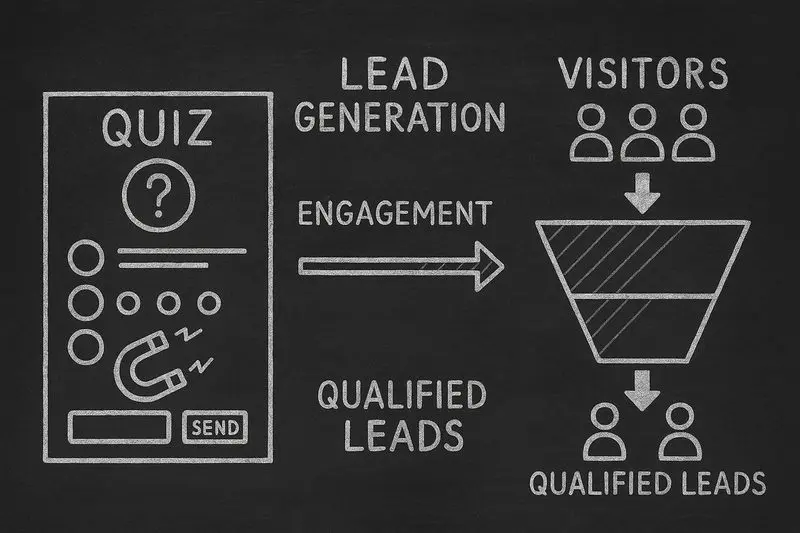
How lead generation quizzes work, 5 quiz types for different goals, a design framework, and an email-capture playbook, with Interact quiz report data.
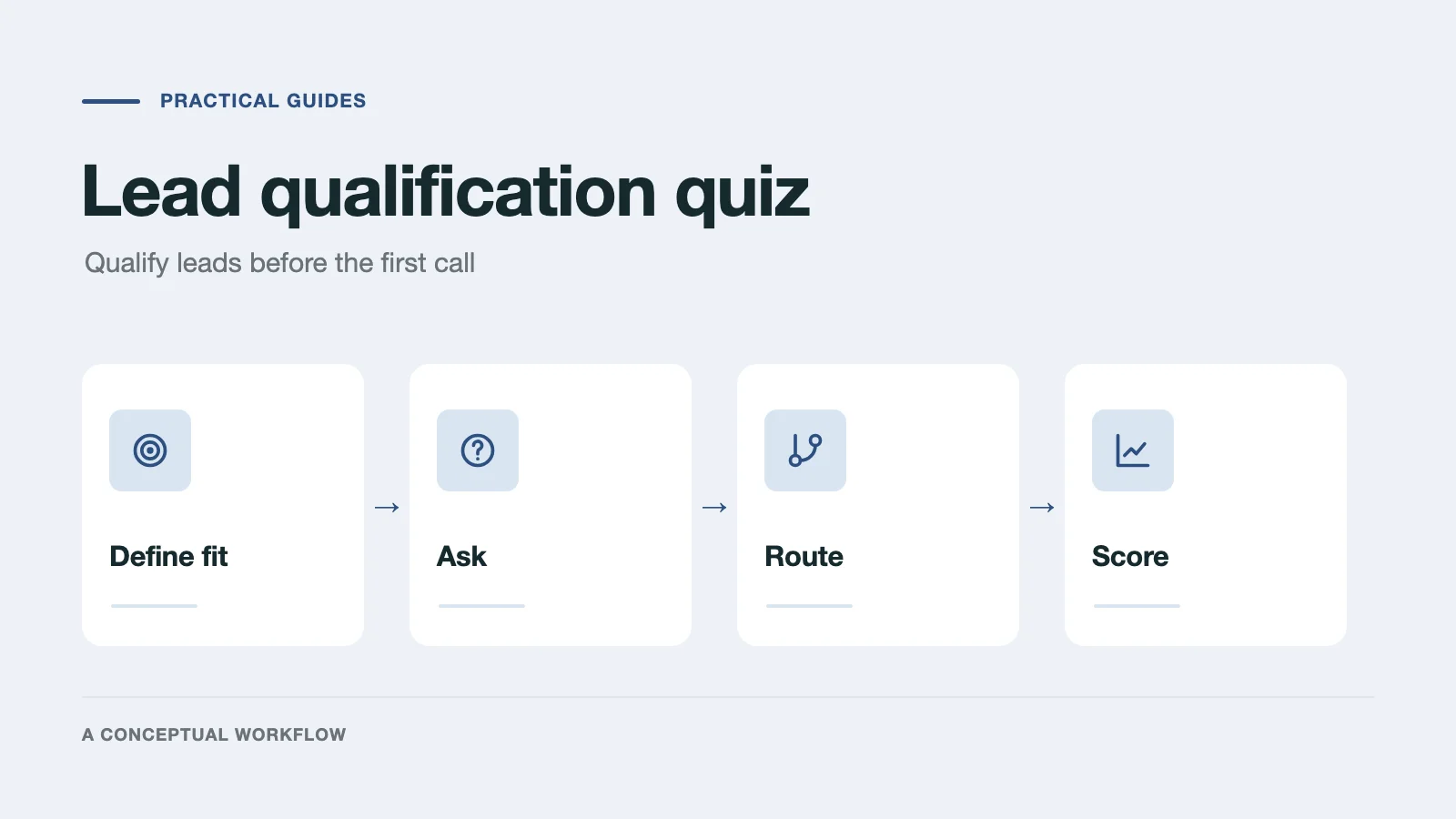
Build a lead qualification quiz: define who qualifies, ask questions that reveal fit, route each answer to a next step, and score every reply.
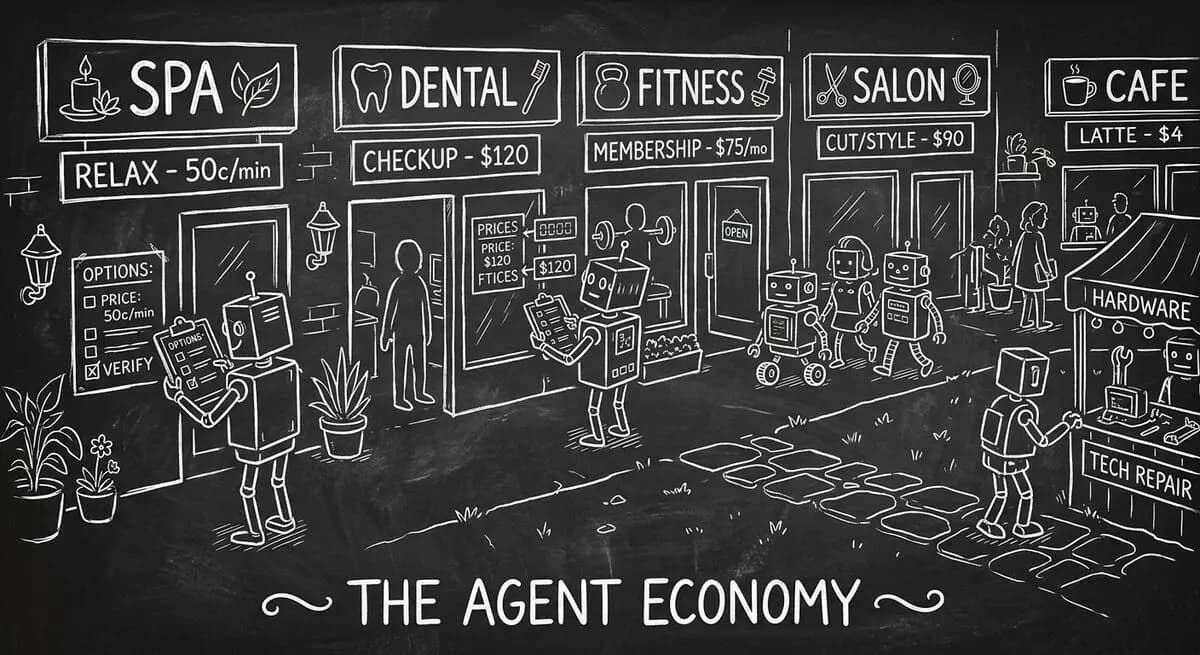
A practical guide to testing whether an authorized AI agent can find your service details and send an inquiry, with separate setup for confirmed bookings.
Try the world's first AI-native form and turn every response into action instantly.

