

This six-question survey opens by asking departing customers to name their primary reason for leaving, choosing from options like 'Pricing concerns', 'Found a better alternative', or 'Other', followed immediately by an open-ended question so they can elaborate or clarify. A satisfaction rating then captures their overall sentiment before they left, and a multi-select question pinpoints specific touchpoints — from 'Reliability/performance' to 'Lack of new updates/innovations' — that shaped their decision. The final two questions invite a suggestion for what could have been done differently and a likelihood-to-recommend score, giving owners both qualitative direction and a net-promoter-style signal. After submitting, respondents see a thank-you screen acknowledging their honesty and confirming their feedback will be used to improve the service.
Try the conversation below to see how this template works
Trusted by over 10,000 customers and growing
Conversations Started
Questions Answered
Forms Created
The "Which of the following aspects influenced your decision to leave? (Select all that apply)" question directly surfaces which product dimensions — features, performance, or missing updates — are driving cancellations, giving product managers a prioritised fix list.
The "Overall, how satisfied were you with your experience before deciding to leave?" question and the likelihood-to-recommend question together flag which churned accounts might be recoverable versus permanently lost, helping the team decide where to focus win-back efforts.
The "What could we have done differently to encourage you to stay?" question captures open-ended suggestions from departing subscribers, giving merchandising and operations teams specific, unfiltered ideas straight from the customers who left.

AI builds and refines your form through natural conversation no templates, no complex logic, no coding. From a simple text prompt or URL, Dashform generates intelligent flows that adapt automatically.
Dashform turns traditional form-filling into a two-way dialogue. The AI understands intent, remembers context, and asks relevant follow-up questions just like a real human conversation.
Every response is transformed into structured, meaningful, and ready-to-use data. Integrate with your favorite tools.
Everything you need to create amazing forms
Everything you need to know about this template
Don't see exactly what you need? Use our AI Form Generator to create a custom form in seconds. Just describe what you want, and AI will build it for you.
Explore more templates to find the perfect fit
 Quiz
QuizA seven-question technical quiz that screens software developer candidates on experience, languages, CS fundamentals, and Git skills.
 Request
Collect applicant contact details, role, sourcing channel, and scheduling preferences ahead of a job interview.
 Information Request
Eight questions that map an investor's experience, goals, risk tolerance, and interest level in your company.
 Job Application
Collect invigilator applications with contact details, experience, qualifications, availability, and a declaration of accuracy.
 Payment
Collect all the billing details a finance team needs to process an invoice — from contact info to payment terms.
 Invoice
Create, update, or log payment preferences for any client invoice in one short five-question form.
Learn how to get the most out of your forms and templates

A guide to sharing and closing Google Forms, checking the controls available in your account, and comparing Dashform sharing workflows.
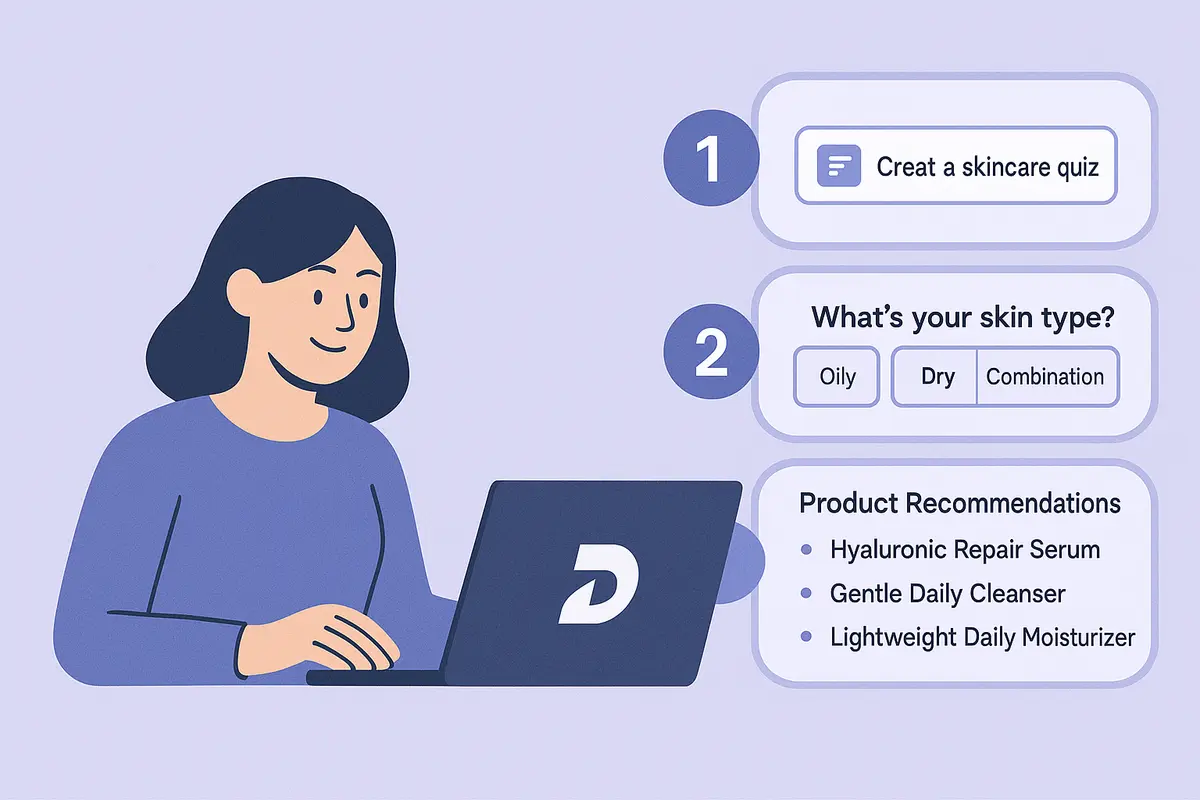
Learn how to create a high-converting AI product recommendation quiz using Dashform. This step-by-step guide shows how to generate personalized quizzes with conditional logic, branding, and CRM integrations — no coding required.

How realtors can use AI agent funnels to receive pre-qualified buyer leads, with budget, timeline, and preferences already collected, and the setup to get there.
Try the world's first AI-native form and turn every response into action instantly.