

The Household Expenditure Report Form walks household members through six questions to log a shared expense clearly and completely. It opens by asking for the date and a description of what was purchased, then asks the respondent to pick a category — such as 'Groceries', 'Utilities', or 'Rent/Mortgage' — so expenses can be sorted later. The amount paid and the name of who covered the cost follow, giving the household a full financial picture of each entry. An optional notes field at the end lets respondents flag anything unusual about the expense. After submitting, respondents see a confirmation screen letting them know their entry has been recorded.
Try the conversation below to see how this template works
Trusted by over 10,000 customers and growing
Conversations Started
Questions Answered
Forms Created
Housemates rely on the "Who paid for this expense?" question and the category options to keep everyone's contributions visible and easy to reconcile.
The "Which category best describes this expense?" question lets managers sort recurring costs like 'Rent/Mortgage' and 'Utilities' from one-off purchases at a glance.
Families use the description, amount, and date questions together to build a detailed spending log they can review week by week.

AI builds and refines your form through natural conversation no templates, no complex logic, no coding. From a simple text prompt or URL, Dashform generates intelligent flows that adapt automatically.
Dashform turns traditional form-filling into a two-way dialogue. The AI understands intent, remembers context, and asks relevant follow-up questions just like a real human conversation.
Every response is transformed into structured, meaningful, and ready-to-use data. Integrate with your favorite tools.
Everything you need to create amazing forms
Everything you need to know about this template
Don't see exactly what you need? Use our AI Form Generator to create a custom form in seconds. Just describe what you want, and AI will build it for you.
Explore more templates to find the perfect fit
 Course Registration
Register for computer tuition by selecting your course, preferred schedule, and sharing a little about your experience.
 Attendance
A seven-question entry log that records employee identity, department, visit purpose, and policy confirmation before granting premises access.
 Job Application
Collect applicant contact details, a CV, data-processing consent, and the source of a job referral.
 Consent
Collect informed GDPR consent and acknowledgment from respondents in five structured steps.
 Contact
A clean six-question form for capturing general inquiries, including contact details, subject, message, and preferred follow-up method.
 Survey
Collect neighborhood residents' perceptions of urban change, housing affordability, and community involvement in local planning.
Learn how to get the most out of your forms and templates

Long forms lose visitors; short quizzes give them a reason to answer. The psychology, the framework, and a 3-question template for capturing more leads from the same traffic.
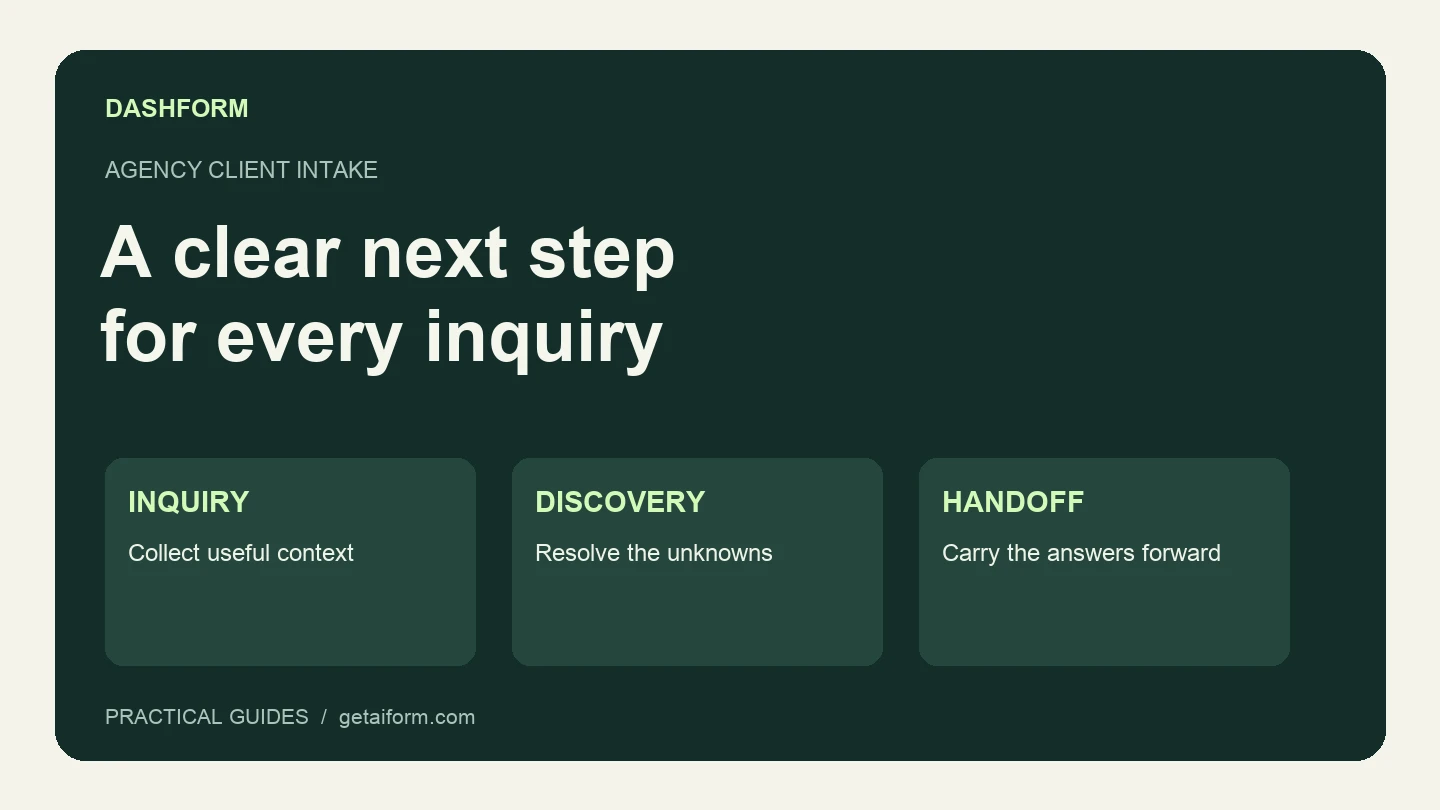
A practical agency intake workflow covering the first form, fit review, clarification, discovery, and handoff, with copyable questions and response examples.

Client qualification has evolved from ad-hoc discovery calls into structured systems. This article breaks down the modern qualification process coaches use to assess fit, protect time, and scale efficiently.
Try the world's first AI-native form and turn every response into action instantly.