

The Employee Favorites Questionnaire opens by asking employees what tasks and activities they enjoy most in their role, giving owners a clear picture of where engagement is strongest. It then invites optional suggestions for workplace or process improvements before asking how satisfied employees are with their current responsibilities — a required single-choice scale running from 'Very Satisfied' to 'Very Dissatisfied'. A required rating question follows to gauge how likely employees are to recommend the organization as a place to work. Finally, an optional multiple-choice question lets employees pick any perks or benefits they'd most value or want improved, covering options from flexible hours to additional paid time off. After submitting, employees see a thank-you screen confirming their input has been received.
Try the conversation below to see how this template works
Trusted by over 10,000 customers and growing
Conversations Started
Questions Answered
Forms Created
HR teams rely on the satisfaction and recommendation questions to benchmark employee sentiment across departments and spot patterns that call for action.
People ops managers use the perks and benefits question to prioritize which programs to invest in next, based directly on what employees say they value most.
Team leads focus on the "What are your favorite tasks or activities in your current role?" question to understand where individual motivation is highest and assign work accordingly.

AI builds and refines your form through natural conversation no templates, no complex logic, no coding. From a simple text prompt or URL, Dashform generates intelligent flows that adapt automatically.
Dashform turns traditional form-filling into a two-way dialogue. The AI understands intent, remembers context, and asks relevant follow-up questions just like a real human conversation.
Every response is transformed into structured, meaningful, and ready-to-use data. Integrate with your favorite tools.
Everything you need to create amazing forms
Everything you need to know about this template
Don't see exactly what you need? Use our AI Form Generator to create a custom form in seconds. Just describe what you want, and AI will build it for you.
Explore more templates to find the perfect fit
 Invoice
Collect client details, project descriptions, hours, rates, and payment terms before preparing an hourly invoice.
 Booking
Collect guest details, stay dates, and terms agreement for a property booking request in one tidy form.
 Application
A straightforward rental application covering identity, contact info, move-in date, employment, income, and occupancy.
 Information Request
Collect everything needed for a property listing: address, type, size, features, asking price, and seller contact preference.
 Survey
Map your community's beverage habits and recycling routines with this quick, five-question household survey.
 Tracking Log
Log shared household expenses by date, category, amount, and payer in one tidy form.
Learn how to get the most out of your forms and templates
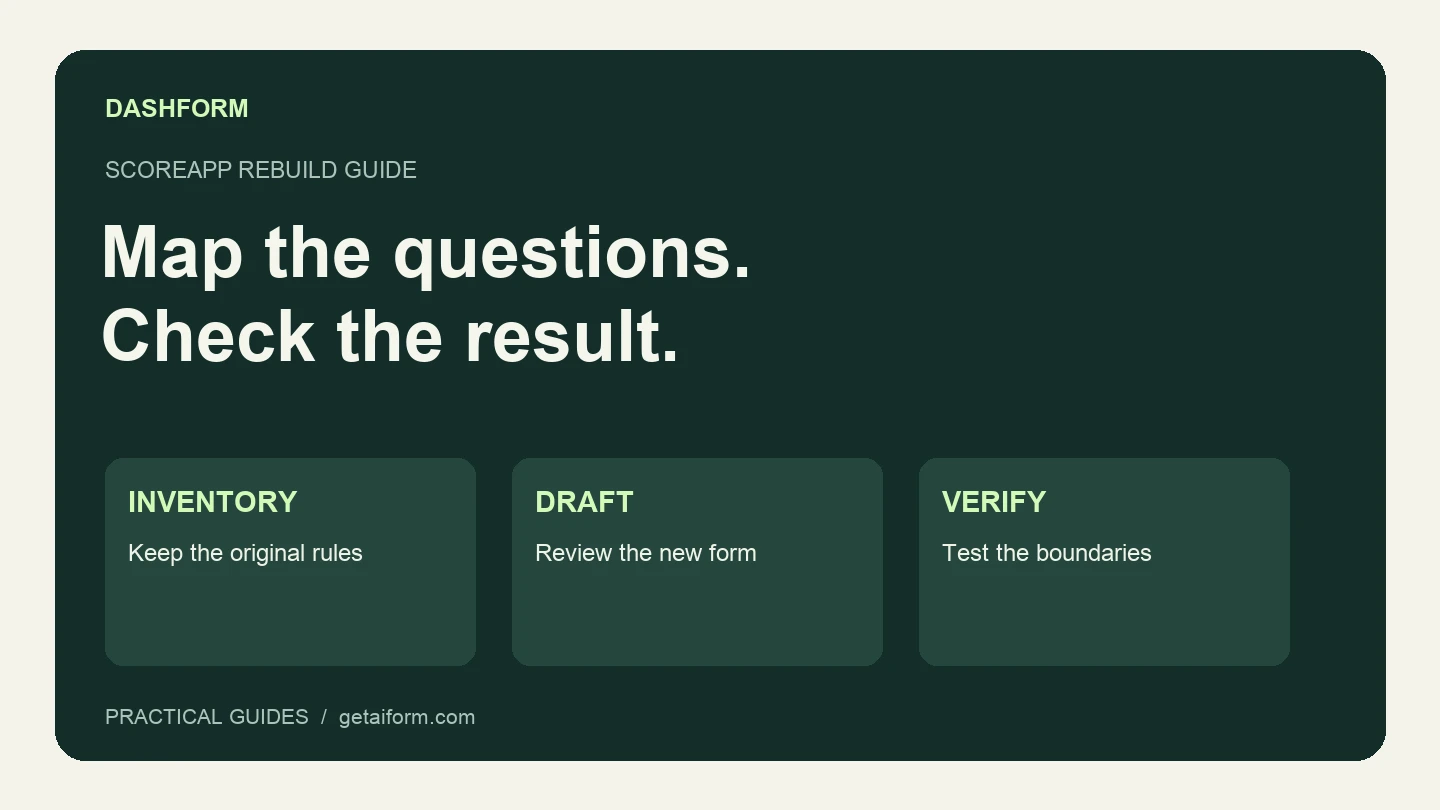
Map an existing ScoreApp assessment into a Dashform intake workflow, with a copyable brief, scoring worksheet, test cases, and clear migration limits.
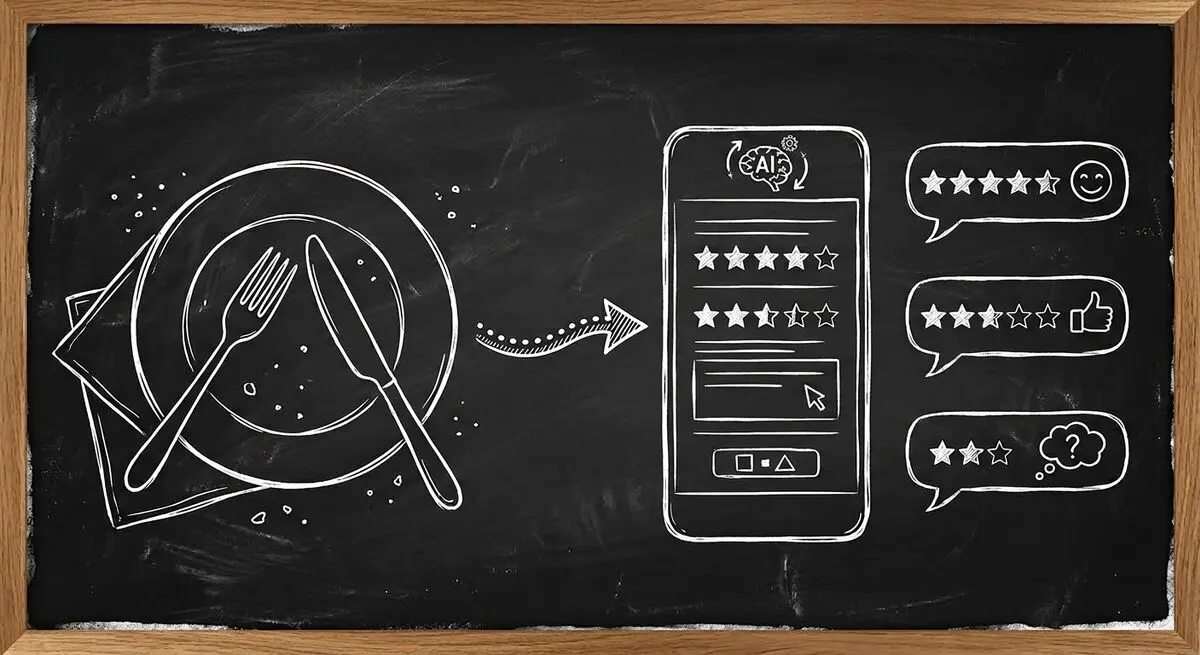
How restaurants use AI-powered feedback forms to capture customer sentiment in real time, resolve problems before they become public reviews, and bring guests back. A complete setup guide with QR code strategy.

Learn proven restaurant reputation management tips for handling online reviews. Discover how to respond to feedback professionally, manage negative reviews, and use AI-powered feedback forms to protect and grow your restaurant’s reputation.
Try the world's first AI-native form and turn every response into action instantly.