

The Curriculum Evaluation Form opens with three back-to-back rating questions that measure overall satisfaction, content clarity and organization, and the instructor's teaching effectiveness, giving course owners a quick quantitative snapshot of the experience. A single-choice question then asks whether the course met its stated learning objectives, pinpointing any gap between what was promised and what was delivered. Two optional open-ended questions follow — one asking for the most valuable aspects of the course, the other inviting specific improvement suggestions — so respondents can elaborate on the numbers they just gave. A final required question asks whether they would recommend the course to other students, and a last open text box catches anything else on their mind. After submitting, respondents see a thank-you screen acknowledging that their input drives continuous improvement.
Try the conversation below to see how this template works
Trusted by over 10,000 customers and growing
Conversations Started
Questions Answered
Forms Created
Rely on the "The instructor's teaching methods were effective and engaging." question and the improvement-suggestions question to get direct, actionable feedback on their teaching style each semester.
Use the "The course content was clear and well-organized." rating alongside the "Would you recommend this course to other students?" question to gauge both content quality and word-of-mouth potential.
Depend on the "Do you feel the course met its stated learning objectives?" question to verify that training programmes are delivering the outcomes they were designed for.

AI builds and refines your form through natural conversation no templates, no complex logic, no coding. From a simple text prompt or URL, Dashform generates intelligent flows that adapt automatically.
Dashform turns traditional form-filling into a two-way dialogue. The AI understands intent, remembers context, and asks relevant follow-up questions just like a real human conversation.
Every response is transformed into structured, meaningful, and ready-to-use data. Integrate with your favorite tools.
Everything you need to create amazing forms
Everything you need to know about this template
Don't see exactly what you need? Use our AI Form Generator to create a custom form in seconds. Just describe what you want, and AI will build it for you.
Explore more templates to find the perfect fit
 Quote Request
Request a personalized solar panel quote by sharing your property details, roof type, energy usage, and installation timeline.
 Education
A structured Greek life sign-up form collecting contact info, academics, involvement, and motivation from prospective members.
 Rsvp
RsvpCollect speaker confirmations, session details, logistical needs, and terms agreement in one tidy form.
 General Application
Collect applicant details and confirm all required documents before a sports academy admission is reviewed.
 Waiver
A pre-participation liability waiver capturing identity, emergency contacts, risk acknowledgement, and health disclosures.
 Donation
Record a charity donation pledge, preferred giving frequency, anonymity preference, and cause notes for follow-up.
Learn how to get the most out of your forms and templates
Considering Dashform as a Heyflow alternative? Compare lead qualification, AI assistance, tracking requirements, and a practical pilot before switching.
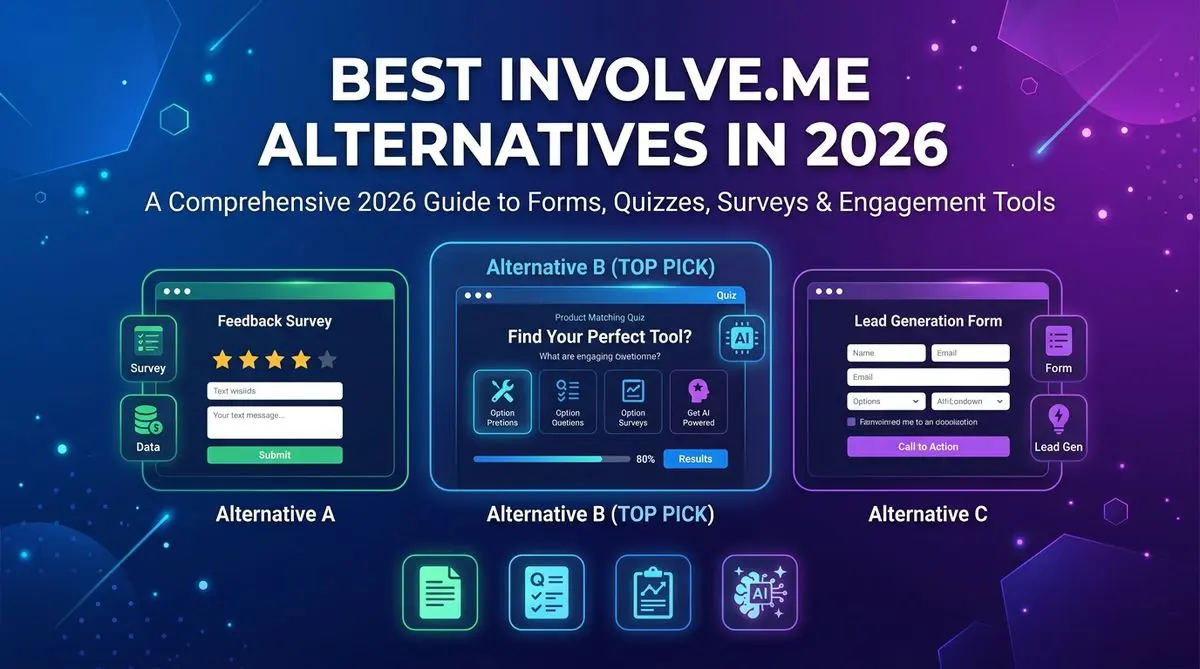
7 involve.me alternatives compared on AI quiz generation, lead scoring, pricing, and templates. Includes Outgrow, LeadQuizzes, Dashform, and 4 others — head-to-head ranking.

LeadQuizzes' interface is dated and its plans cap responses. 7 alternatives with AI quiz generation, automatic lead scoring, and modern UX, compared.
Try the world's first AI-native form and turn every response into action instantly.