

The Teachers' Weekly Virtual Learning Log opens by asking for the log entry date, anchoring every response to a specific week before moving into the core teaching record. It then asks which virtual platform was primarily used — choosing from Zoom, Google Meet, Microsoft Teams, Canvas, Schoology, or Other — followed by a freeform summary of the key lessons or topics taught. A one-to-five engagement rating captures how actively students participated that week. Three optional questions round out the log: a space to describe any significant teaching challenges, a field to list notable student replies or projects received, and a follow-up actions field so nothing falls through the cracks before the next week begins. After submitting, teachers see a confirmation that their entries have been successfully recorded.
Try the conversation below to see how this template works
Trusted by over 10,000 customers and growing
Conversations Started
Questions Answered
Forms Created
Relies on the lesson topics and engagement rating questions to keep a structured, week-by-week record of what was taught and how students responded.
Uses the platform and challenges questions to spot patterns across staff submissions and identify where teachers may need extra support or resources.
Draws on the follow-up actions and student replies questions to guide coaching conversations and track whether previous recommendations are being acted on.

AI builds and refines your form through natural conversation no templates, no complex logic, no coding. From a simple text prompt or URL, Dashform generates intelligent flows that adapt automatically.
Dashform turns traditional form-filling into a two-way dialogue. The AI understands intent, remembers context, and asks relevant follow-up questions just like a real human conversation.
Every response is transformed into structured, meaningful, and ready-to-use data. Integrate with your favorite tools.
Everything you need to create amazing forms
Everything you need to know about this template
Don't see exactly what you need? Use our AI Form Generator to create a custom form in seconds. Just describe what you want, and AI will build it for you.
Explore more templates to find the perfect fit
 Booking
Let hotel guests request spa, dining, transport, tours, and more — with date, time, party size, and special notes.
 Appointment Booking
Book a therapy appointment by sharing your contact details, preferred time, and reason for visiting.
 Rsvp
RsvpEnter event, attendee, ticket-type, and seating details for an organizer to review before separately issuing admission.
 Request
A structured leave request form covering absence type, dates, coverage, and urgency — ready to send to your manager.
 Registration
Collect all the key details needed to begin a trademark registration application in one straightforward form.
 Progress Tracking
Capture, detail, and assign tasks with priority and status fields to keep your workflow organized.
Learn how to get the most out of your forms and templates
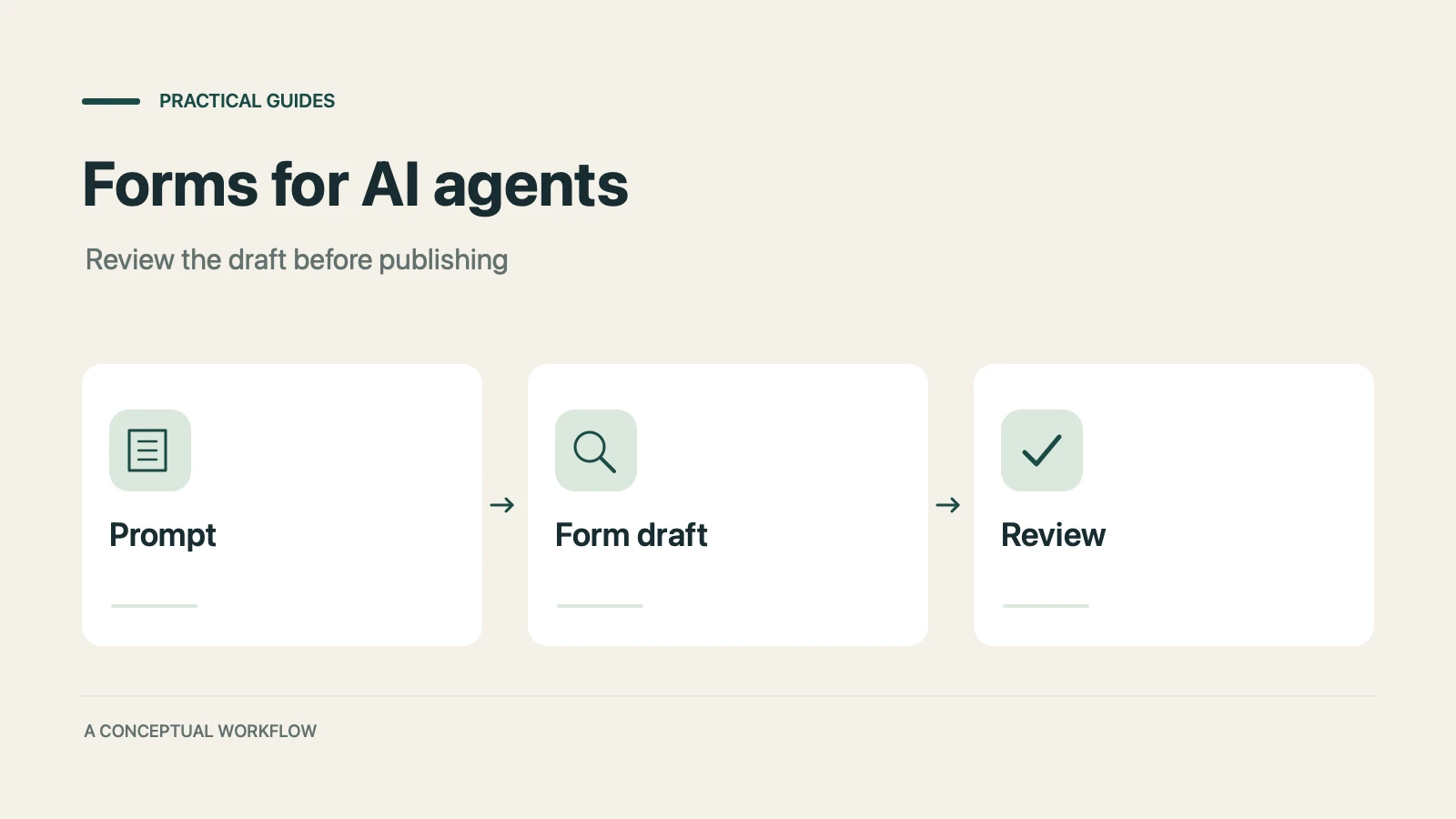
A practical guide to evaluating terminal-based Dashform workflows, checking current commands, reviewing drafts, and publishing with explicit authorization.
Use Dashform's MCP connection in a compatible AI client to draft and edit forms, review the saved result, and publish when ready.
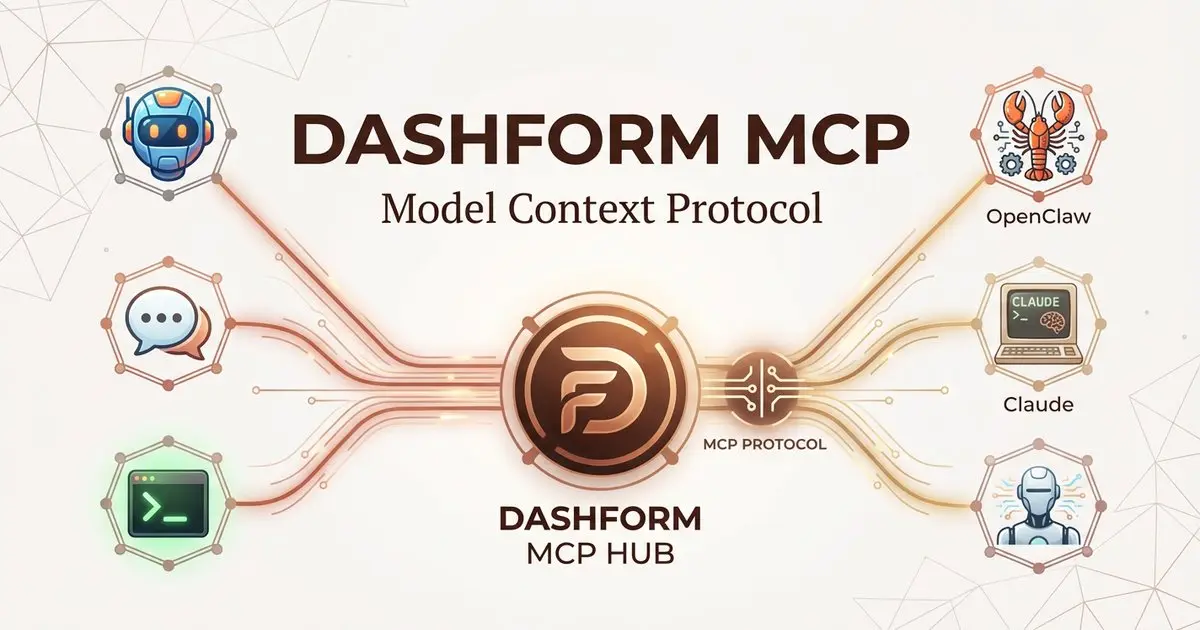
Dashform now supports the Model Context Protocol (MCP). Connect OpenClaw, Claude Code, LangChain, or any MCP-compatible AI agent to create AI-powered forms, surveys, and quiz funnels programmatically through getaiform.com/api/mcp.
Try the world's first AI-native form and turn every response into action instantly.