

The Educational Technology Needs Survey opens by asking respondents to identify their role — teacher, administrator, student, IT staff, or other — so responses can be filtered by the people closest to each issue. It then asks which devices they regularly use for educational purposes and how reliable their internet access is, painting a picture of the technical environment staff and students actually work in. A 1-to-5 comfort rating on educational technology tools follows, giving a quick measure of where confidence sits across the institution. Two optional open-ended questions round out the form: one on specific training or support needs, the other on broader improvement ideas — keeping them optional lowers the barrier to submission while still capturing detailed feedback from those who want to share it. After submitting, respondents see a thank-you screen confirming that their input will be used to improve the institution's technological resources.
Try the conversation below to see how this template works
Trusted by over 10,000 customers and growing
Conversations Started
Questions Answered
Forms Created
Relies on the device and internet reliability questions to identify infrastructure gaps before rolling out new tools or support programmes.
Uses the comfort rating and the "What specific areas of educational technology would you like to receive more training or support in?" question to shape targeted professional development.
Draws on the role filter in the first question to compare needs across teachers, students, and staff and prioritise institution-wide ed-tech investment.

AI builds and refines your form through natural conversation no templates, no complex logic, no coding. From a simple text prompt or URL, Dashform generates intelligent flows that adapt automatically.
Dashform turns traditional form-filling into a two-way dialogue. The AI understands intent, remembers context, and asks relevant follow-up questions just like a real human conversation.
Every response is transformed into structured, meaningful, and ready-to-use data. Integrate with your favorite tools.
Everything you need to create amazing forms
Everything you need to know about this template
Don't see exactly what you need? Use our AI Form Generator to create a custom form in seconds. Just describe what you want, and AI will build it for you.
Explore more templates to find the perfect fit
 Agreement
Collect renter details, boat type, rental dates, and T&C sign-off in one tidy agreement form.
 Self Assessment
A five-question self-assessment that maps your symptoms, trigger foods, and reaction severity to help you understand histamine intolerance.
 Quiz
QuizA five-question history quiz covering exploration, world wars, ancient civilizations, and the Roman Empire.
 Leave Request
A straightforward employee leave request form covering dates, leave type, department, and optional contact details.
 Request
Reserve a holiday event booth by sharing your organization details, preferred dates, booth size, and setup needs.
 Signup
Collect names, wishlists, gift restrictions, and shipping details for a holiday gift exchange.
Learn how to get the most out of your forms and templates
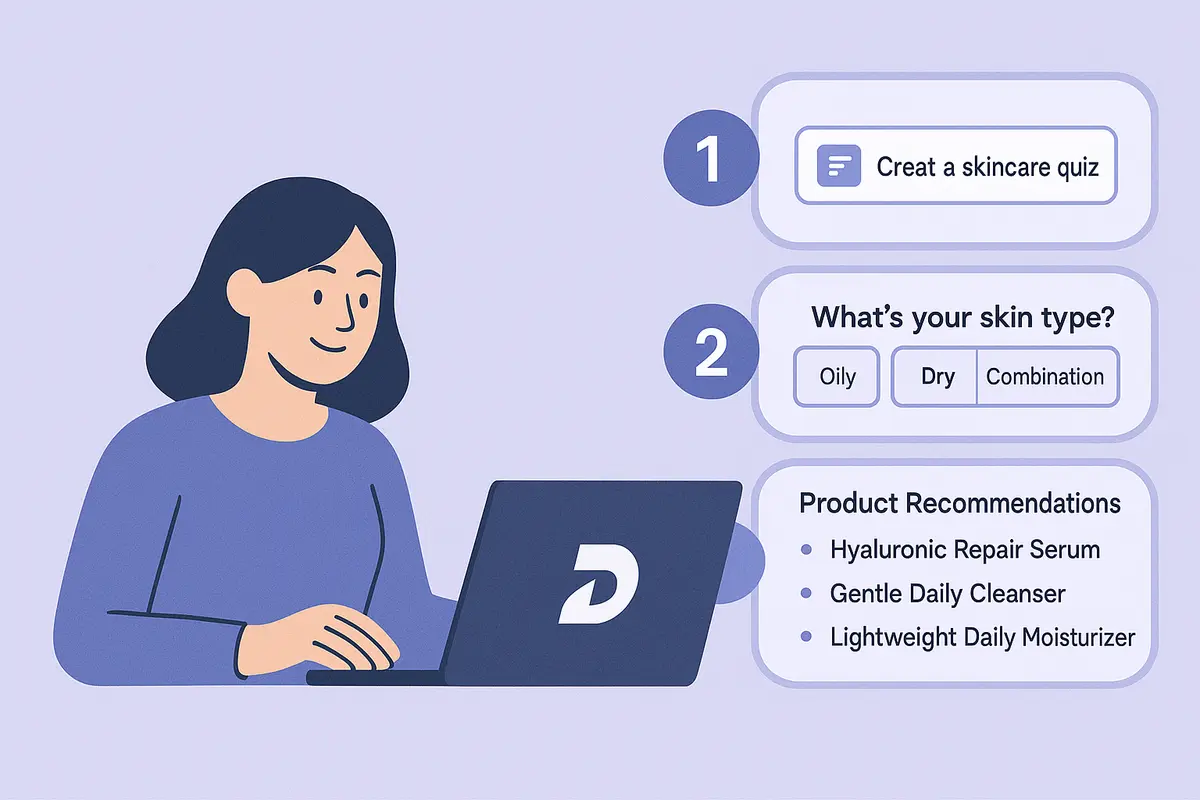
Learn how to create a high-converting AI product recommendation quiz using Dashform. This step-by-step guide shows how to generate personalized quizzes with conditional logic, branding, and CRM integrations — no coding required.

How realtors can use AI agent funnels to receive pre-qualified buyer leads, with budget, timeline, and preferences already collected, and the setup to get there.
A proposed checklist for comparing form authoring, respondent experience, qualification, integrations, pricing, exports, and agent access.
Try the world's first AI-native form and turn every response into action instantly.