The Affiliate Revenue Report Form opens with a welcome screen orienting the submitter to its purpose before walking through six structured questions. It starts by capturing the affiliate partner's name and the reporting period, anchoring every figure that follows to a specific relationship and timeframe. The next two questions record the total revenue generated and the agreed commission rate, giving the owner both sides of the earnings equation in one place. A single-choice "What is the current payout status for this affiliate's earnings?" question with options ranging from 'Paid' to 'On Hold' flags where each partner stands financially without requiring a freeform answer. An optional notes field at the end lets submitters flag anything unusual before the end screen confirms that the financial data has been recorded.
Try the conversation below to see how this template works
Trusted by over 10,000 customers and growing
Conversations Started
Questions Answered
Forms Created
Relies on the payout status question to instantly flag which partners are 'Paid', 'Due', or 'On Hold' across multiple submissions.
Uses the revenue and commission rate questions together to reconcile earned income against agreed payout obligations for any reporting period.
Depends on the open-ended reporting period and notes questions to submit accurate, context-rich income records without needing a back-and-forth with the program owner.

AI builds and refines your form through natural conversation no templates, no complex logic, no coding. From a simple text prompt or URL, Dashform generates intelligent flows that adapt automatically.
Dashform turns traditional form-filling into a two-way dialogue. The AI understands intent, remembers context, and asks relevant follow-up questions just like a real human conversation.
Every response is transformed into structured, meaningful, and ready-to-use data. Integrate with your favorite tools.
Everything you need to create amazing forms
Everything you need to know about this template
Don't see exactly what you need? Use our AI Form Generator to create a custom form in seconds. Just describe what you want, and AI will build it for you.
Explore more templates to find the perfect fit
 Waiver
Collect passenger and trip details, emergency contacts, and choices about operator-supplied risk information, rules, and waiver terms.
 Rsvp
A six-question RSVP form that collects attendance, guest count, and dietary needs for any party or event.
 Rsvp
Collect guest attendance, plus-ones, dietary needs, and special requests in one tidy RSVP form.
 General Application
Collect patient and emergency contact details, allergy and medication notes, relevant conditions, and a treatment-consent response for admission review.
 Patient Feedback
A six-question clinic feedback form covering care quality, staff, and facilities — with space for open-ended suggestions.
 Rsvp
A PHQ-9 symptom questionnaire with four frequency choices for each symptom over the past two weeks, for discussion with a healthcare professional.
Learn how to get the most out of your forms and templates

Want a Specific.app alternative? Dashform AI Survey offers adaptive logic, AI-generated follow-ups, and flexible workflows for teams seeking more insight.
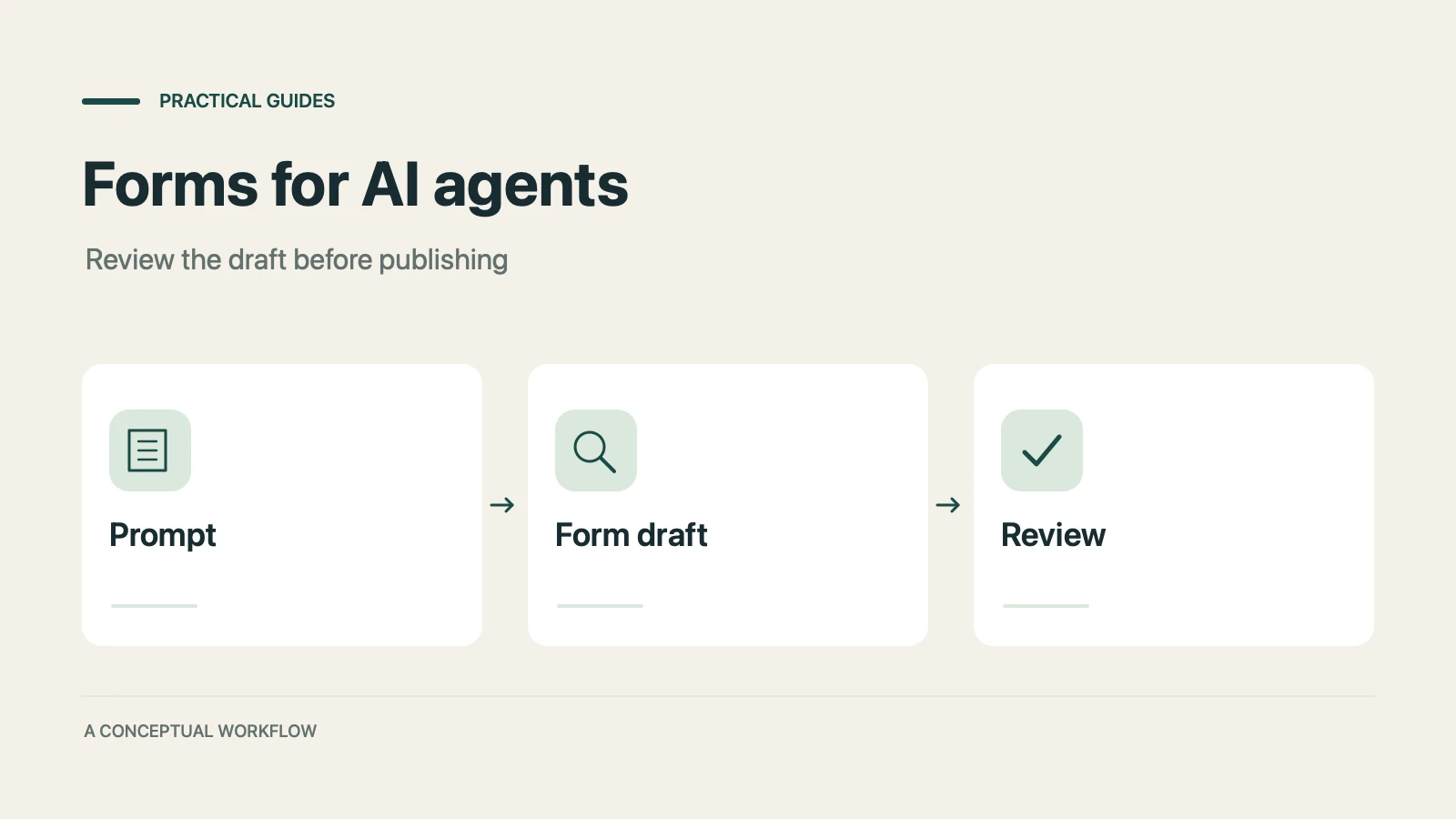
A practical guide to evaluating terminal-based Dashform workflows, checking current commands, reviewing drafts, and publishing with explicit authorization.
Use Dashform's MCP connection in a compatible AI client to draft and edit forms, review the saved result, and publish when ready.
Try the world's first AI-native form and turn every response into action instantly.

