This seven-question form gathers structured feedback on a preschool director's performance across three core dimensions: leadership, communication, and staff management. It opens with a rating of overall leadership effectiveness, then moves to parent communication clarity and staff support before inviting an open-ended view of the director's impact on educational programs. Two optional questions round out the picture — one asking respondents to select all that apply from a list of parent-engagement efforts, and one inviting specific improvement suggestions — before closing with an overall satisfaction rating. After submitting, respondents see a thank-you screen confirming their feedback will be used to support continuous improvement.
Try the conversation below to see how this template works
Trusted by over 10,000 customers and growing
Conversations Started
Questions Answered
Forms Created
Relies on all three rating questions and the open-ended "Are there any specific areas where the director could improve? Please elaborate." question to build a structured performance record.
Centers on the "How clearly does the director communicate with parents/guardians?" question and the parent-engagement multi-select to voice day-to-day experiences directly.
Uses the "Please describe the director's impact on the quality of the preschool's educational programs." question alongside the overall satisfaction rating to inform governance decisions.

AI builds and refines your form through natural conversation no templates, no complex logic, no coding. From a simple text prompt or URL, Dashform generates intelligent flows that adapt automatically.
Dashform turns traditional form-filling into a two-way dialogue. The AI understands intent, remembers context, and asks relevant follow-up questions just like a real human conversation.
Every response is transformed into structured, meaningful, and ready-to-use data. Integrate with your favorite tools.
Everything you need to create amazing forms
Everything you need to know about this template
Don't see exactly what you need? Use our AI Form Generator to create a custom form in seconds. Just describe what you want, and AI will build it for you.
Explore more templates to find the perfect fit
 Registration
Register your family for a homeschool co-op by sharing contact details, your child's info, and subject interests.
 Patient Feedback
Rate hospice care quality across five key dimensions and share open-ended suggestions for improvement.
 Assessment
A structured nursing assessment form for capturing hospice patients' symptoms, pain, function, nutrition, and emotional well-being.
 Donation
Collect individual or corporate hospice sponsorship commitments, contact details, and preferred giving tier in one simple form.
 Consent
Let care-team staff document a discharge plan, follow-up details, and the status of patient or caregiver education.
 Waiver
Collect patient consent for medical treatment, specific procedures, or health record release, with scope and validity controls.
Learn how to get the most out of your forms and templates
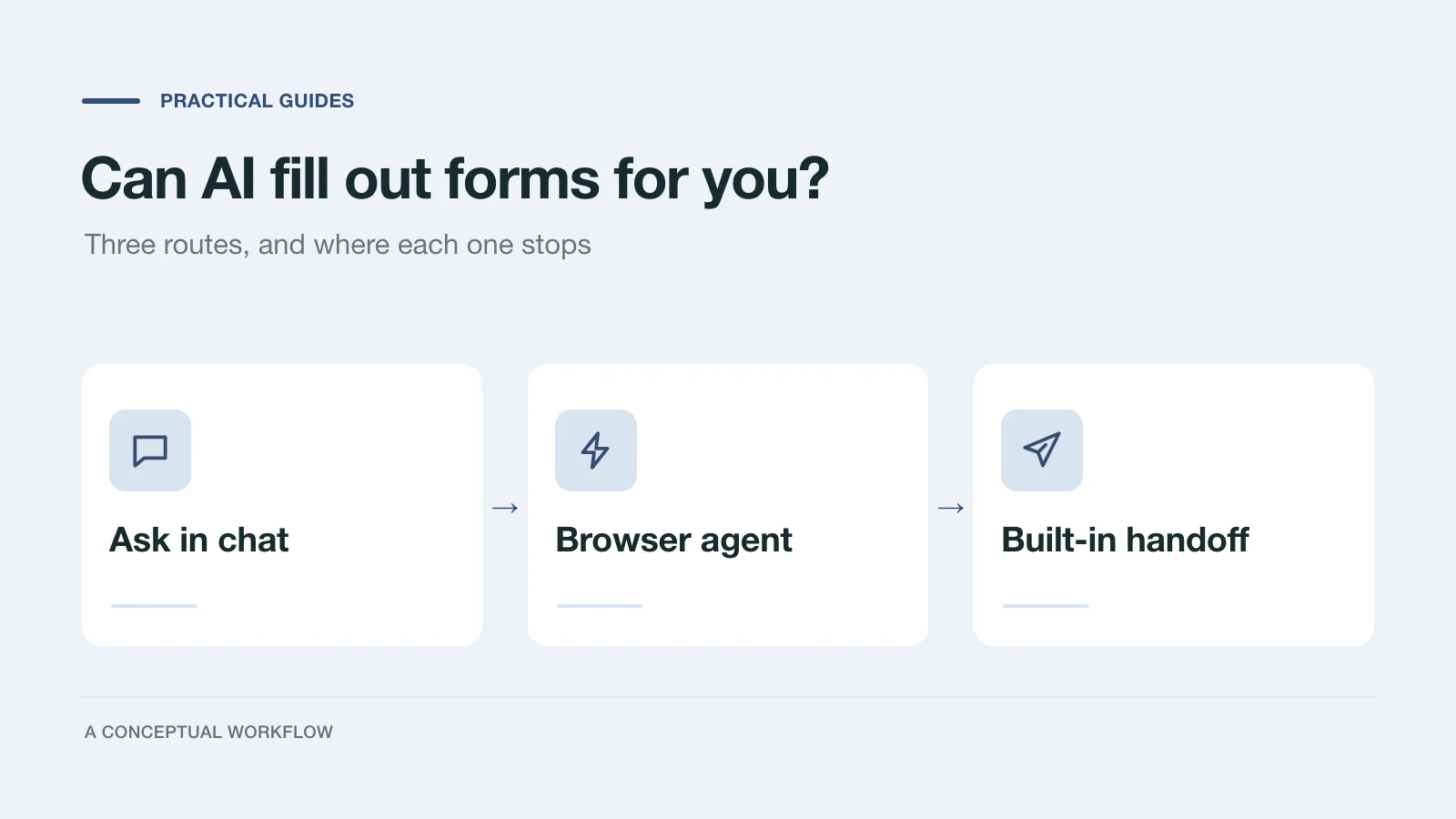
Yes, in three ways: answers you paste in, a browser agent that clicks for you, or a form built for assistants. What each handles and where it stops.
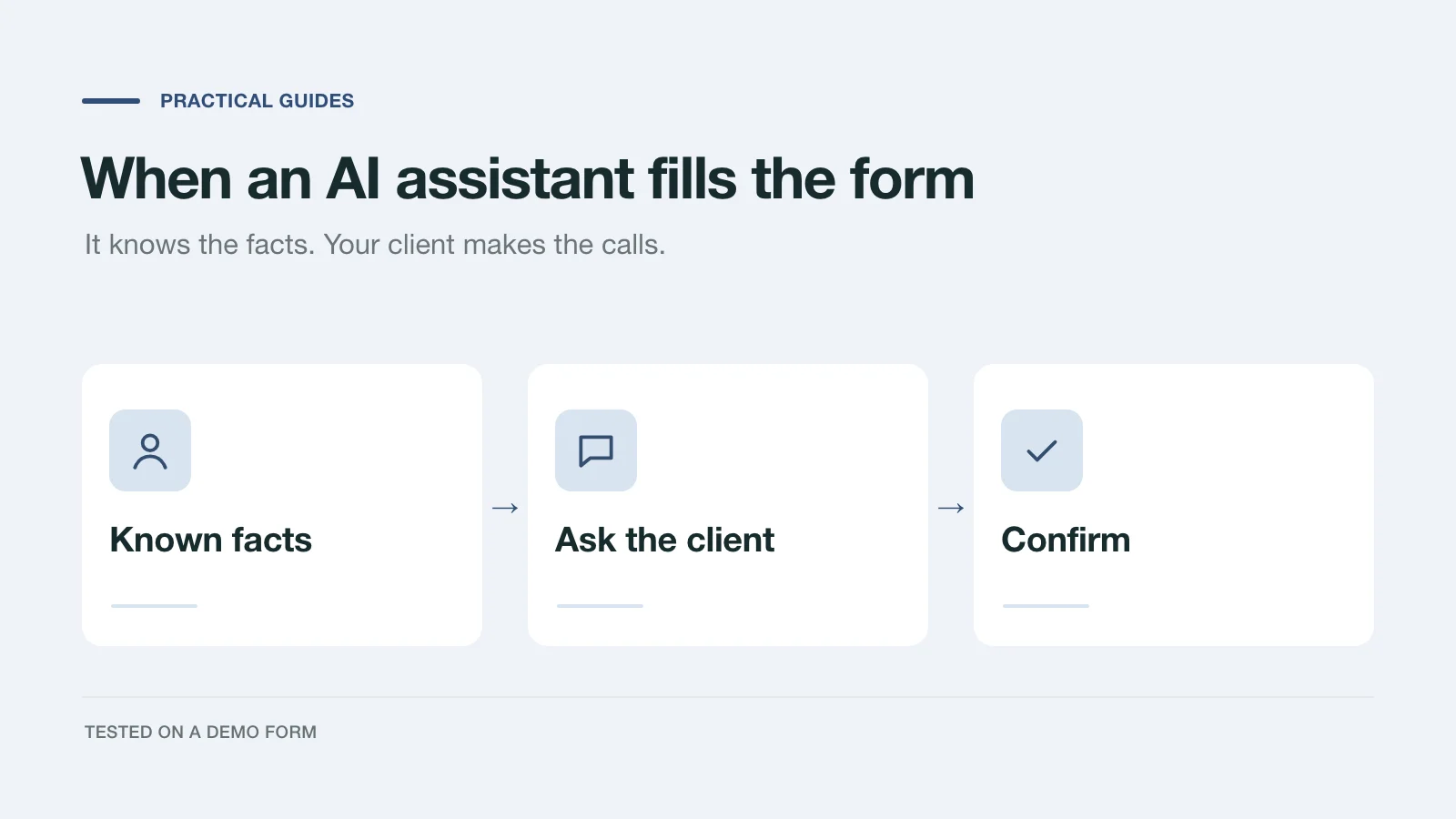
We had an AI assistant complete a demo project inquiry by clicking through the page and via a handoff prompt. What it knew, what it asked, what to change.
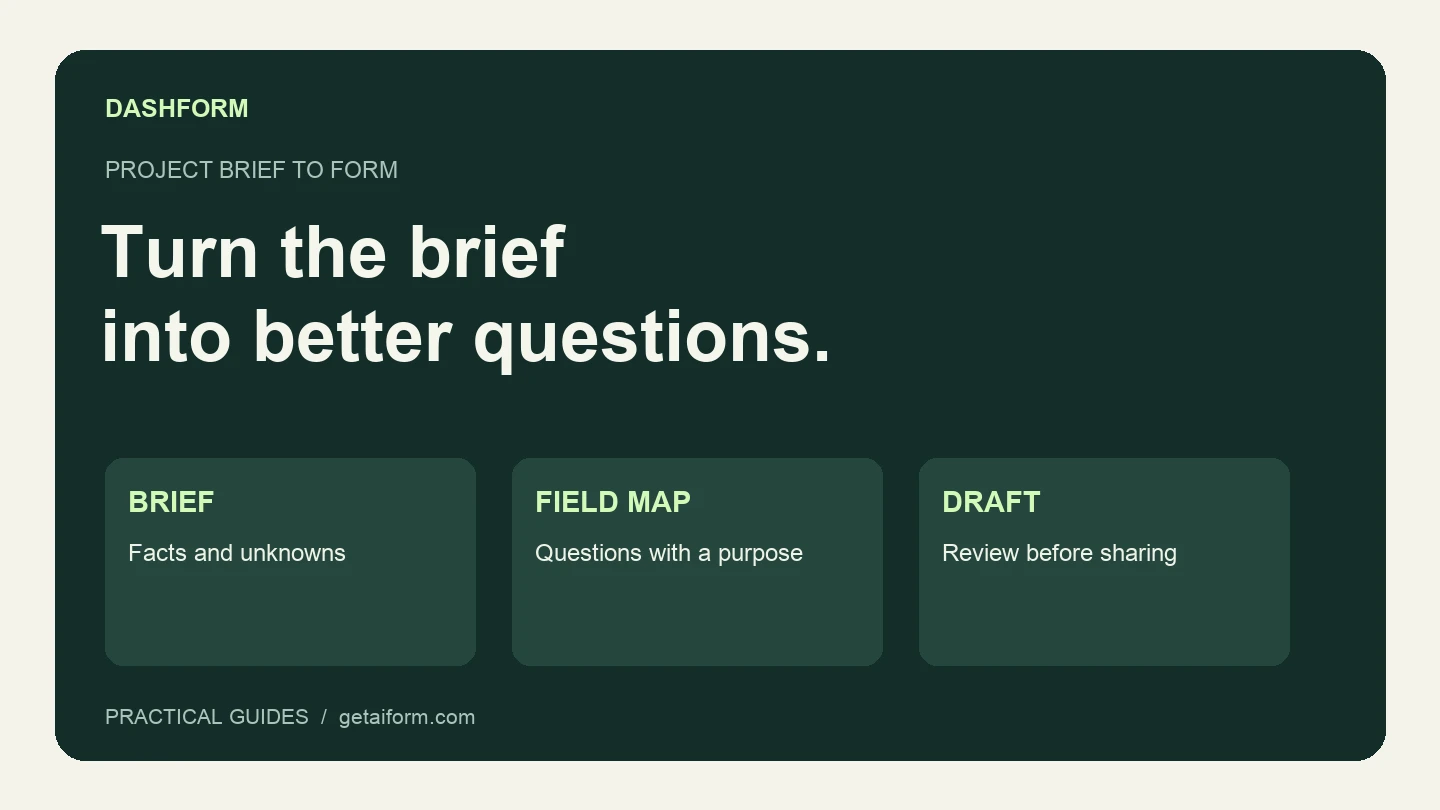
Turn a fictional agency brief into a reviewed Dashform draft using Claude Code, with copyable prompts, a field map, and a publication checklist.
Try the world's first AI-native form and turn every response into action instantly.

